ID(InDesign Document)添加页码

 时间:2026-02-15 12:40:03

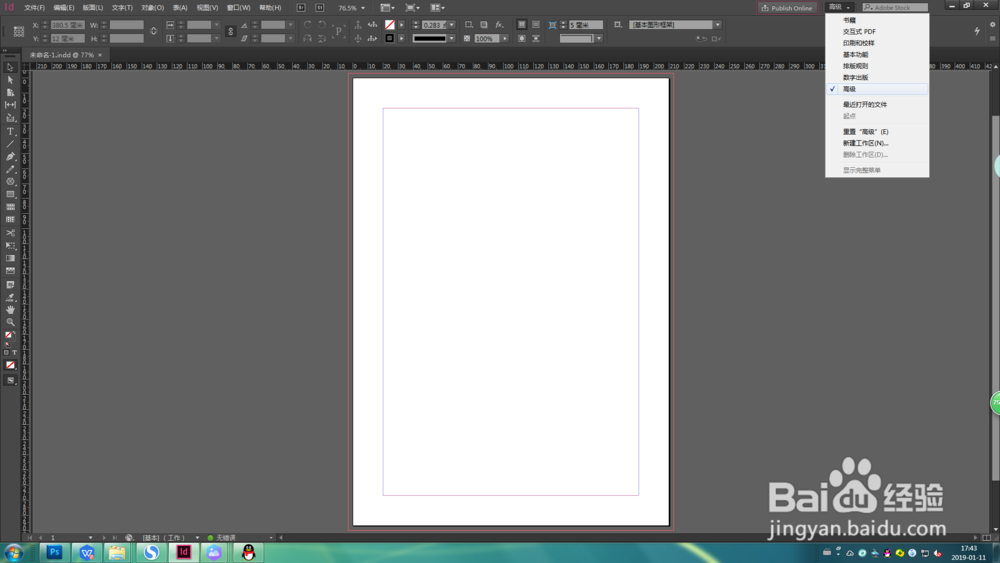
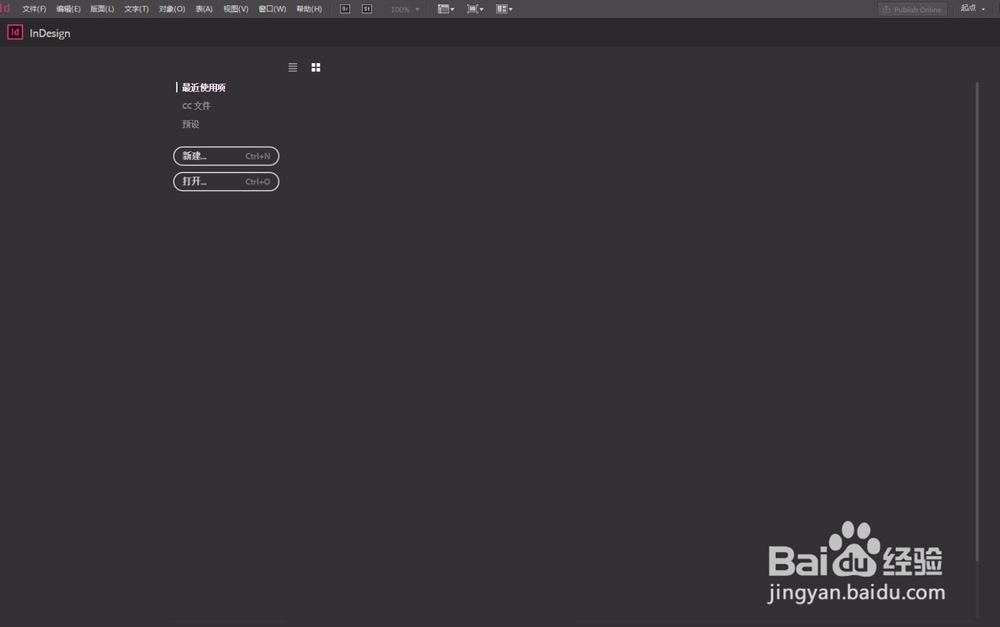
1、打开ID软件 ,新建文档。

ID(InDesign Document)添加页码

ID(InDesign Document)添加页码

2、点击右上角,选择“高级”选项。

ID(InDesign Document)添加页码

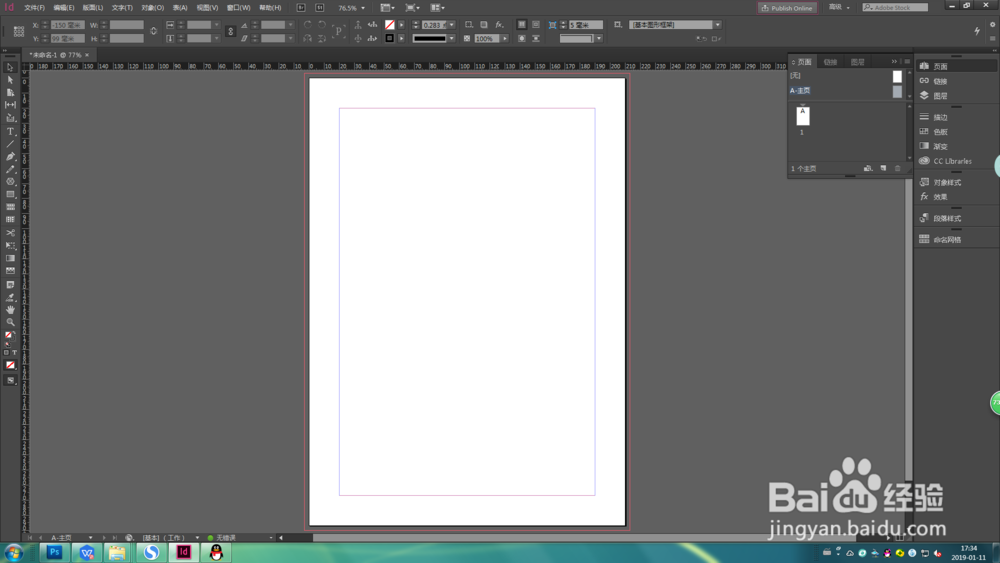
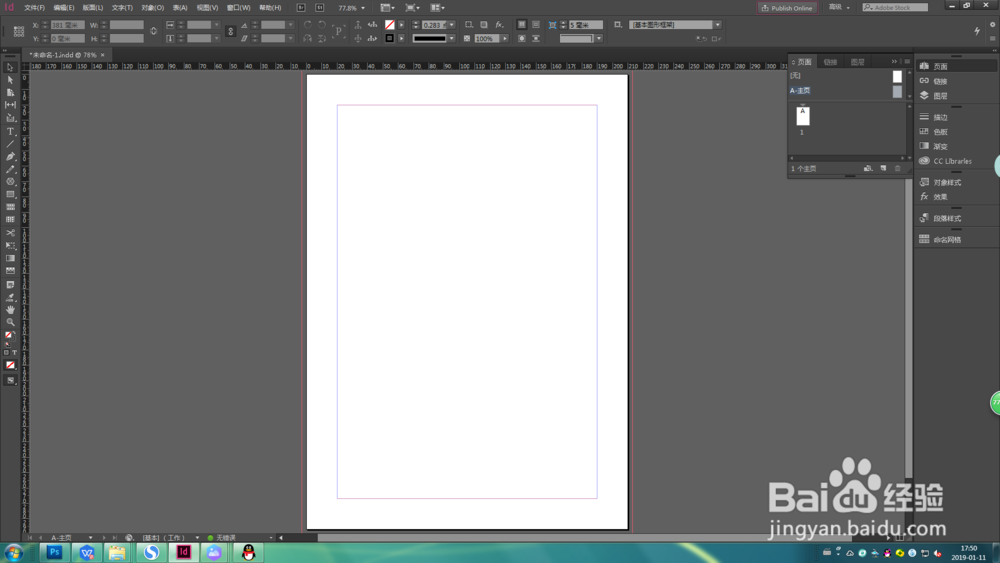
3、此为选定“高级”选项后的排版。

ID(InDesign Document)添加页码

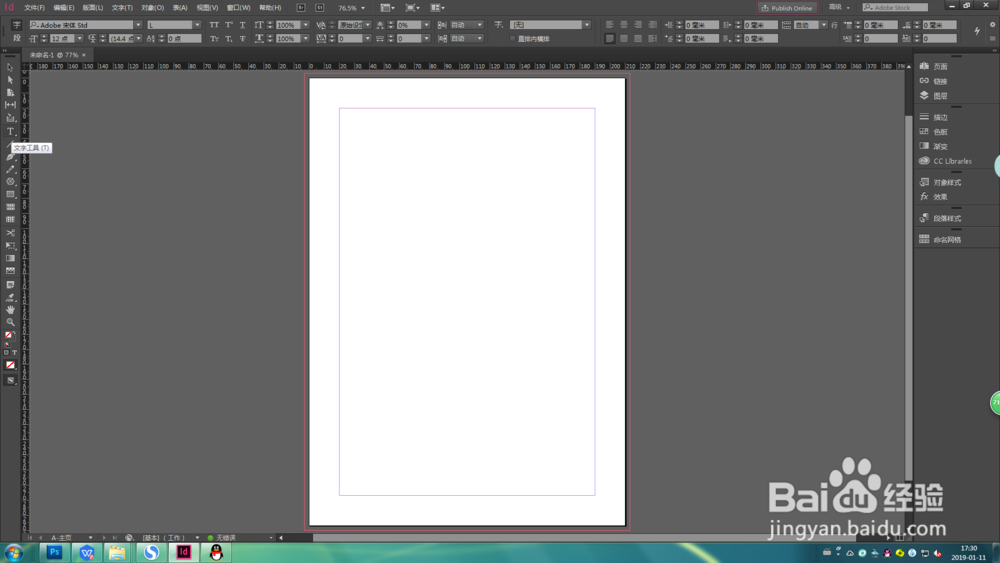
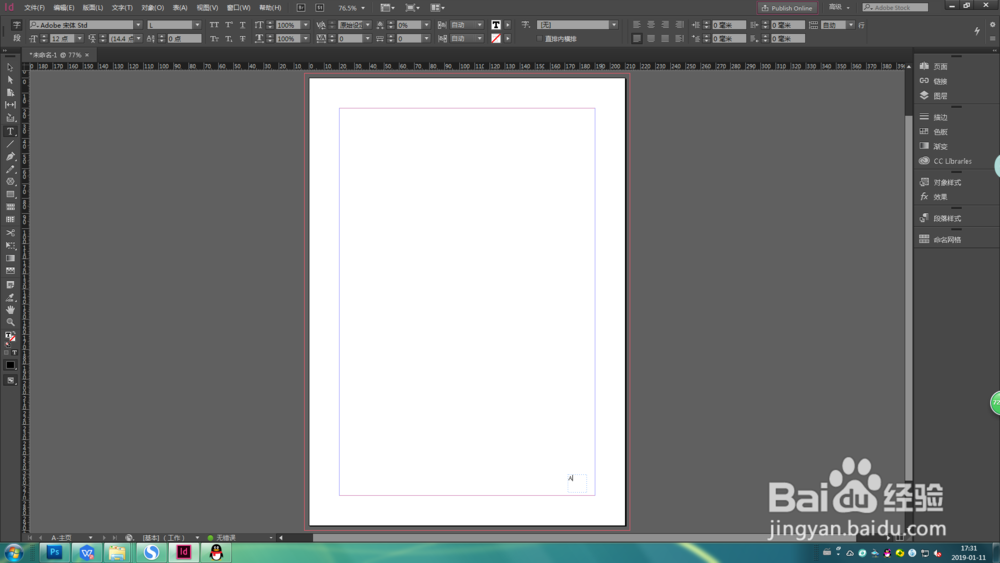
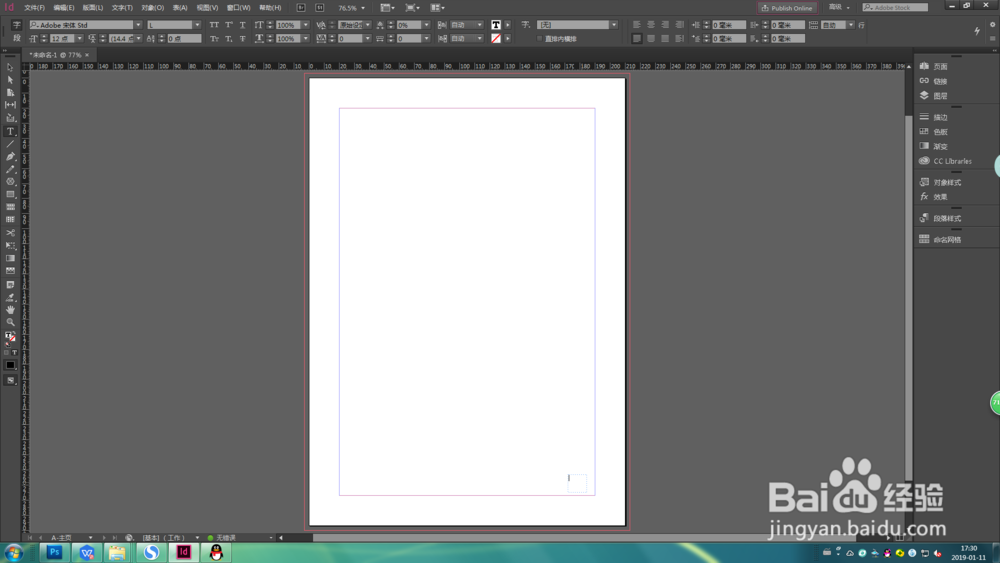
1、选中右侧工具栏选择页面—A主页,左侧工具栏选择文字工具,并画文字框。
ID(InDesign Document)添加页码

ID(InDesign Document)添加页码

ID(InDesign Document)添加页码

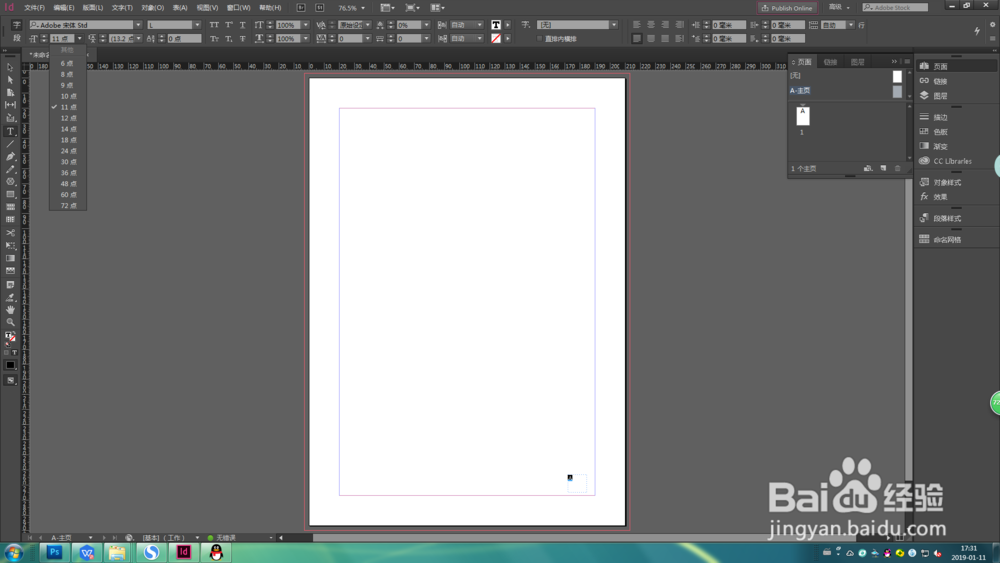
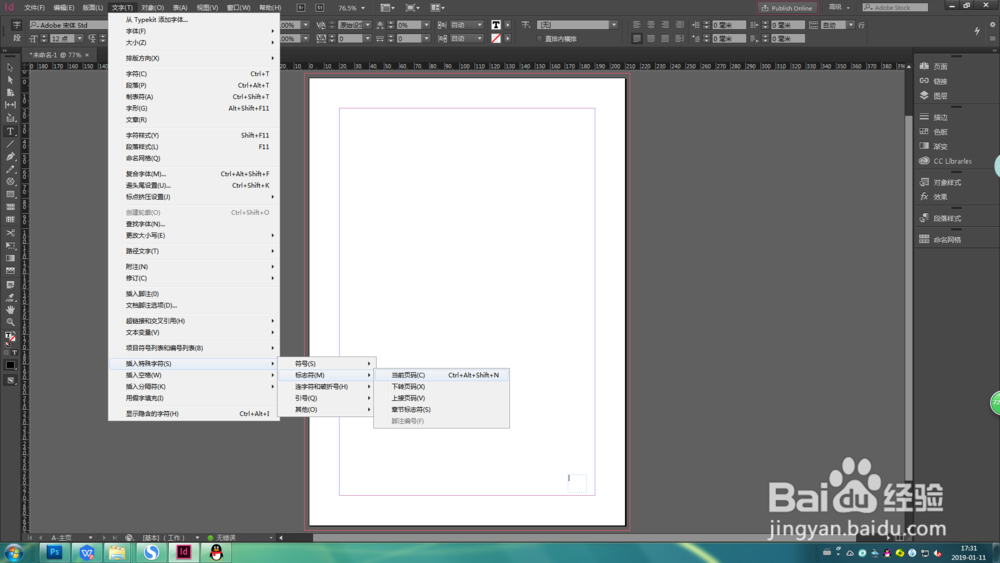
2、选上方工具栏,文字—插入特殊字符—标志码—当前页码,文本框内出现字母A,左上角可调整字符大小。
ID(InDesign Document)添加页码

ID(InDesign Document)添加页码

ID(InDesign Document)添加页码

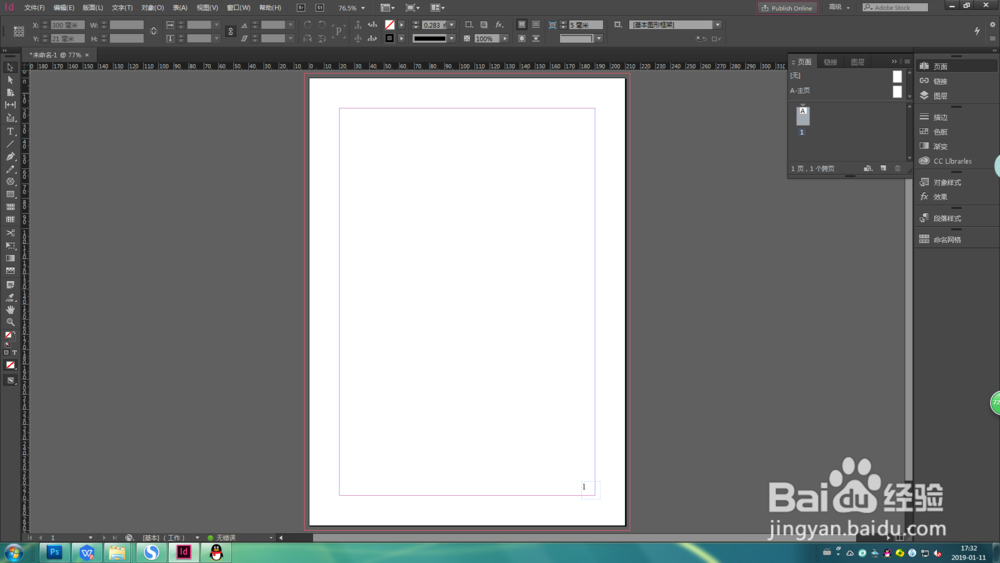
3、返回跨页,文本框出现页码1 。

ID(InDesign Document)添加页码

  • 细数logo的应用场合 增强宣传效果
  • ps贴图流程一览
  • 微信发视频怎么不压缩画质
  • 如何使用FLBOOK制作电子画册
  • 思维导图的区别
  • 热门搜索
    临朐旅游 常熟理工学院怎么样 山东外贸职业学院怎么样 公司旅游方案 注册资本可以随便填吗 u盘隐藏文件怎么显示 itunes怎么导入铃声 白杨树的特点 内蒙旅游攻略 玉米浓汤怎么做