1、点击开始按钮,打开开始菜单;

2、在开始菜单搜索框中输入“Powershell”;

3、找到Powershell程序并点击;
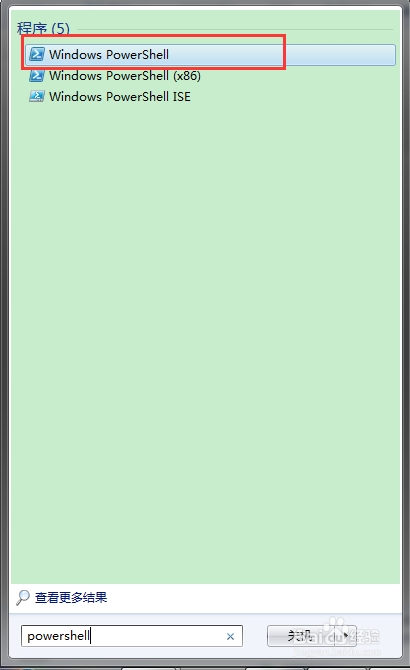
4、Windows Powershell程序自动打开;

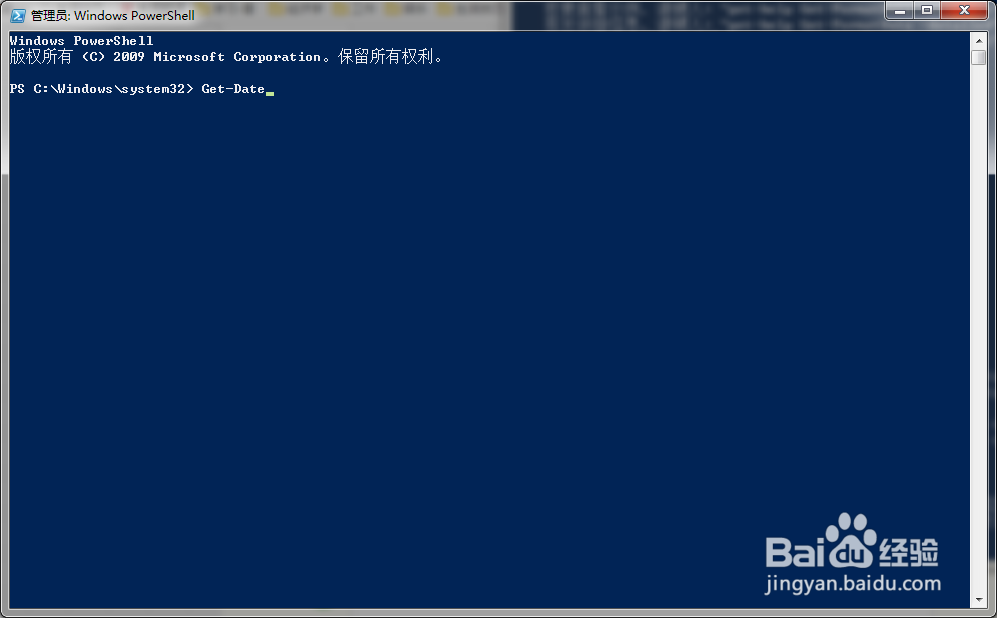
1、在Powershell程序窗口中输入“Get-Date”;
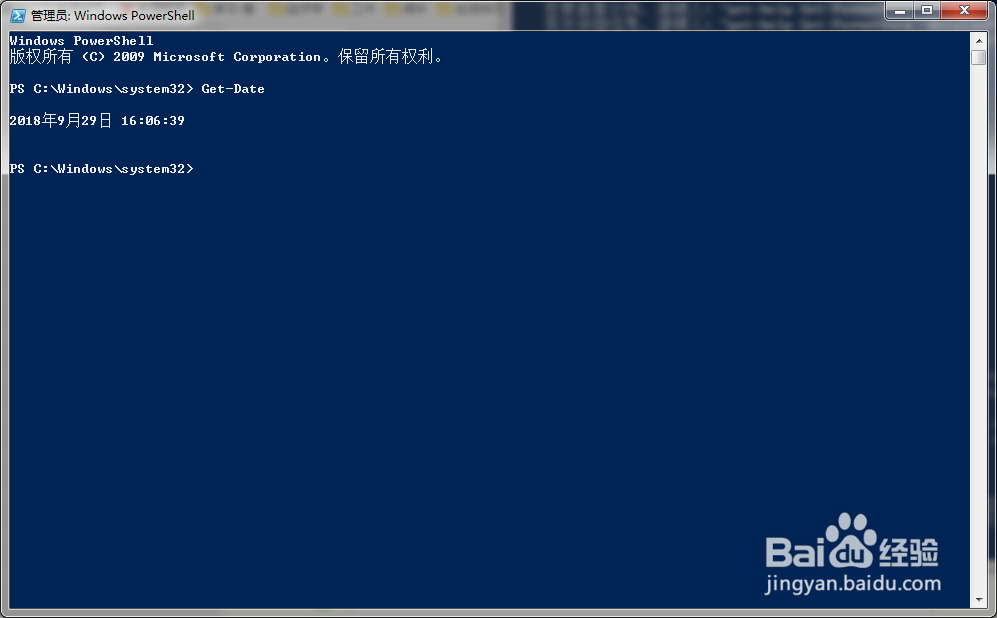
2、点击Enter后,自动返回当前系统日期和时间。
时间:2026-04-22 09:53:11
1、点击开始按钮,打开开始菜单;
2、在开始菜单搜索框中输入“Powershell”;
3、找到Powershell程序并点击;
4、Windows Powershell程序自动打开;
1、在Powershell程序窗口中输入“Get-Date”;
2、点击Enter后,自动返回当前系统日期和时间。
