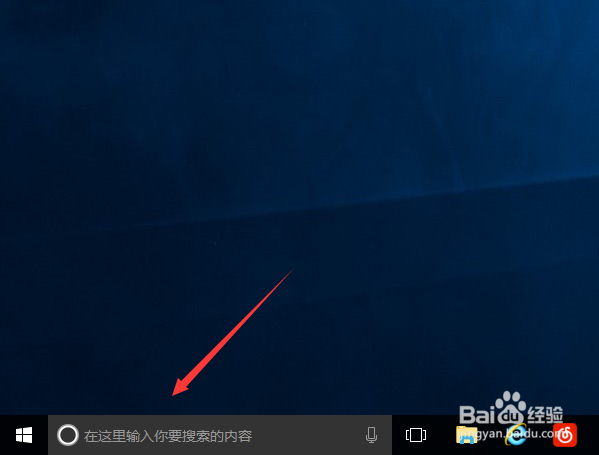
1、首先,我们在windows桌面左下角如图所示输入框输入PowerShell
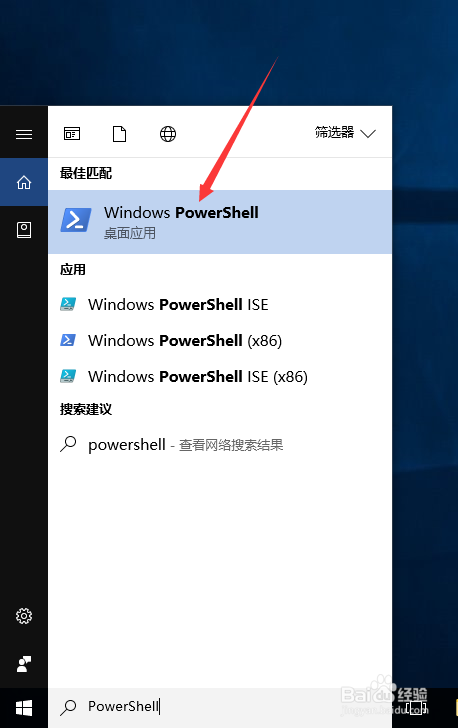
2、然后点击运行Windows PowerShell,如图所示
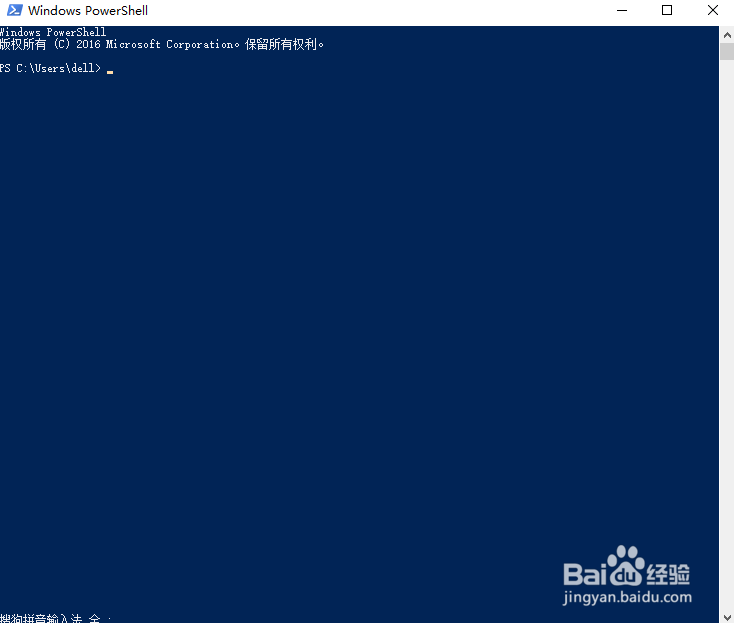
3、在弹出的Windows PowerShell中,我们敲入Get-AppxPackage *photo* | Remove-AppxPackage,即可卸载win10自带照片查看器

4、然后我们右键点击一张照片,即可看到已经没有win10自带应用的打开方式了

5、假如我们想要卸载别的win10自带应用,方法类似卸载win10照片查看器,只要将命令替换即可。
邮件和日历:
Get-AppxPackage *communi* | Remove-AppxPackage
新闻:
Get-AppxPackage *bing* | Remove-AppxPackage
人脉:
Get-AppxPackage *people* | Remove-AppxPackage
照片:
Get-AppxPackage *photo* | Remove-AppxPackage
纸牌游戏:
Get-AppxPackage *solit* | Remove-AppxPackage
录音机:
Get-AppxPackage *soundrec* | Remove-AppxPackage
Xbox:
Get-AppxPackage *xbox* | Remove-AppxPackage
OneNote:
Get-AppxPackage *OneNote* | Remove-AppxPackage
3D Builder:
Get-AppxPackage *3d* | Remove-AppxPackage
Camera相机:
Get-AppxPackage *camera* | Remove-AppxPackage
Groove音乐:
Get-AppxPackage *zune* | Remove-AppxPackage

