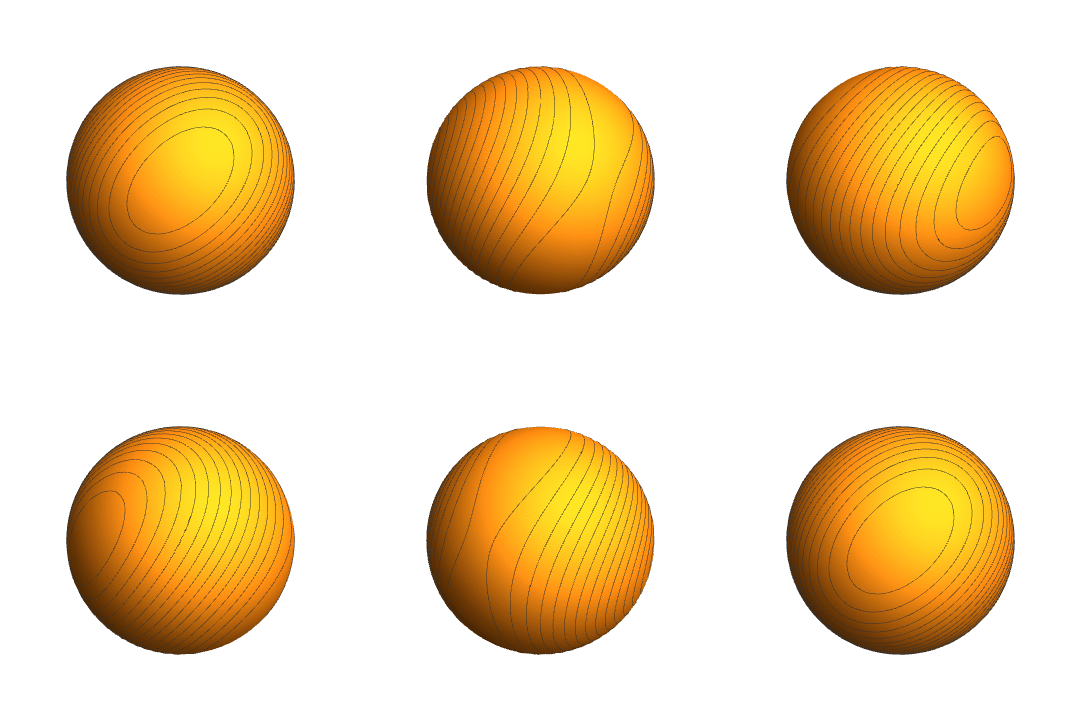
1、画一个球面:
ContourPlot3D[x^2 + y^2 + z^2 == 1, {x, -1, 1}, {y, -1, 1}, {z, -1, 1}
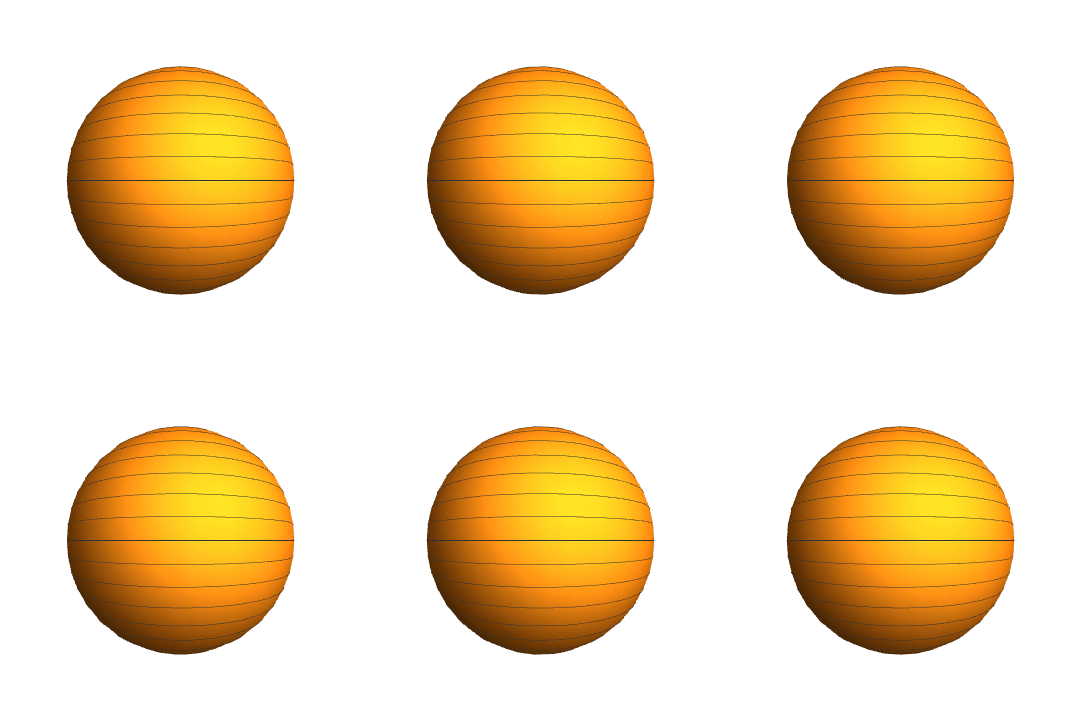
2、在z方向上绘制15条网格线:
ContourPlot3D[
x^2 + y^2 + z^2 == 1, {x, -1, 1}, {y, -1, 1}, {z, -1, 1},
MeshFunctions -> {#3 &}, Mesh -> 15
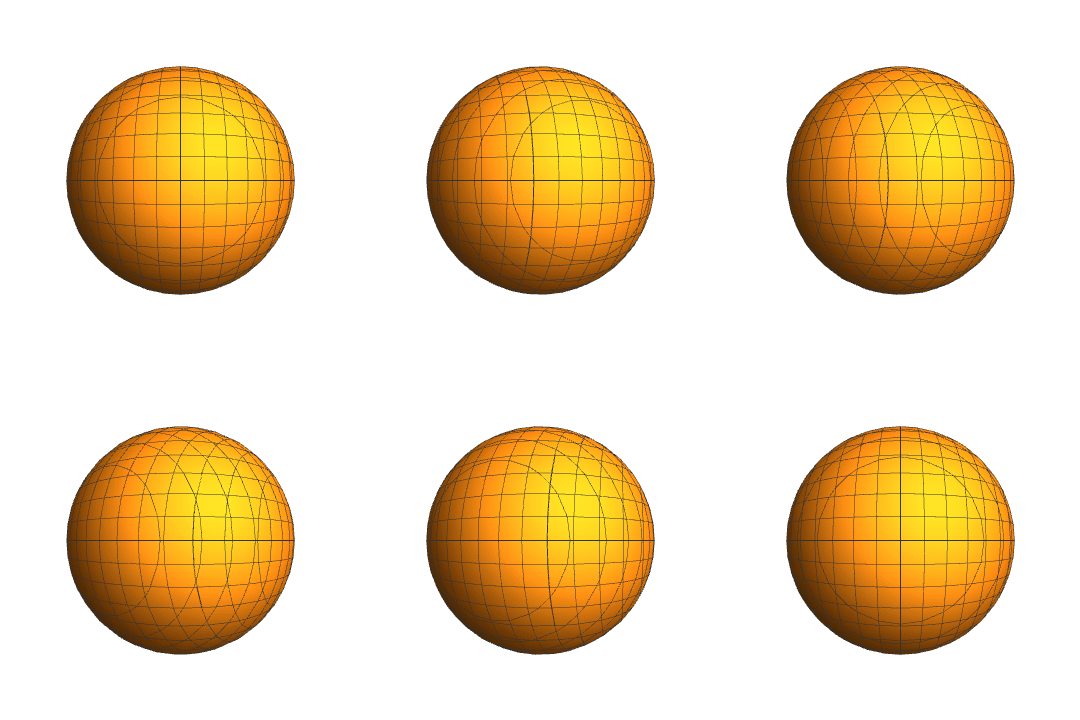
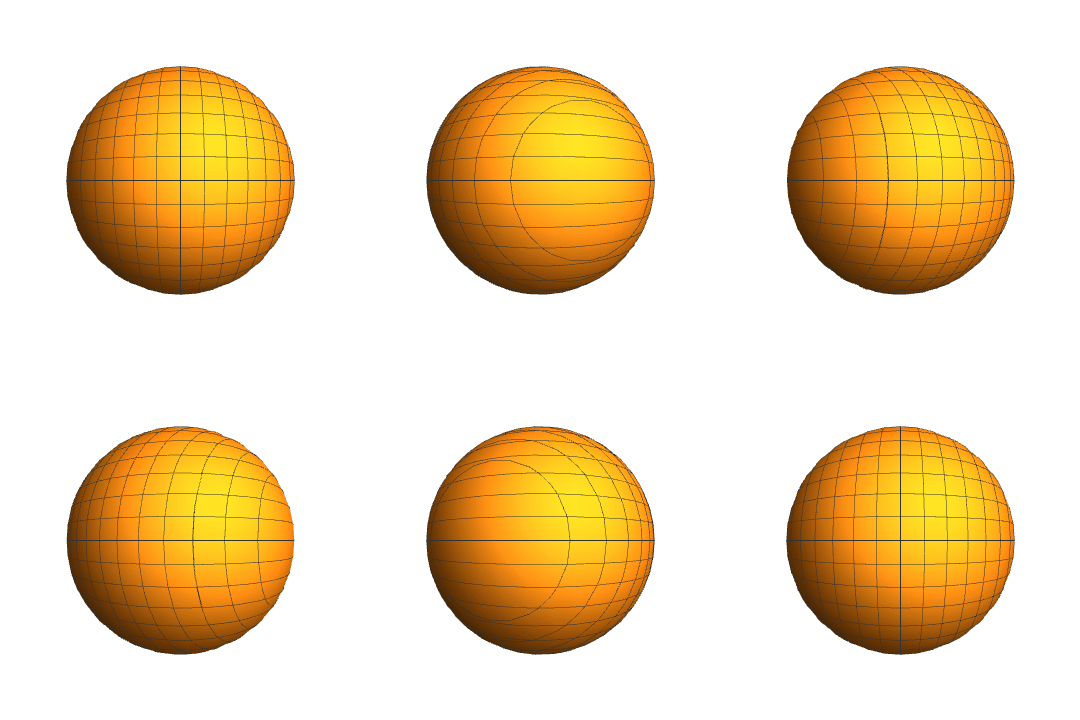
3、在y方向和z方向上,各绘制15条网格线:
ContourPlot3D[
x^2 + y^2 + z^2 == 1, {x, -1, 1}, {y, -1, 1}, {z, -1, 1},
MeshFunctions -> {#3 &, #2 &}, Mesh -> 15
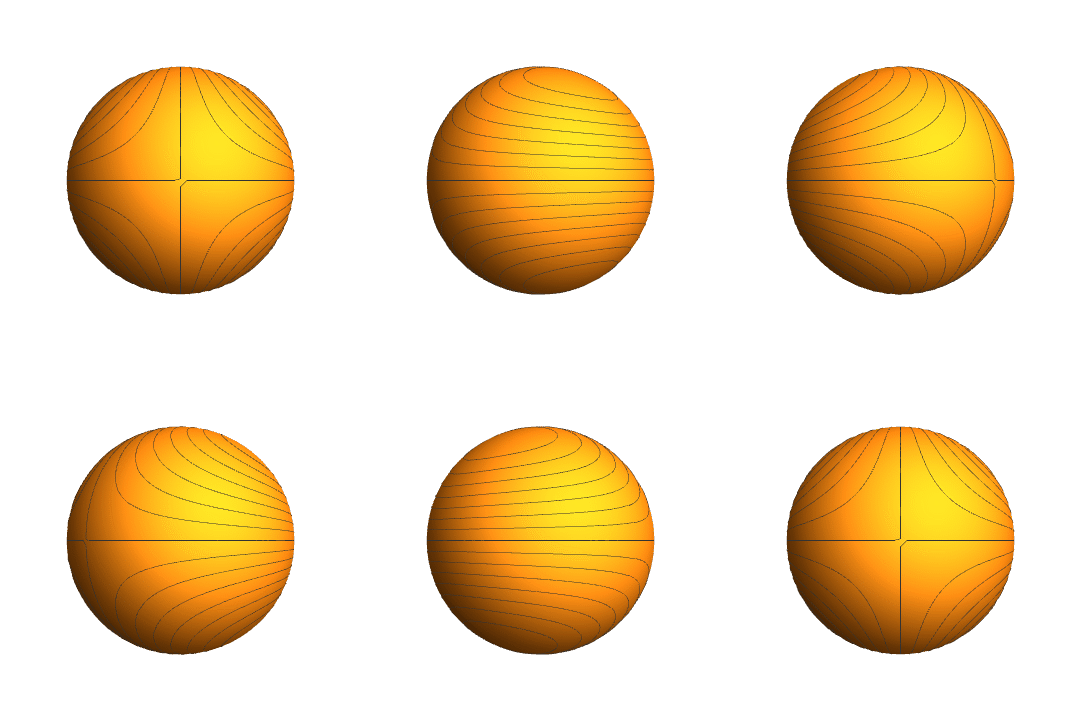
4、变异的网格线:
ContourPlot3D[
x^2 + y^2 + z^2 == 1, {x, -1, 1}, {y, -1, 1}, {z, -1, 1},
MeshFunctions -> {#3*#2 &}, Mesh -> 15, PlotPoints -> 50
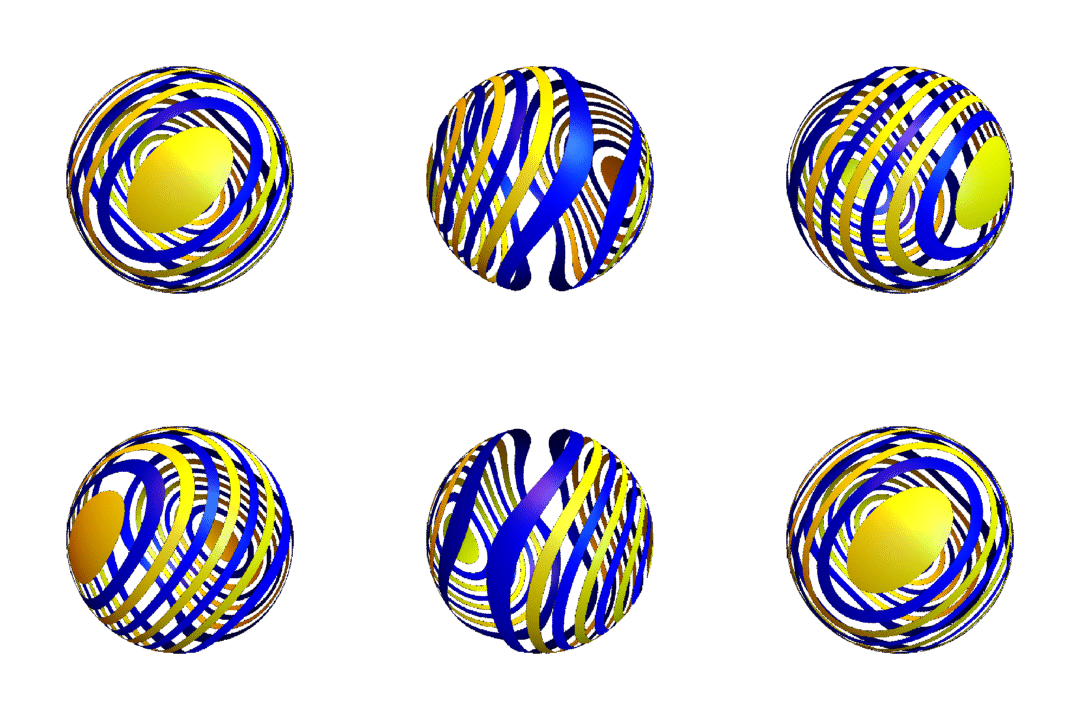
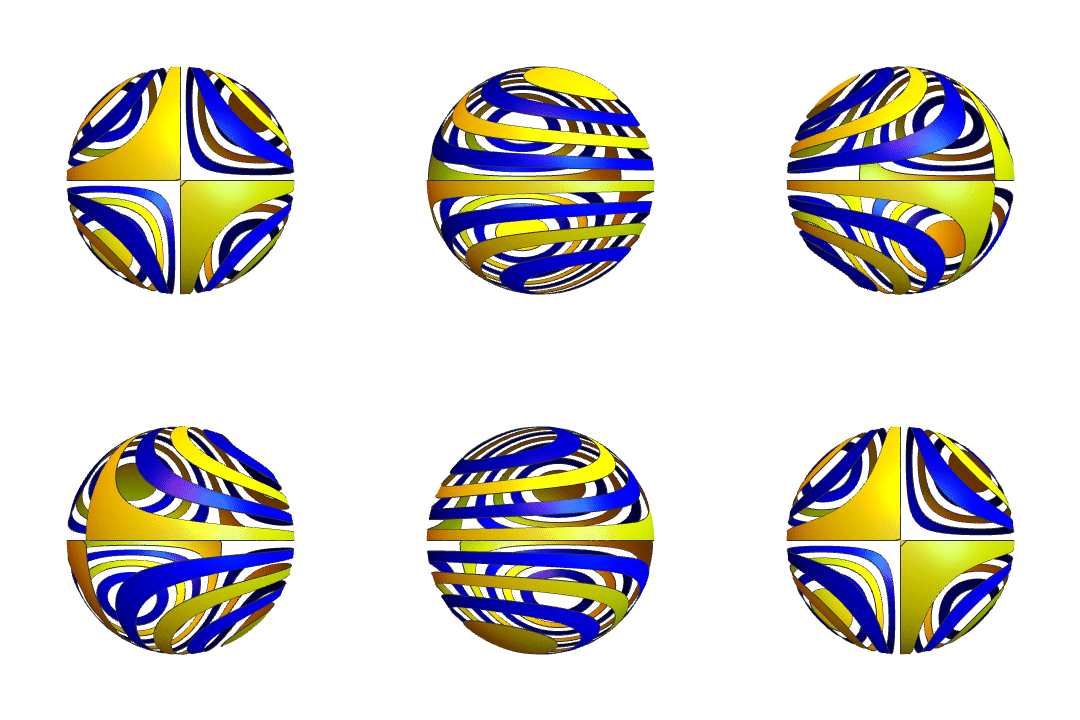
5、对网格线之间的区域,分别着色:
MeshShading -> {None, Directive[Blue, Specularity[White, 50]], None,
Directive[Yellow, Specularity[White, 50]]}
有一些区域没有着色,所以看起来是镂空的。
6、下面图形的网格线使用的是:
MeshFunctions -> {#1^2 + #1*#2*#3 &}