怎样在ulead cool 3d中插入背景图片

 时间:2024-10-12 10:41:23

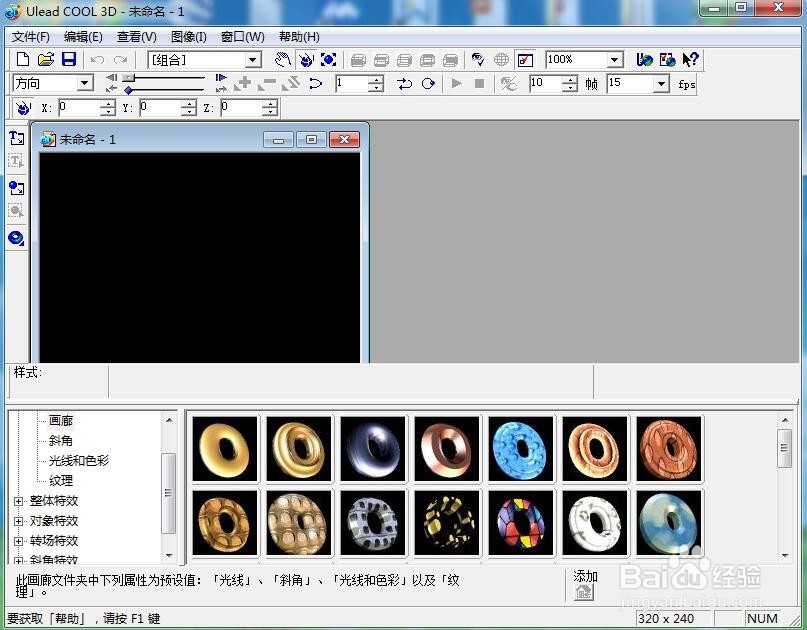
1、打开ulead cool 3d,进入它的主界面;
怎样在ulead cool 3d中插入背景图片

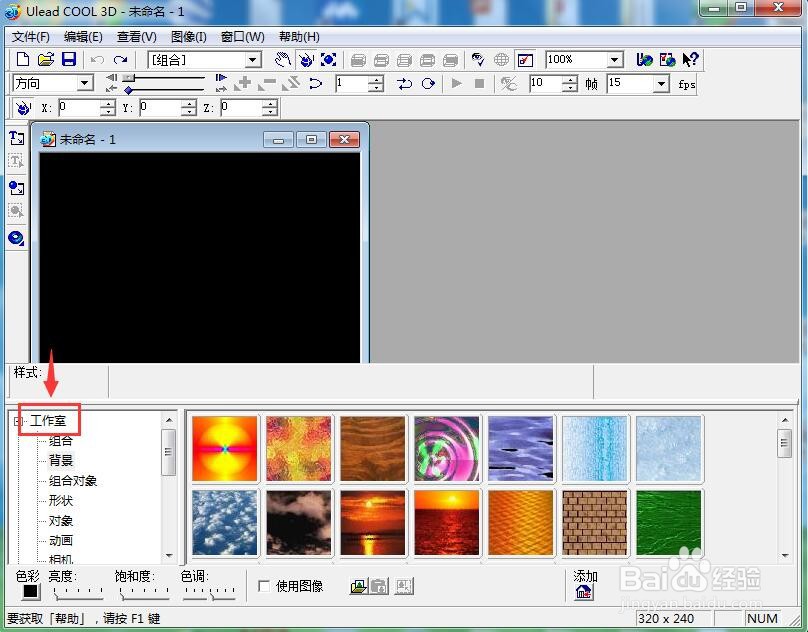
2、点击工作室;

怎样在ulead cool 3d中插入背景图片

3、在打开的下拉菜单中点击背景;

怎样在ulead cool 3d中插入背景图片

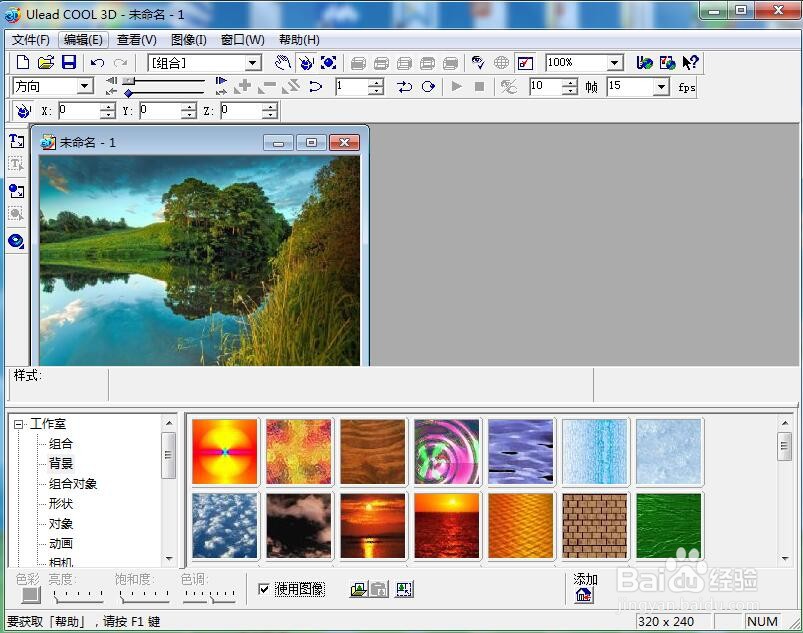
4、用鼠标点击使用图像;

怎样在ulead cool 3d中插入背景图片

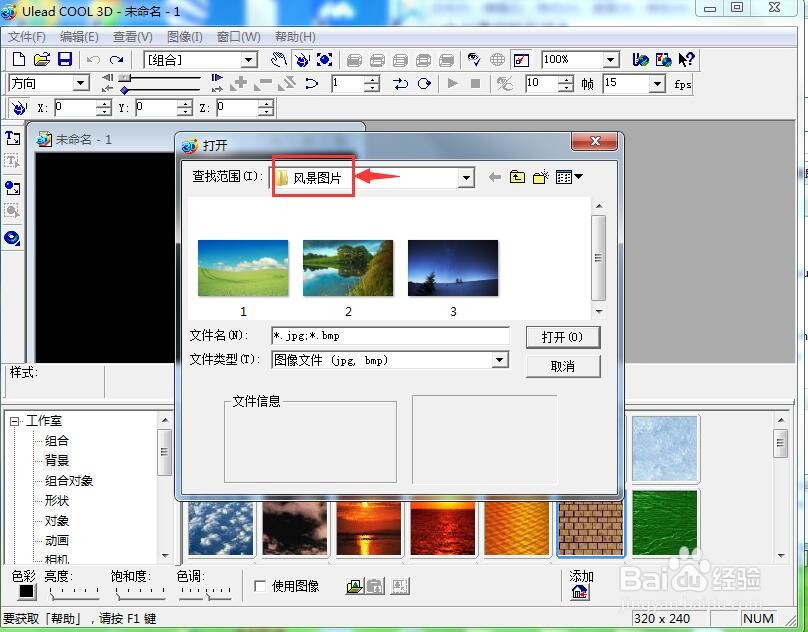
5、找到并打开存储有背景图片的文件夹;

怎样在ulead cool 3d中插入背景图片

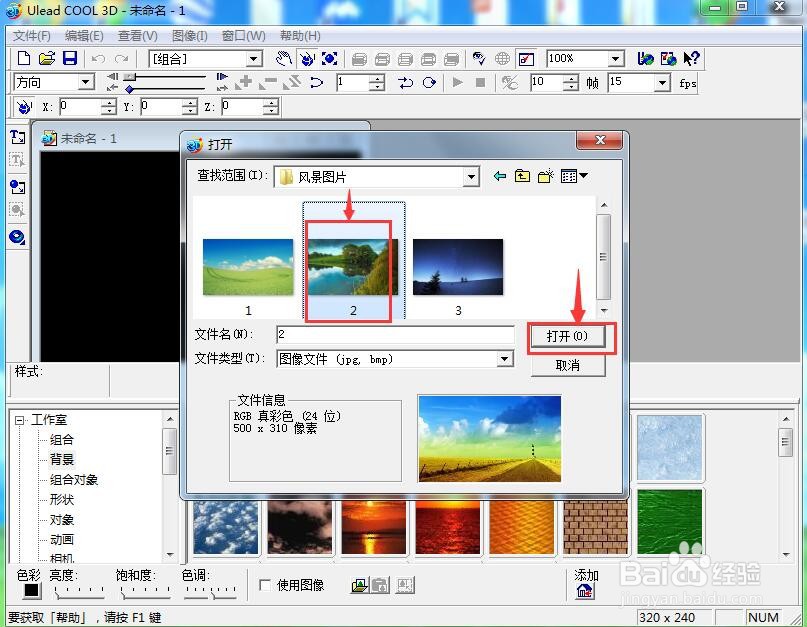
6、选中需要的图片,按打开;

怎样在ulead cool 3d中插入背景图片

7、我们就在ulead cool 3d中插入了一张背景图片。

怎样在ulead cool 3d中插入背景图片
  • Photoshop套索工具用法
  • PS如何点按惊叹号标记获得不带缓存数据的直方图
  • Vuforia----3D物体识别
  • 怎么通过phpstudy SQL命令行查看数据库
  • 一键ghost怎么用?一键ghost图文教程
  • 热门搜索
    home键是什么 水钻是什么 lnk是什么格式 什么是股份有限公司 hg是什么意思 运动会心得体会 水木剧是什么意思 captain是什么意思 维生素b6 什么是植物神经紊乱