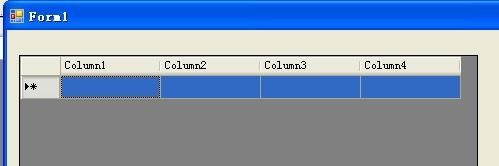
1、在DataGridView的RowDataBound事件里判断并修改:
if(e.Row.Cells[n].Text=="0")
{
e.Row.Attributes.Add("bgColor", "red");
}
else if(e.Row.Cells[n].Text>"500")
{
e.Row.Attributes.Add("bgColor", "green");
}
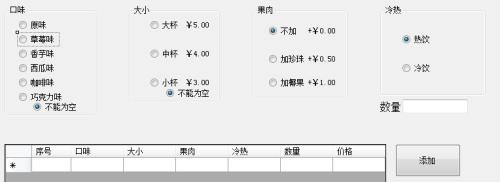

2、在winform里,DataGridView没有RowDataBound事件,如果在winform里,如下修改:
private void dataGridView1_RowPrePaint(object sender, DataGridViewRowPrePaintEventArgs e)
{
if (e.RowIndex >= dataGridView1.Rows.Count - 1)
return;
DataGridViewRow dgr = dataGridView1.Rows[e.RowIndex];
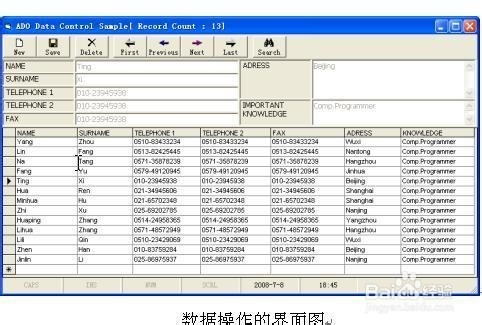
3、try
{
if (dgr.Cells["列名"].Value.ToString() == "比较值")
{
dgr.DefaultCellStyle.ForeColor = 设置的颜色;
}
}
catch (Exception ex)
{
MessageBox.Show(ex.Message);

4、}
}
ItemDataBound事件里
if (e.Item.Cells[性别列的索引值].Text == "男 ")
e.Item.BackColor = System.Drawing.Color.Red;
if (e.Item.Cells[性别列的索引值].Text == "女 ")
e.Item.BackColor = System.Drawing.Color.Blue;

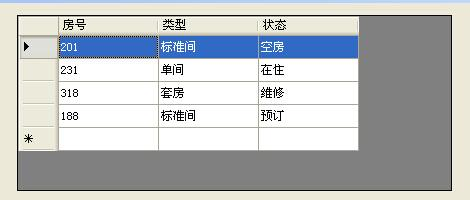
5、private void dataGridView1_CellPainting(object sender, DataGridViewCellPaintingEventArgs e)
{
if (e.Value== "男 ")
{
e.PaintBackground(e.CellBounds, true);
}
}
6、注意:
在winform里,DataGridView没有RowDataBound事件,如果在winform里,如下修改:
调用DataGridView中的RowPrePaint事件
private void dataGridView1_RowPrePaint(object sender, DataGridViewRowPrePaintEventArgs e)
{
if (e.RowIndex >= dataGridView1.Rows.Count - 1)
return;
DataGridViewRow dgr = dataGridView1.Rows[e.RowIndex];
try
{
if (dgr.Cells["列名"].Value.ToString() == "比较值")
{
dgr.DefaultCellStyle.ForeColor = 设置的颜色; (如:Color.red)
}
}
catch (Exception ex)
{
MessageBox.Show(ex.Message);
}