Windows 7 下载安装CCLeaner

 时间:2026-04-23 01:51:48

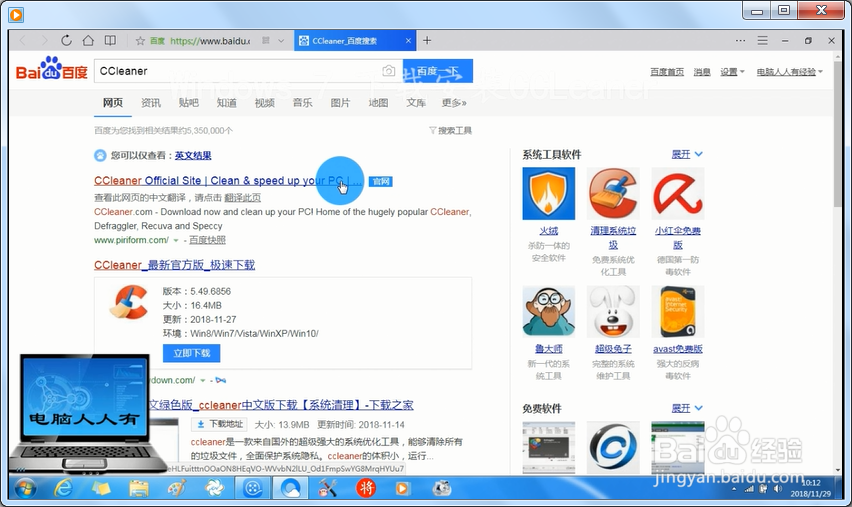
1、搜索CCLeaner关键词

Windows 7 下载安装CCLeaner

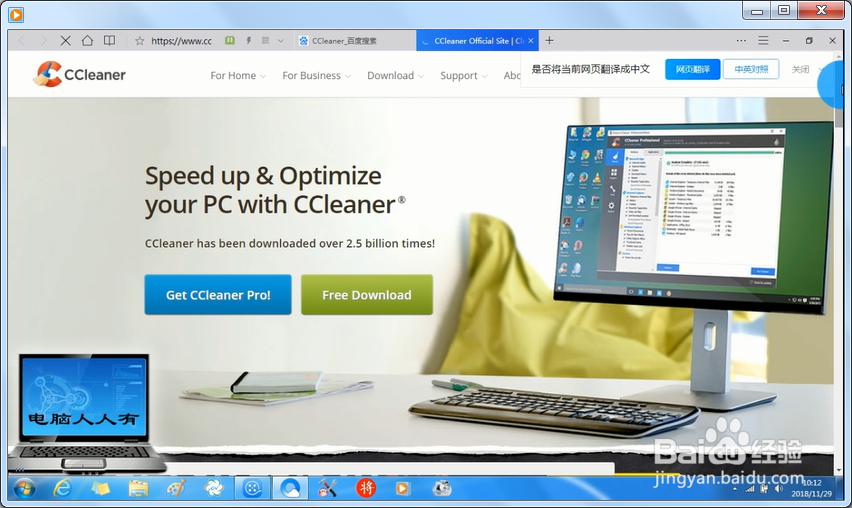
2、点击CCLeaner官网

Windows 7 下载安装CCLeaner

3、Free Download(免费下载)

Windows 7 下载安装CCLeaner

4、下载完毕→解压

Windows 7 下载安装CCLeaner

5、点击64位程序

Windows 7 下载安装CCLeaner

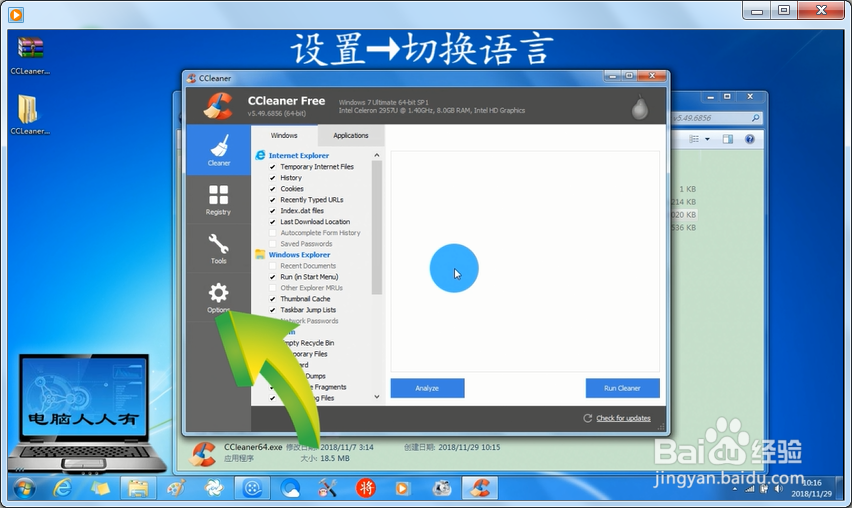
6、设置→切换语言

Windows 7 下载安装CCLeaner

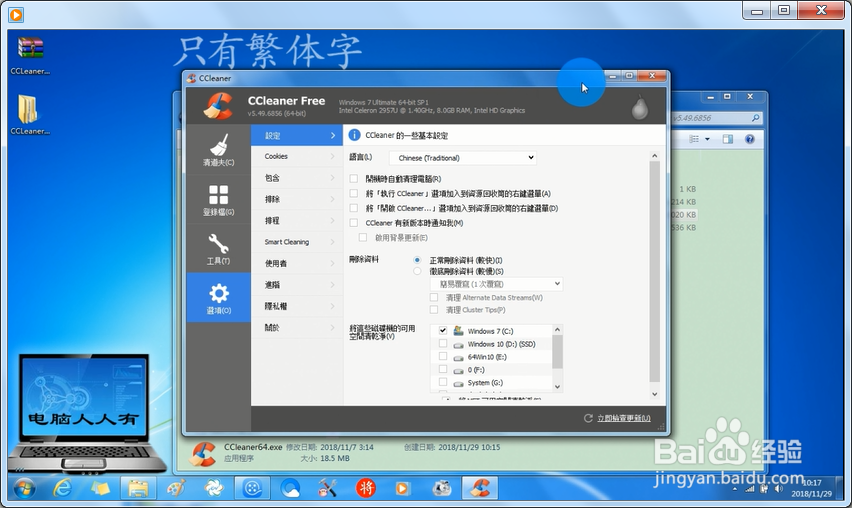
7、只有繁体字。

Windows 7 下载安装CCLeaner

  • CATIA如何制作字体
  • 清除电脑“运行”对话框的历史记录
  • win7下安装sap2000 v16 中国规范解决方法
  • 解决卸载某豹wifi导致的宽带错误720(win8)
  • mac电脑FTP工具FileZilla怎么设置外部IP地址?
  • 热门搜索
    微信怎么发朋友圈 慈姑的做法 天天做梦是怎么回事 恐龙是怎么灭绝的 怎么给电脑设置开机密码 为什么月经量少 家常素菜的做法大全 生化汤的做法 苹果id怎么注册 囊肿怎么引起的