PowerPoint2007如何插入曲线

 时间:2024-10-31 01:56:14

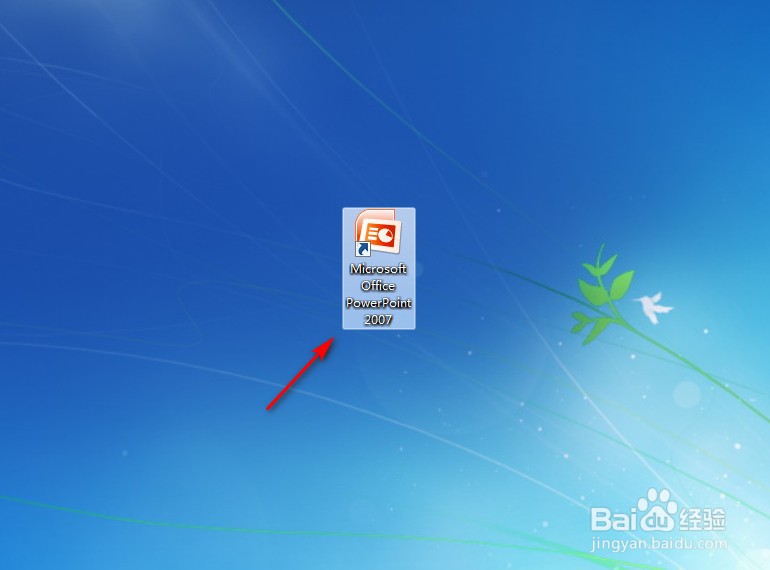
1、点击打开“PowerPoint2007”。

PowerPoint2007如何插入曲线

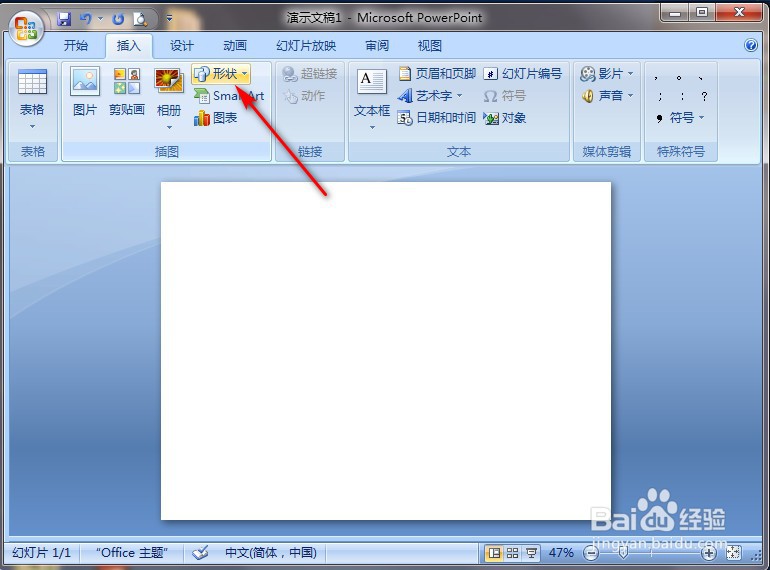
2、点击PowerPoint2007左上角“插入”。

PowerPoint2007如何插入曲线

3、点击“形状”。

PowerPoint2007如何插入曲线

4、点击“曲线”图案。

PowerPoint2007如何插入曲线

5、在PowerPoint2007空白处长按鼠标左键进行划拉,就完成了。
PowerPoint2007如何插入曲线
  • PowerPoint2007如何插入肘形连接符
  • PowerPoint2007如何插入双箭头
  • PowerPoint2007 增加自定义母版
  • 如何设置powerpoint2007自动保存时间
  • 如何显示powerpoint2007开发工具项
  • 热门搜索
    中国坦克博物馆 怎么锻炼口才 肩膀酸痛是怎么治疗 什么样的发型好看 轻蔑的近义词是什么 国家博物馆开放时间 最新发型男 麻烦的近义词 人为什么会感冒 习俗的近义词