1、打开scratch,进入其主界面中;

2、点击绘制新角色命令;

3、打开scratch的画板;
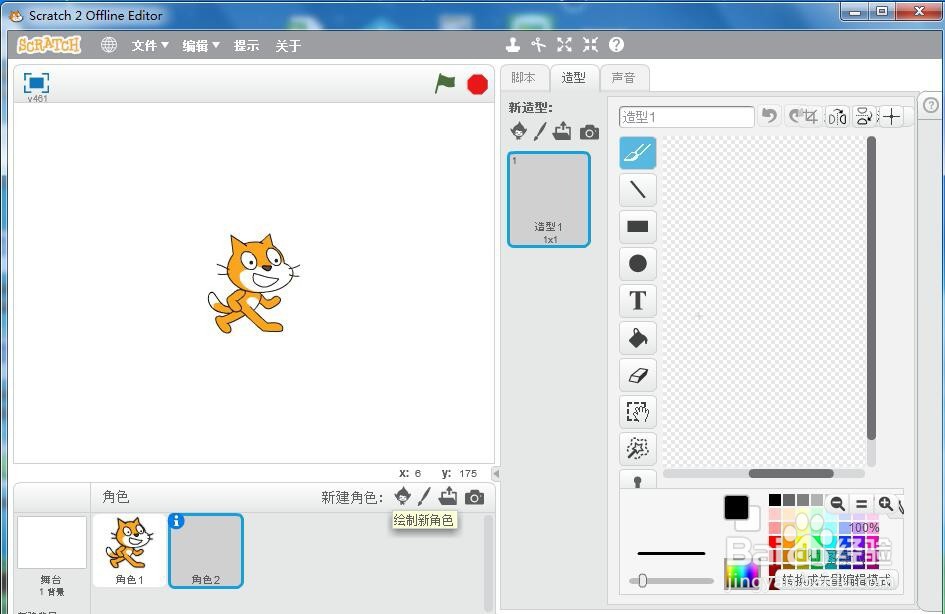
4、点击红色,定义好画笔的颜色;

5、用鼠标点击矩形工具;
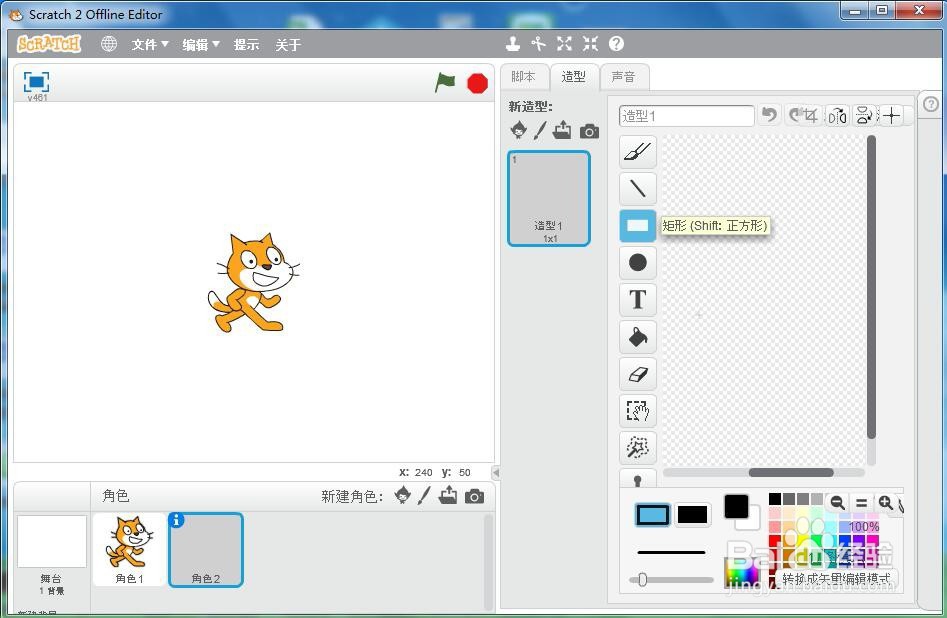
6、左手小指按住换档键不放,右手按下鼠标左键,拖动鼠标,画出一个标准的正方形;
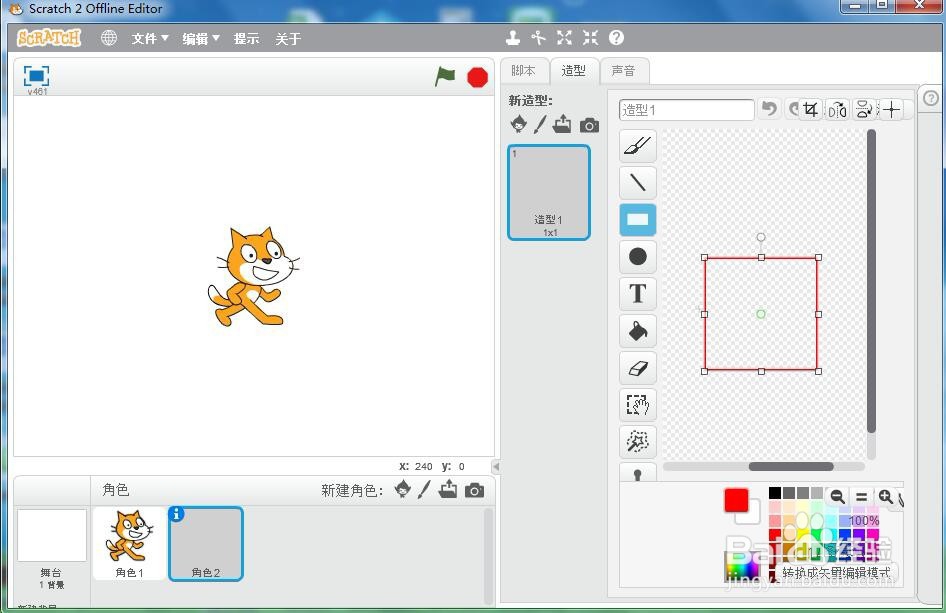
7、用这种方法,我们就在scratch中画好了一个红色的正方形。

时间:2026-04-21 20:05:03
1、打开scratch,进入其主界面中;
2、点击绘制新角色命令;
3、打开scratch的画板;
4、点击红色,定义好画笔的颜色;
5、用鼠标点击矩形工具;
6、左手小指按住换档键不放,右手按下鼠标左键,拖动鼠标,画出一个标准的正方形;
7、用这种方法,我们就在scratch中画好了一个红色的正方形。
