Camtasia Studio 8录屏光标不断闪烁怎么办

 时间:2024-10-12 12:11:20

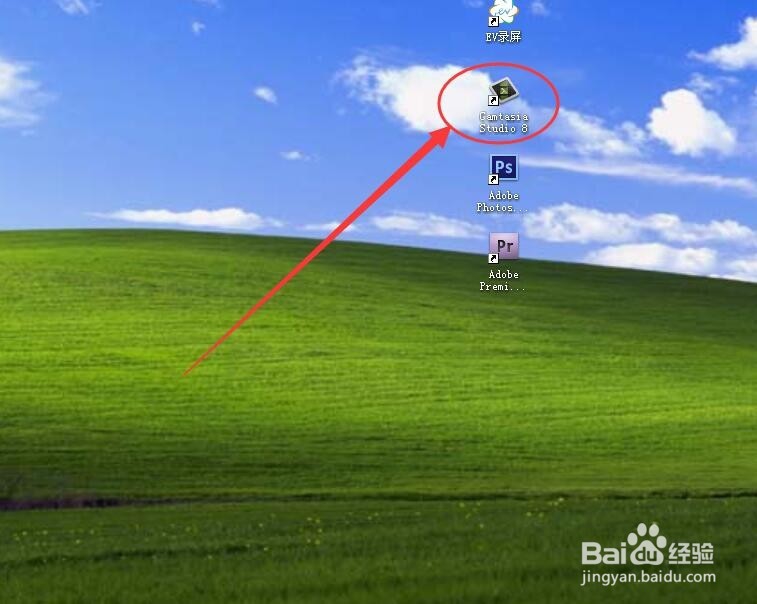
1、首先左键双击Camtasia Studio 8在桌面上的快捷方式,进入该程序。
Camtasia Studio 8录屏光标不断闪烁怎么办

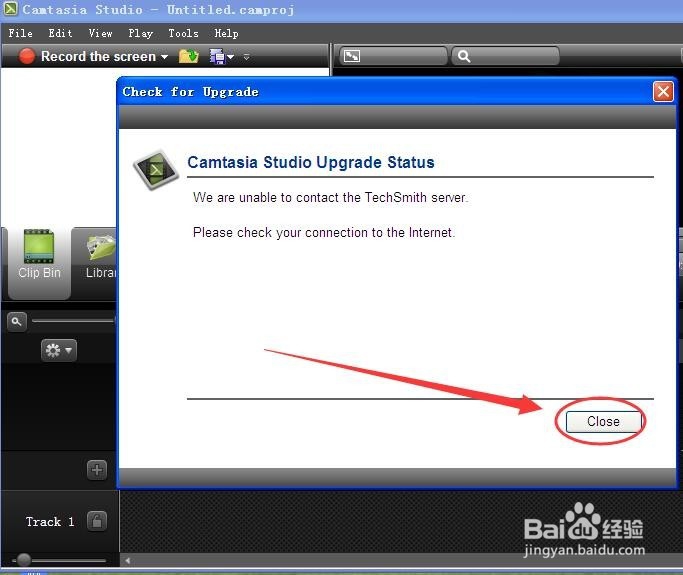
2、关闭升级提示框,点按箭头指向的close标志。

Camtasia Studio 8录屏光标不断闪烁怎么办

3、点按record the screen标志。

Camtasia Studio 8录屏光标不断闪烁怎么办

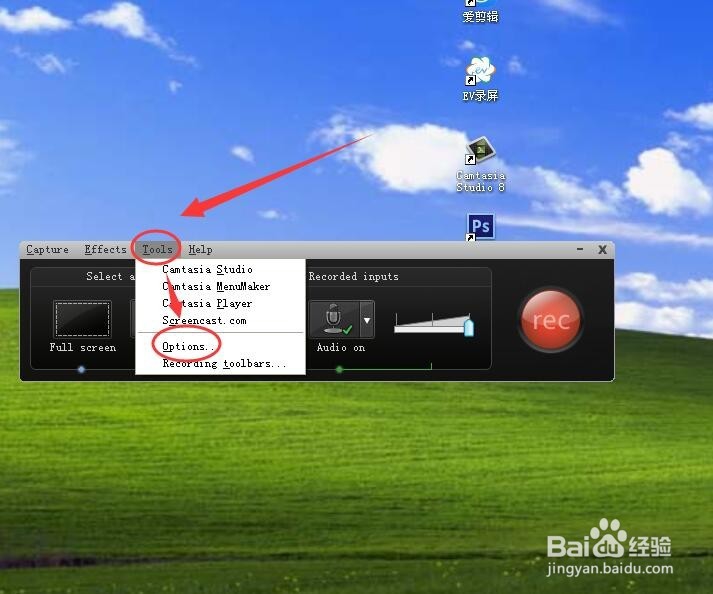
4、在弹出的工具条中,点按工具条上方的tools,在弹出的菜单中点按options。
Camtasia Studio 8录屏光标不断闪烁怎么办

5、在tools options中将点按general选项卡,然后去掉 capture layered windows前的对号。然后勾选disable display acceleration during capture,然后点按ok。

Camtasia Studio 8录屏光标不断闪烁怎么办

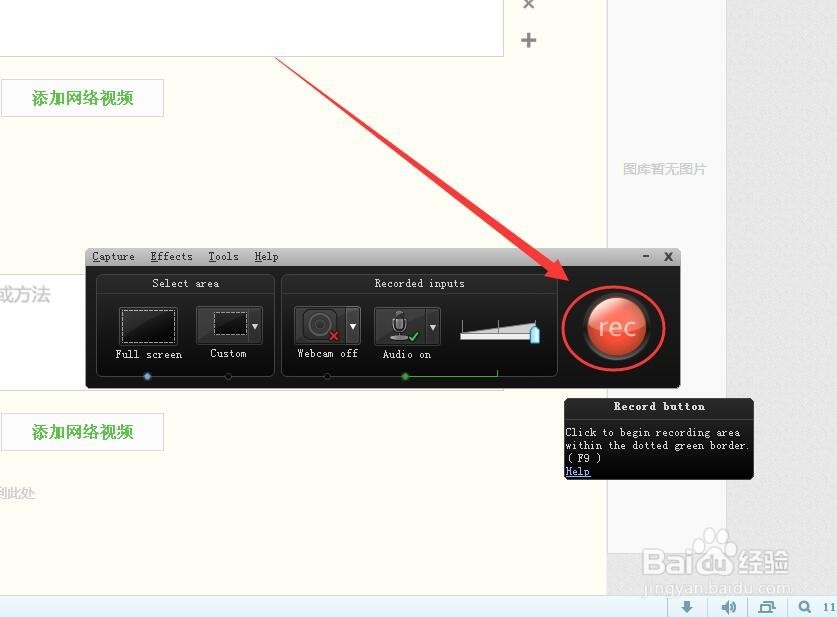
6、点按工具条右侧的rec标志。

Camtasia Studio 8录屏光标不断闪烁怎么办

7、倒计时321后开始录屏,此时的光标已经不再闪烁。

Camtasia Studio 8录屏光标不断闪烁怎么办
  • arctime怎样消除字幕之间的间隙?
  • audition怎么删除轨道添加音轨?AU修改音轨顺序
  • 钉钉视频会议画面比例怎么调
  • Trapcode-Particular基础篇:[4]物理学介绍02
  • Camtasia 波纹删除和普通删除怎么使用?
  • 热门搜索
    汤圆怎么做好吃 电脑怎么改字体 家常酱牛肉 锻炼身体的方法 炸薯条的家常做法 麻辣香锅的家常做法 李白古诗大全300首 奶茶图片大全大图 六年级作文大全 艾叶粑粑的家常做法