1、手机打开“Vantage”App,Vantage主界面点击左上角的“二”打开Options界面

2、Options界面点击“设置”打开设置界面

3、设置界面点击“Date on app icon”后面的圆点
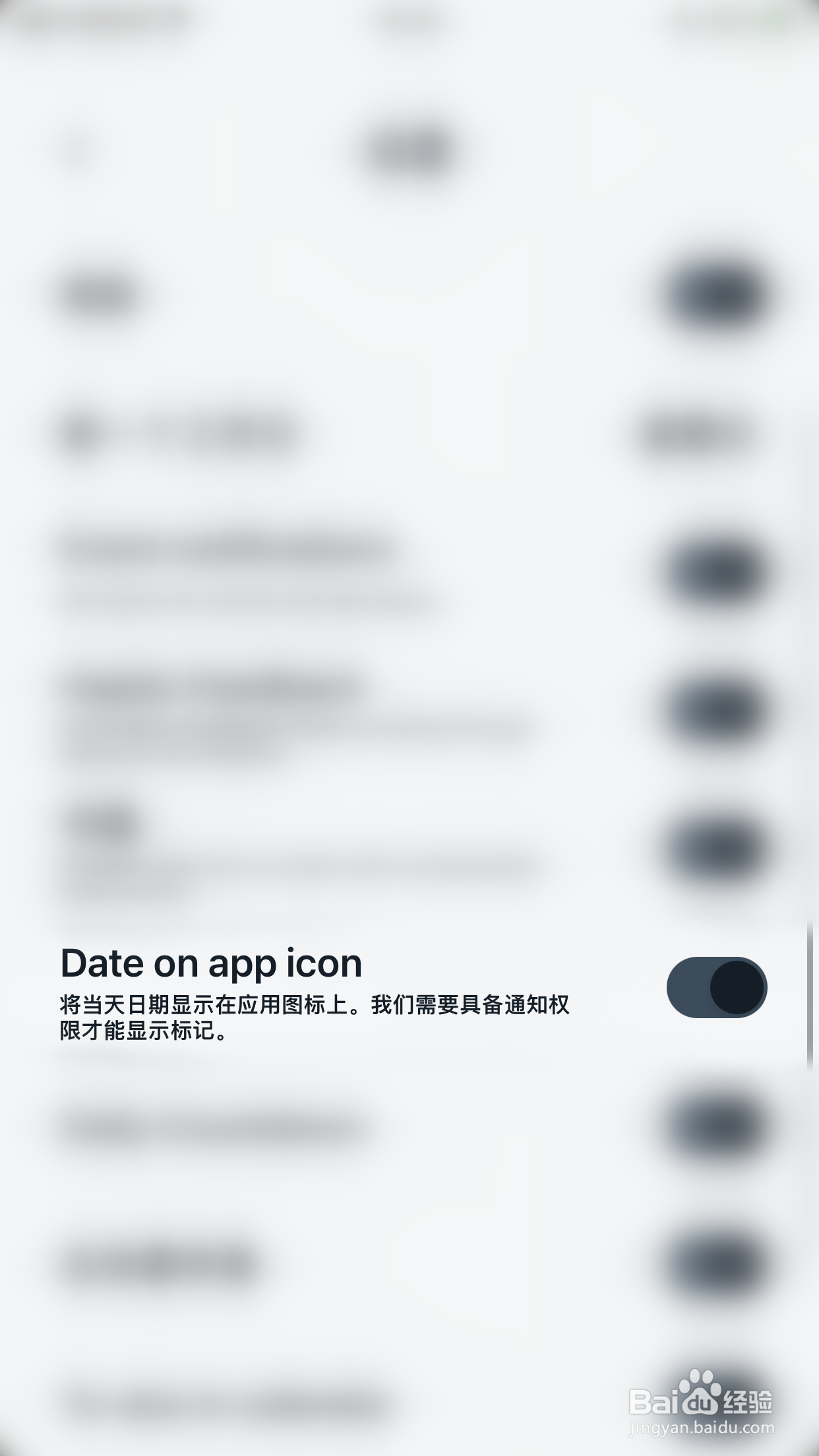
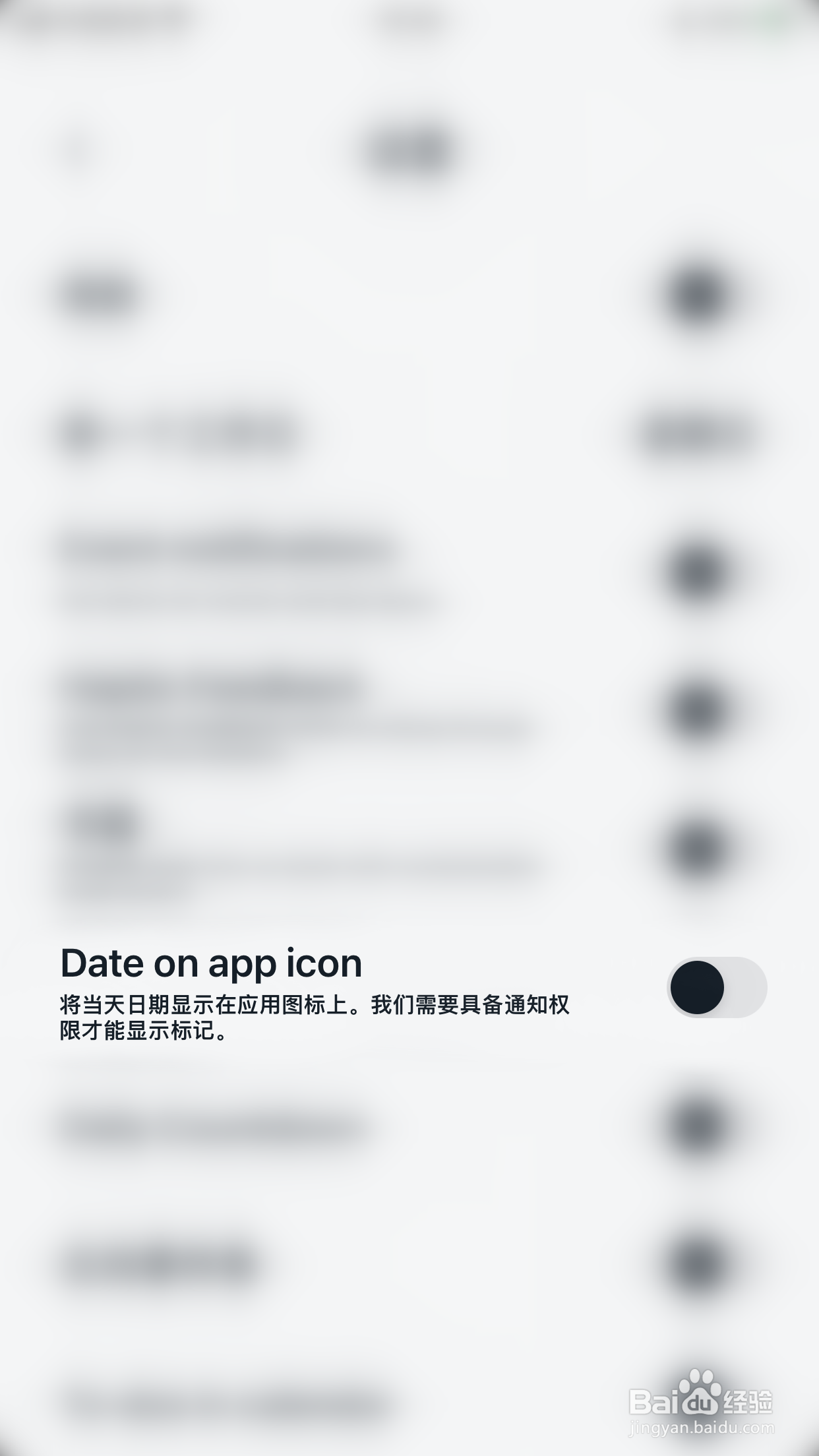
4、“Date on app icon”后面的圆点变为灰色即表示Vantage关闭Date on app icon成功
时间:2026-04-23 04:45:23
1、手机打开“Vantage”App,Vantage主界面点击左上角的“二”打开Options界面
2、Options界面点击“设置”打开设置界面
3、设置界面点击“Date on app icon”后面的圆点
4、“Date on app icon”后面的圆点变为灰色即表示Vantage关闭Date on app icon成功
