1、通过以下命令将用户XXX添加到组YYY里面
sudo usermod -g YYY XXX
接下来就配置samba的smb.conf文件。如无意外,通过如下命令可以打开编辑smb.conf配置文件:sudo pico /etc/samba/smb.conf.

2、comment = AA
path = /samba/A
public = no
valid users = b02,b01,c01,a01,@A
write list = @A
printable = no
[BB]
comment = BB
path = /samba/B
public = no
valid users = a01,c01,b01,@B
printable = no
write list = @B

3、[CC]
comment = CC
path = /samba/C
public = no
valid users = a01,b01,c01,@C
printable = no
write list = @C
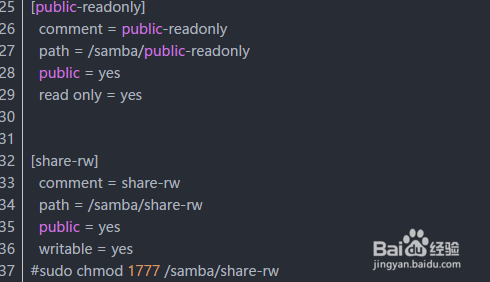
[public-readonly]
comment = public-readonly
path = /samba/public-readonly
public = yes
read only = yes
[share-rw]
comment = share-rw
path = /samba/share-rw
public = yes
writable = yes
#sudo chmod 1777 /samba/share-rw
4、 配置好了之后,建立知道的文件夹,然后开放文件夹权限。类似
sudo mkdir kkkk
sudo chmod 777 kkkk

5、最后就得重新重启samba啦
sudo /etc/init.d/samba restart
贴上我自己的smb.conf配置文件内容
#
# Sample configuration file for the Samba suite for Debian GNU/Linux.
#
#
# This is the main Samba configuration file. You should read the
# smb.conf(5) manual page in order to understand the options listed
# here. Samba has a huge number of configurable options most of which

