1、开机时出现reboot and select proper boot device,可能是因为电脑系统引导文件损坏丢失,也会导致这个情况,是可以用U盘启动盘修复。
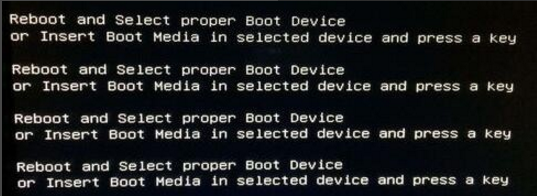
2、可能是硬盘没有设置为第一个启动项,开机时按F1或delete键进入到BIOS,选中BOOT,把硬盘设置为第一个启动项。

3、如果我们进入到BIOS的时候,没有看到硬盘,那就有可能是硬盘坏了,硬盘插口接线松动,需要重新再插好。

4、启动模式有错误,进入BIOS设置。如果你的电脑是UEFI模式启动,就要将Security Boot Control打开(选择enabled)。 如果是legacy模式启动,就要将Security Boot Control关闭。

1、以下是我的个人总结:
1.可能是电脑系统引导文件损坏丢失,可以用U盘启动盘修复。
2.可能是硬盘没有设置为第一个启动项,把硬盘设置为第一个启动项。
3.有可能是硬盘坏了,启动模式有错误,进入BIOS设置。
