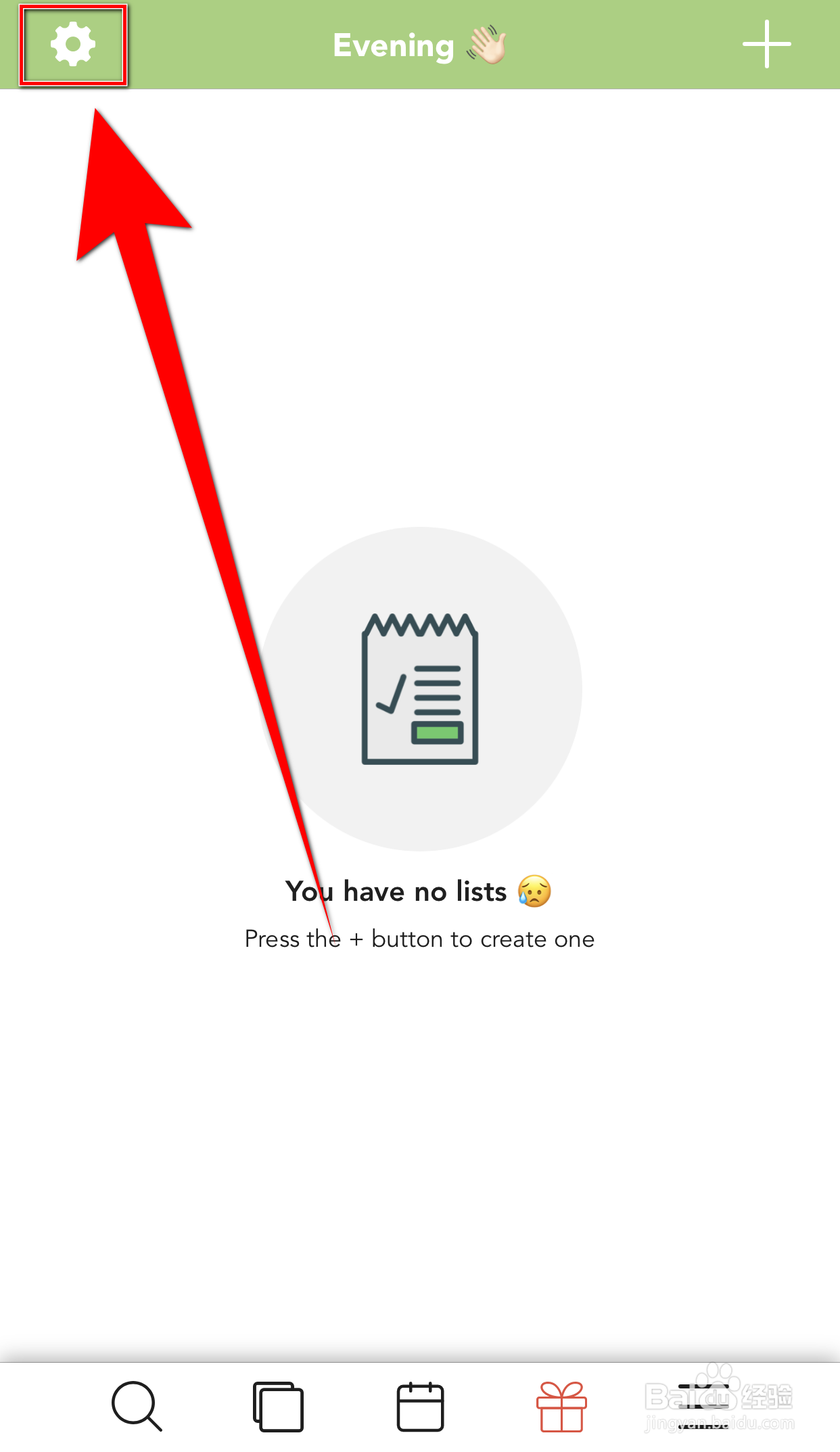
1、Lists To do首页点击上方的【齿轮】打开Settings界面
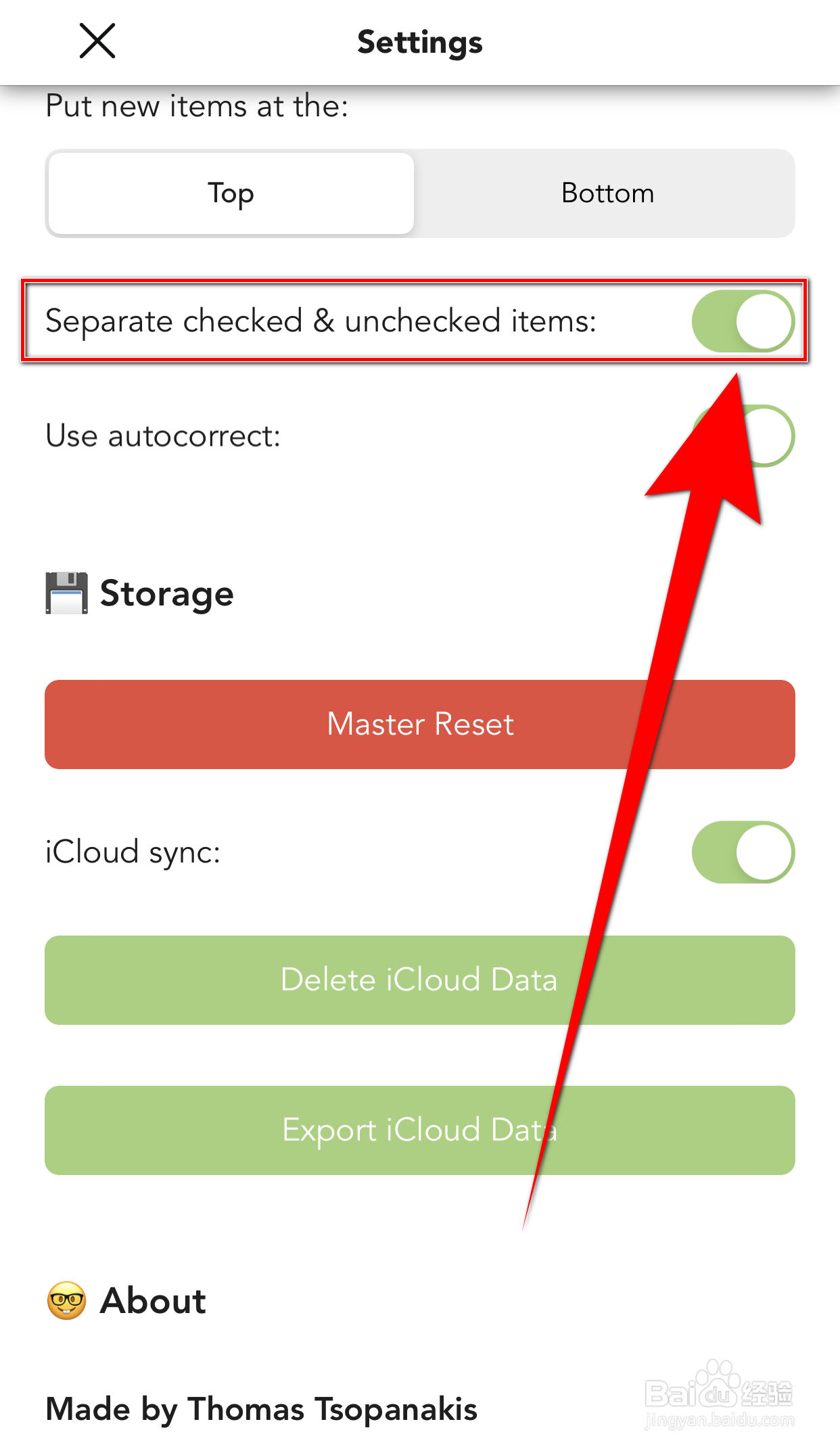
2、Settings界面点击【Separate checked&unchecked items】后面的圆点

3、【Separate checked&unchecked items】后面的圆点变为绿色即表示启用Lists To DO Separate checked&成功
时间:2026-04-26 11:04:31
1、Lists To do首页点击上方的【齿轮】打开Settings界面
2、Settings界面点击【Separate checked&unchecked items】后面的圆点
3、【Separate checked&unchecked items】后面的圆点变为绿色即表示启用Lists To DO Separate checked&成功
