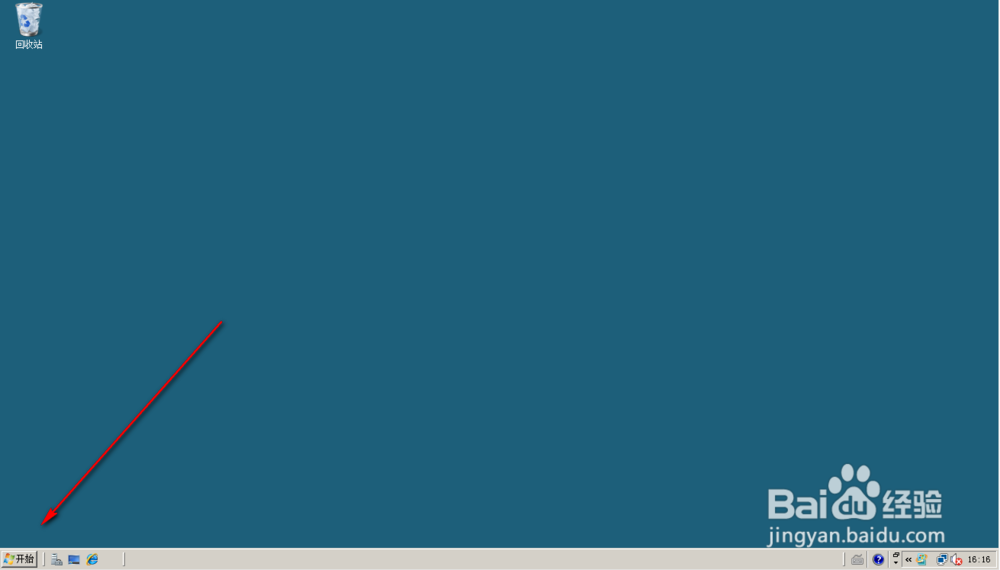
1、点击Server 2008桌面左下角的开始菜单按钮;
2、开始菜单自动打开;
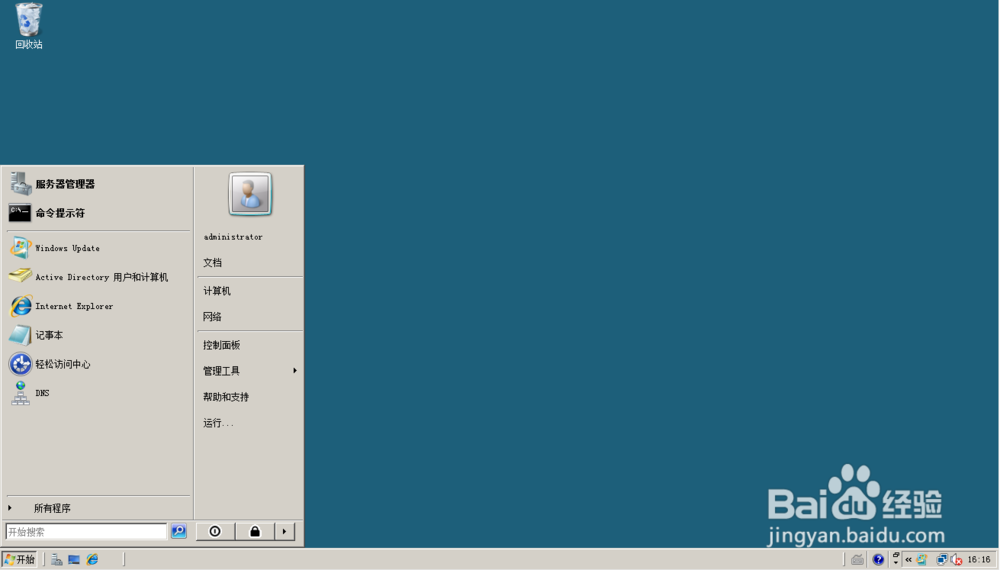
3、点击菜单中的所有程序按钮;

4、点击开始菜单中的“附件”文件夹;

5、点击附件中的“Windows Powershell”文件夹;

6、在Windows Powershell文件夹中点击Powershell程序;

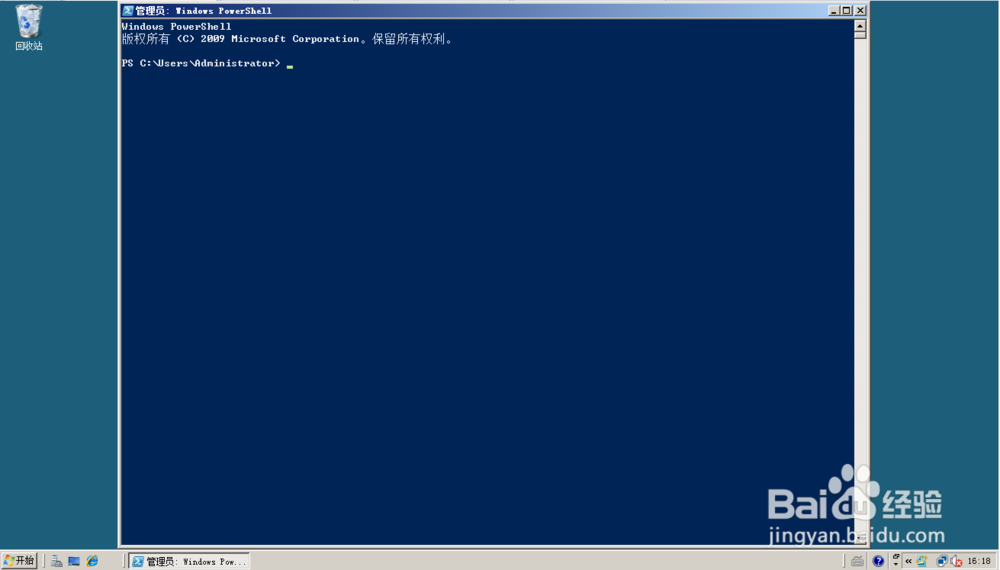
7、Powershell程序窗口自动打开。
时间:2026-04-22 02:17:03
1、点击Server 2008桌面左下角的开始菜单按钮;
2、开始菜单自动打开;
3、点击菜单中的所有程序按钮;
4、点击开始菜单中的“附件”文件夹;
5、点击附件中的“Windows Powershell”文件夹;
6、在Windows Powershell文件夹中点击Powershell程序;
7、Powershell程序窗口自动打开。
