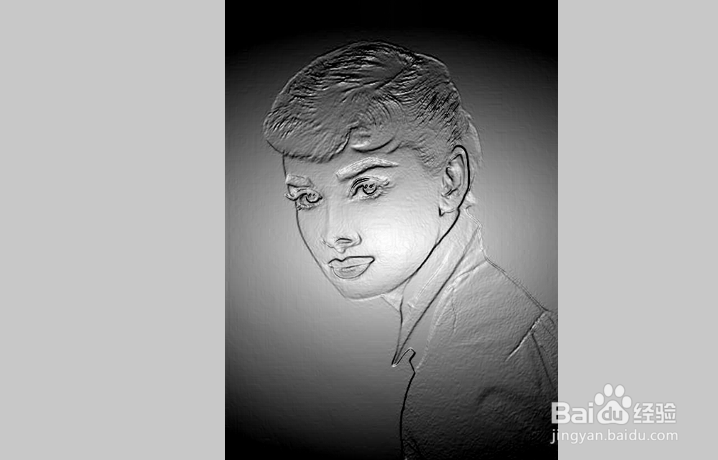
FastStone Image Viewer图像浮雕效果

 时间:2026-02-14 03:35:06

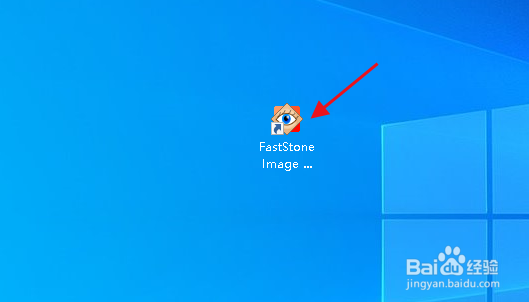
1、双击 FastStone Image Viewer 桌面快捷方式图标,打开软件。

FastStone Image Viewer图像浮雕效果

2、在 FastStone Image Viewer 中打开图片,点击“特效>浮雕”。

FastStone Image Viewer图像浮雕效果

3、调整参数,满意后点击“确定”。

FastStone Image Viewer图像浮雕效果

FastStone Image Viewer图像浮雕效果

  • ps怎么用camera raw调整图像
  • 怎么把图片变成浮雕画
  • PS如何合并图层通道
  • PS烟雾光束制作方法
  • PS制作晶体字效果
  • 热门搜索
    黑猫男友的逗弄方法 虾仁的家常做法 胃肠感冒吃什么食物 全身瘙痒是怎么回事 拖延症怎么办 溜肉段的家常做法 烧烤的调料怎么配 幼儿手工制作大全图片 戒色的方法 举例子的说明方法