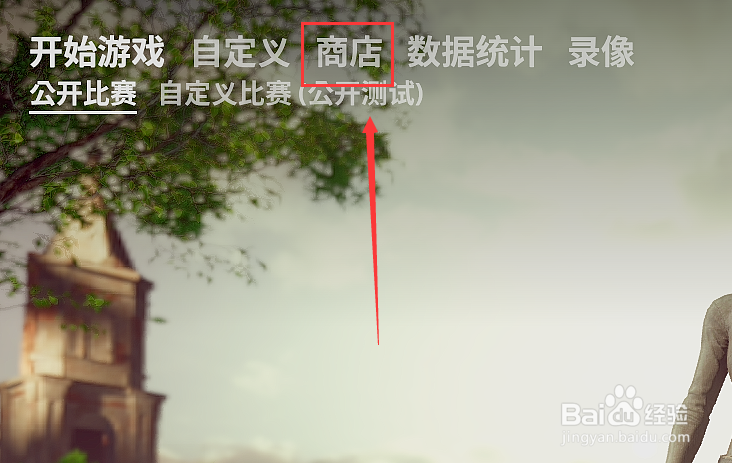
1、绝地求生中钥匙宝箱如何打开 点击打开商店
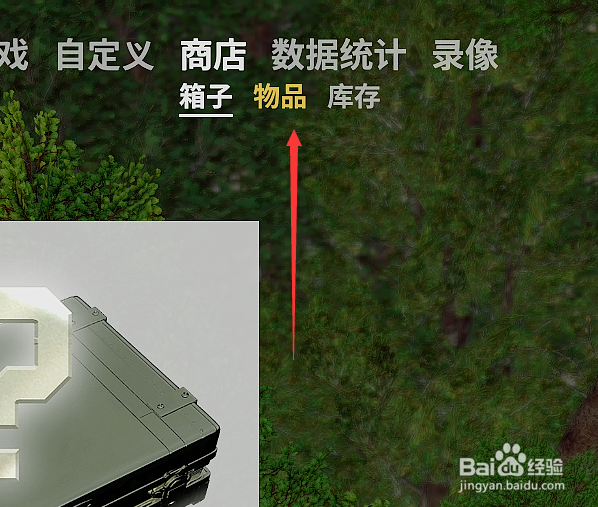
2、选择物品 钥匙宝箱打开需要钥匙
3、选择购买钥匙进行打开
注意的是这里所购买的钥匙要同指定宝箱一样

4、同时我们可以选择在宝箱上点击打开进行购买

5、打开所需宝箱 点击购买钥匙

6、点击确认 自动跳转steam商城界面
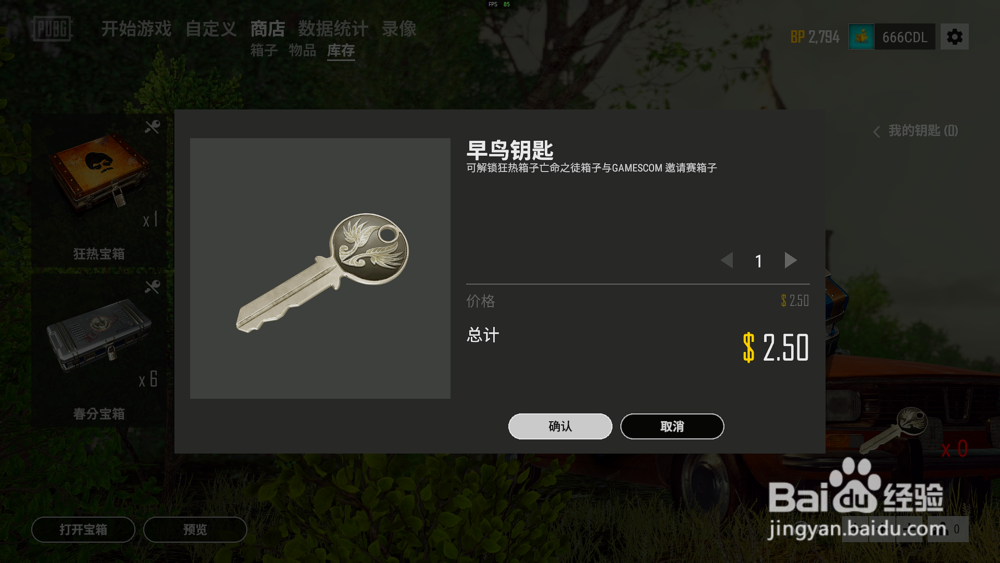
7、同时可以直接选择steam商城进行购买

时间:2026-05-03 20:09:14
1、绝地求生中钥匙宝箱如何打开 点击打开商店
2、选择物品 钥匙宝箱打开需要钥匙
3、选择购买钥匙进行打开
注意的是这里所购买的钥匙要同指定宝箱一样
4、同时我们可以选择在宝箱上点击打开进行购买
5、打开所需宝箱 点击购买钥匙
6、点击确认 自动跳转steam商城界面
7、同时可以直接选择steam商城进行购买
