微信上如何设置回车键发送消息

 时间:2024-10-16 18:56:33

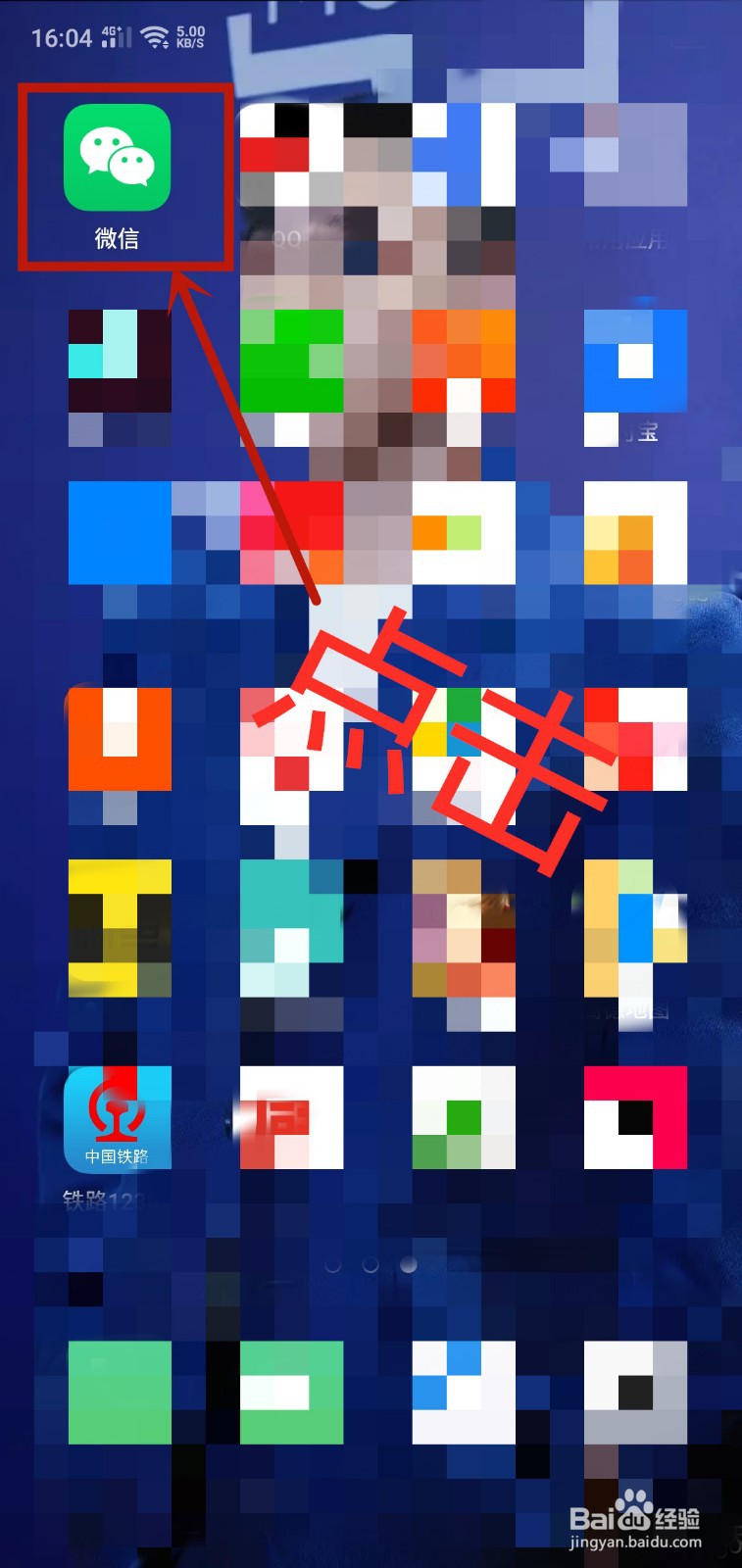
1、在手机桌面上找到微信APP并打开它

微信上如何设置回车键发送消息

2、点击右下角的坐标“我”

微信上如何设置回车键发送消息

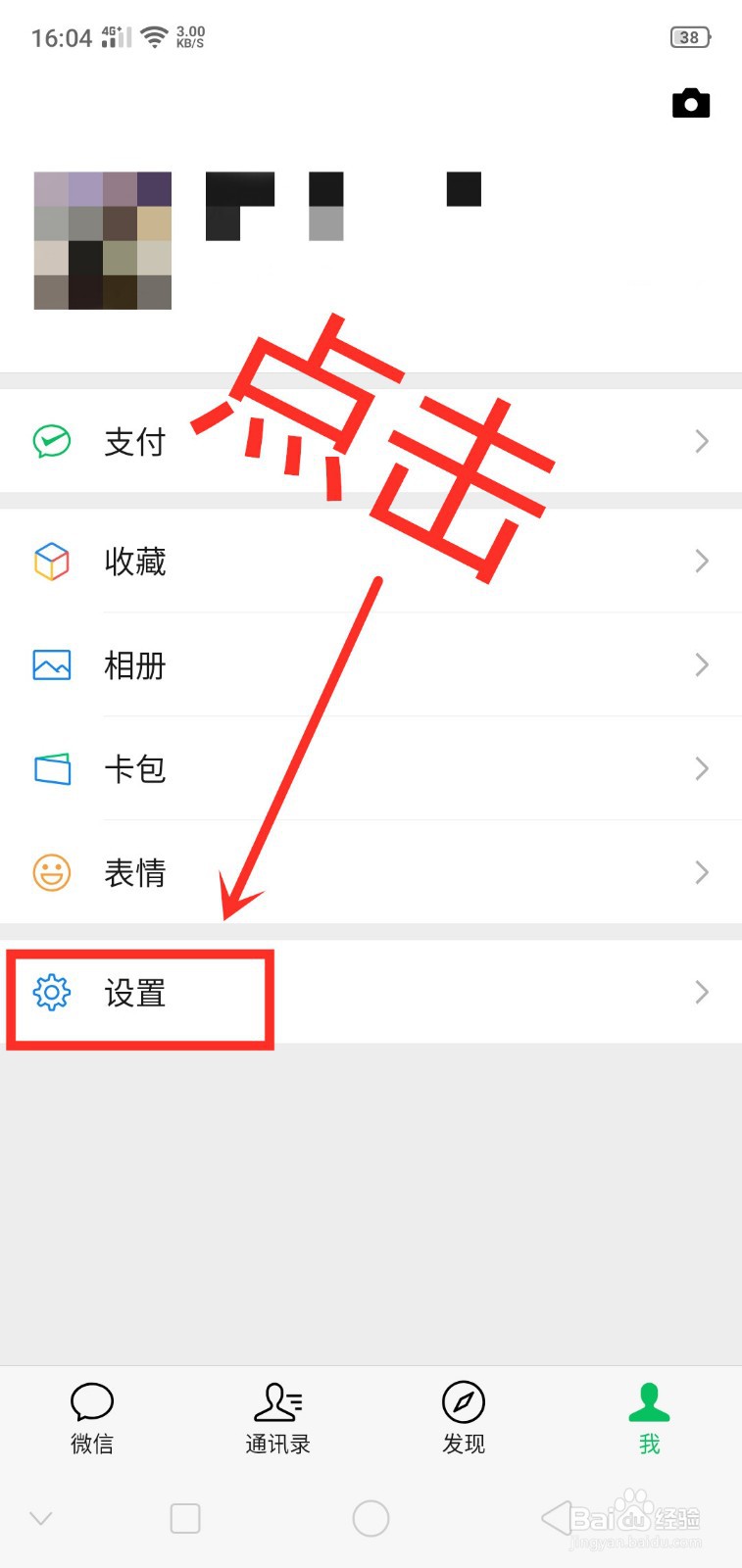
3、点击“设置”

微信上如何设置回车键发送消息

4、点击“聊天”

微信上如何设置回车键发送消息

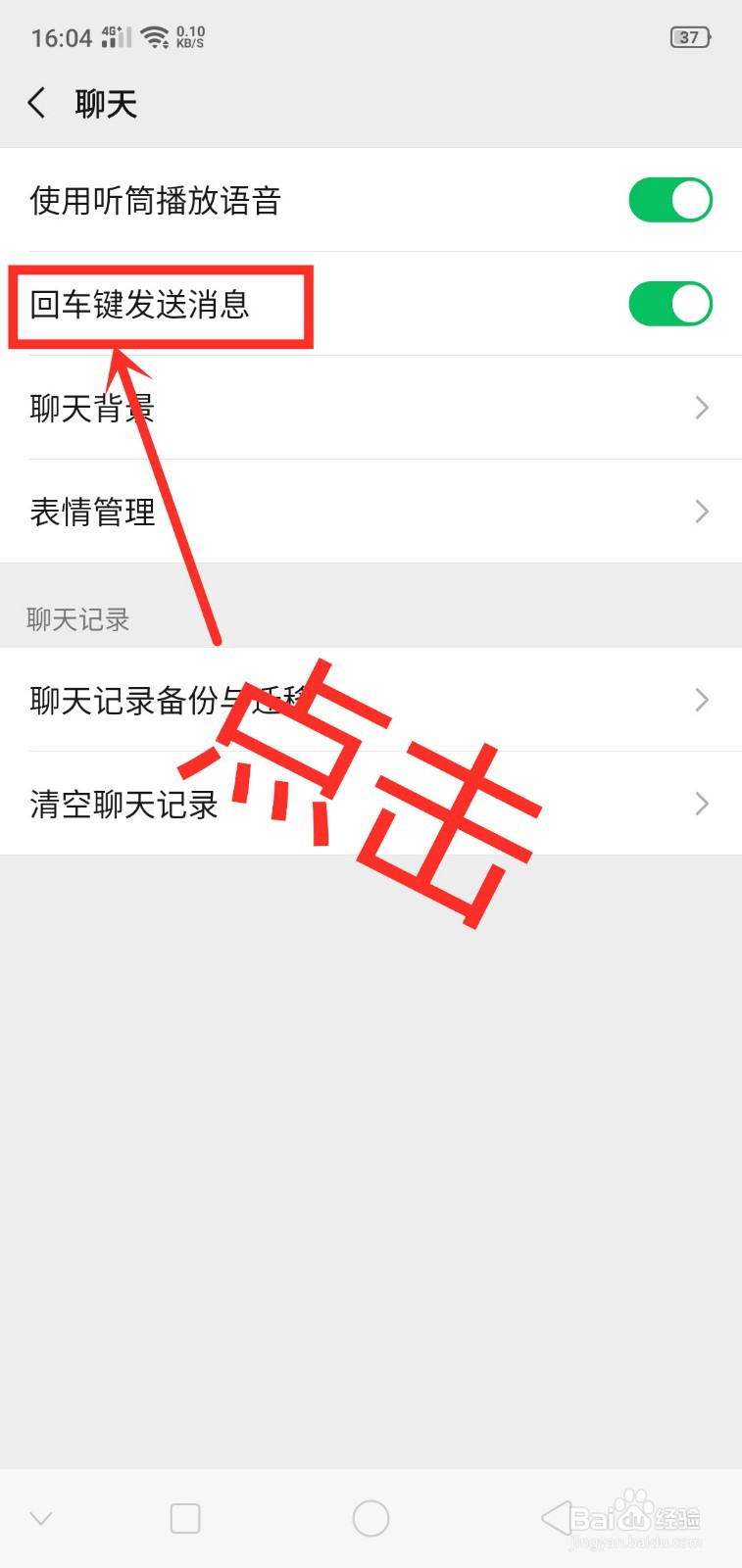
5、点击开启“回车键发送消息”

微信上如何设置回车键发送消息

6、点击关闭“回车键发送消息”

微信上如何设置回车键发送消息
  • QQ如何设置回车键发送消息
  • 微信如何设置回车键发送消息
  • 微信如何设置回车键发送消息?
  • 微信如何设置回车键发送消息
  • 微信如何设置回车键发送消息
  • 热门搜索
    自动挡的车怎么开 怎么截图 马桶漏水怎么办 约克空调怎么样 wis护肤品怎么样 网线断了怎么接 脚崴了怎么快速恢复 brother怎么读 喜鹊怎么叫 冢怎么读音是什么