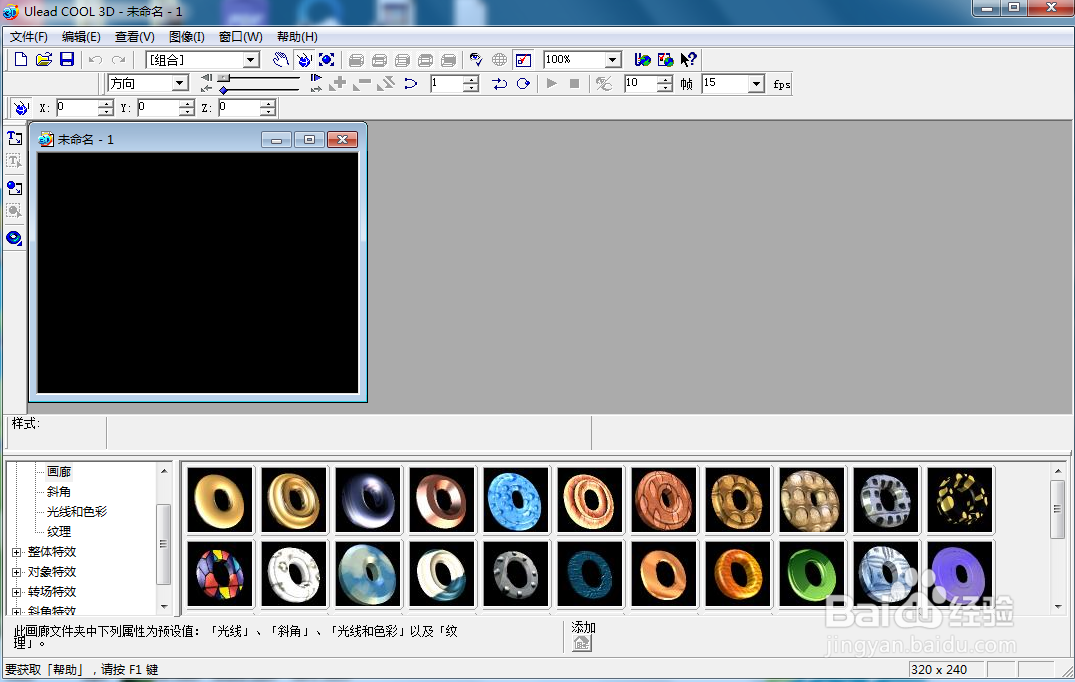
1、打开ulead cool 3d,进入其主界面;
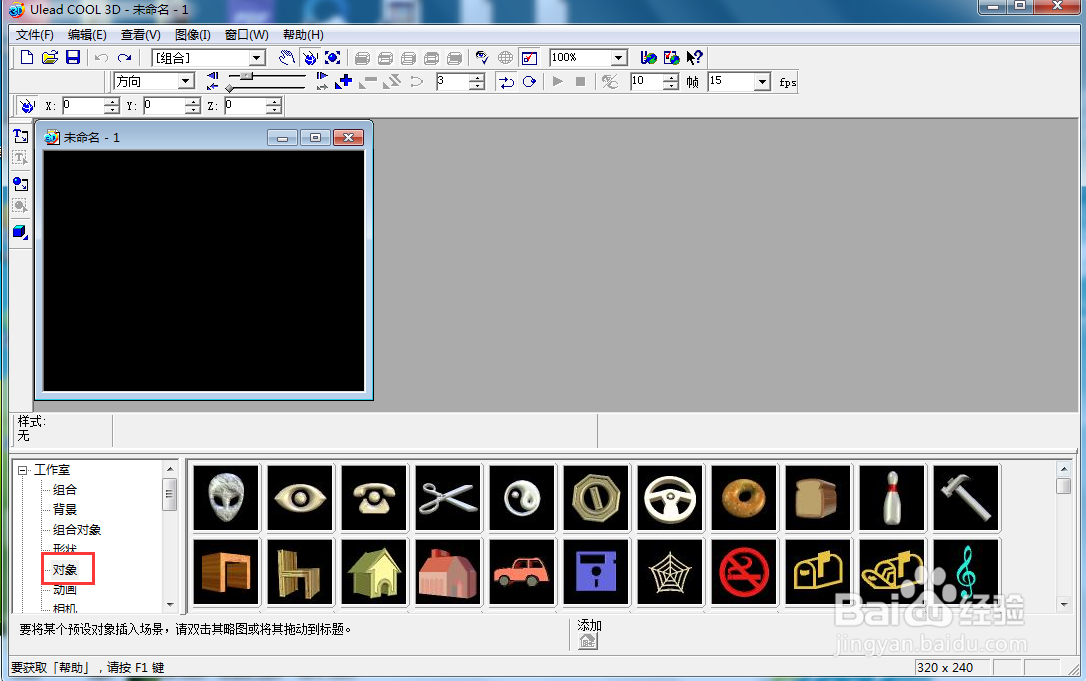
2、用鼠标双击工作室,在打开的子菜单中点击对象;
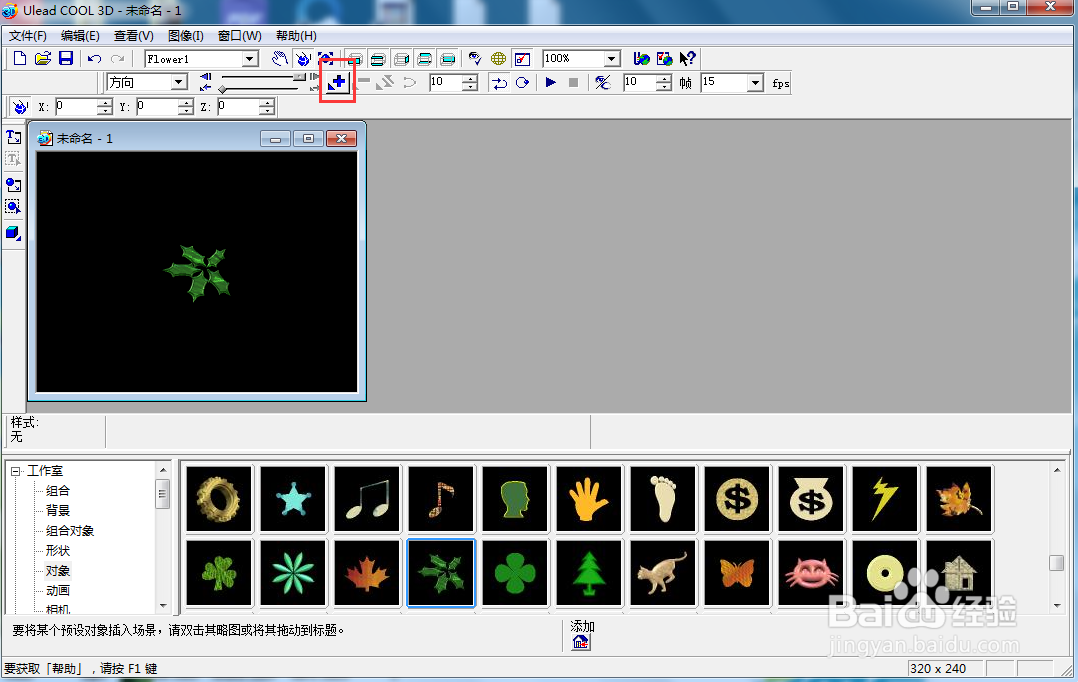
3、找到并双击绿色花,将它添加到舞台上;

4、将时间轴控件移到右边,点击添加关键帧;
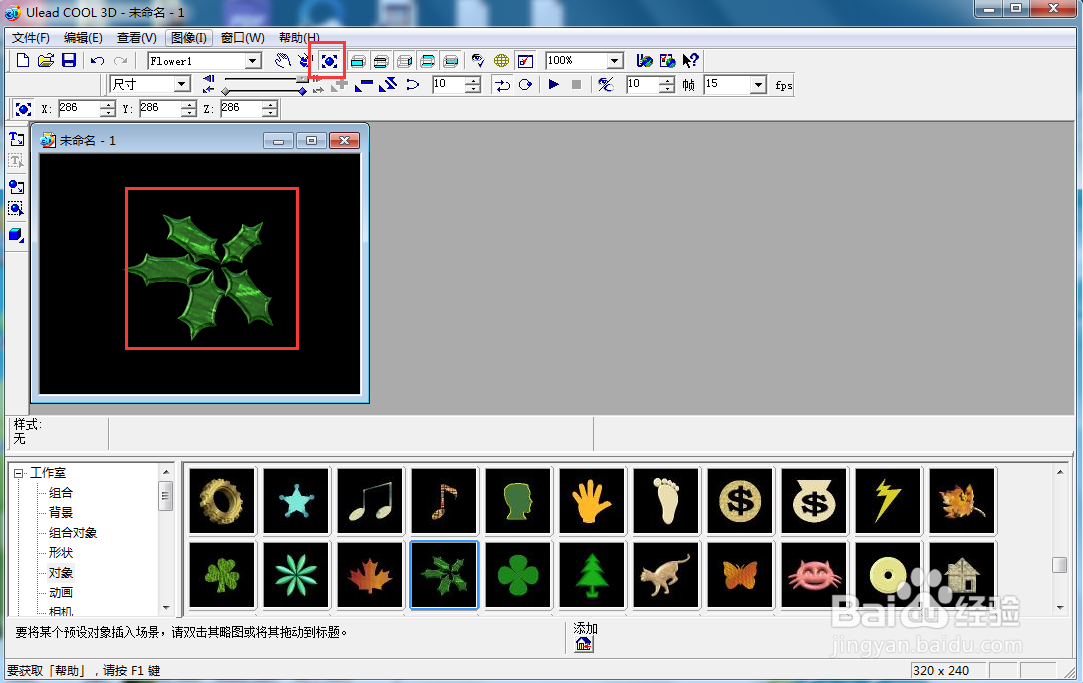
5、点击大小,向外移动鼠标,将绿色花放大一些;
6、点击对象特效,选择部件旋转,添加一种旋转样式;
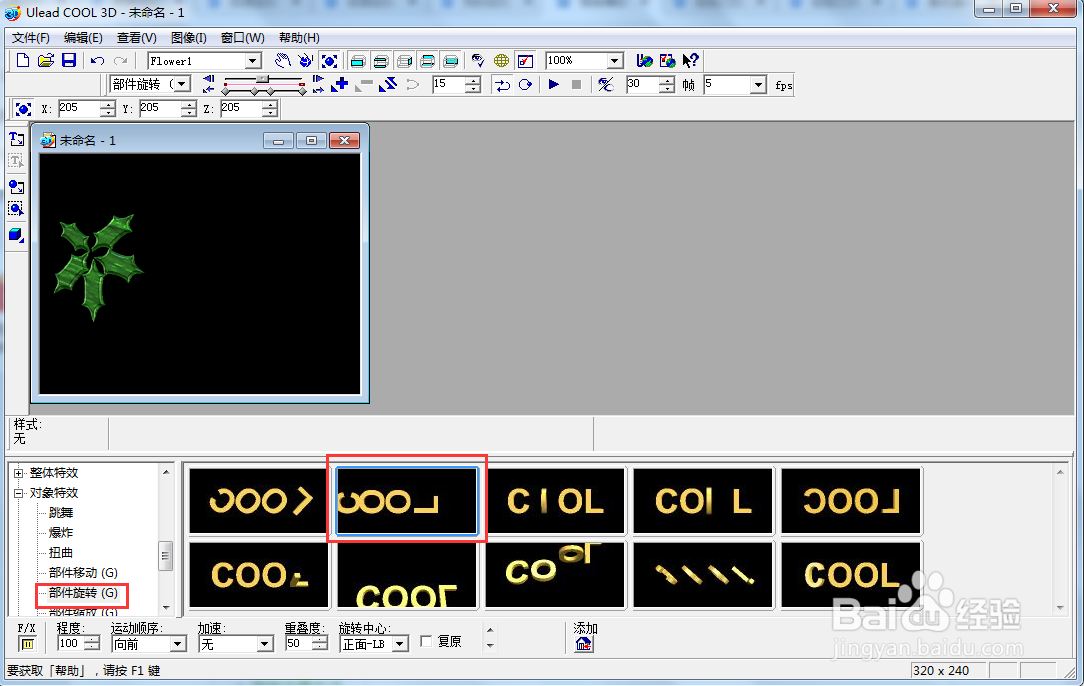
7、我们就给绿色花添加上了放大旋转特效,其动态效果如下。

时间:2026-04-22 16:18:45
1、打开ulead cool 3d,进入其主界面;
2、用鼠标双击工作室,在打开的子菜单中点击对象;
3、找到并双击绿色花,将它添加到舞台上;
4、将时间轴控件移到右边,点击添加关键帧;
5、点击大小,向外移动鼠标,将绿色花放大一些;
6、点击对象特效,选择部件旋转,添加一种旋转样式;
7、我们就给绿色花添加上了放大旋转特效,其动态效果如下。
