1、首先下载并安装“360驱动大师”。


2、安装后“360驱动大师"会自动检测电脑上的驱动。

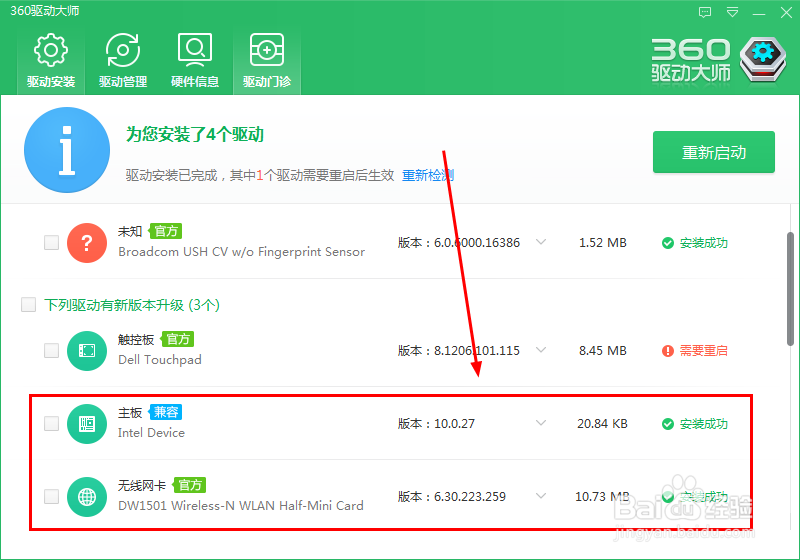
3、触摸板驱动前面打钩,然后单击”一键安装“


4、重新启动后Dell Touchpad Driver(戴尔触摸板驱动程序)更新完成。

5、打开Dell Touchpad戴尔触摸板

6、配置Dell Touchpad的灵敏度、滚动和缩放、手势,配置完成后单击”保存“。


时间:2026-04-24 14:25:58
1、首先下载并安装“360驱动大师”。
2、安装后“360驱动大师"会自动检测电脑上的驱动。
3、触摸板驱动前面打钩,然后单击”一键安装“
4、重新启动后Dell Touchpad Driver(戴尔触摸板驱动程序)更新完成。
5、打开Dell Touchpad戴尔触摸板
6、配置Dell Touchpad的灵敏度、滚动和缩放、手势,配置完成后单击”保存“。
