1、首先放上棕色图形,放在整个拼图的底端右侧,如图所示。

2、接着放上紫色图形,放在棕色图形的左侧挨着,如图。

3、紧接着放上蓝色图形,放在紫色图形的上面挨着,如图。
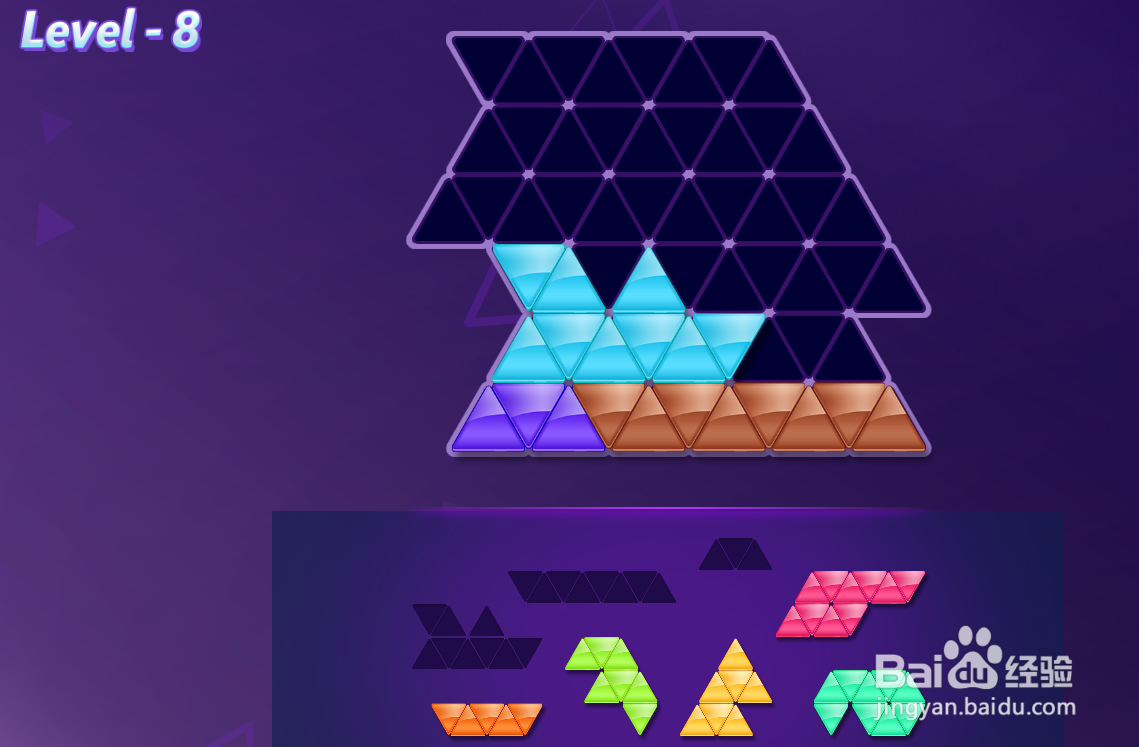
4、然后放上黄色图形,放在蓝色图形的右侧挨着,如图。
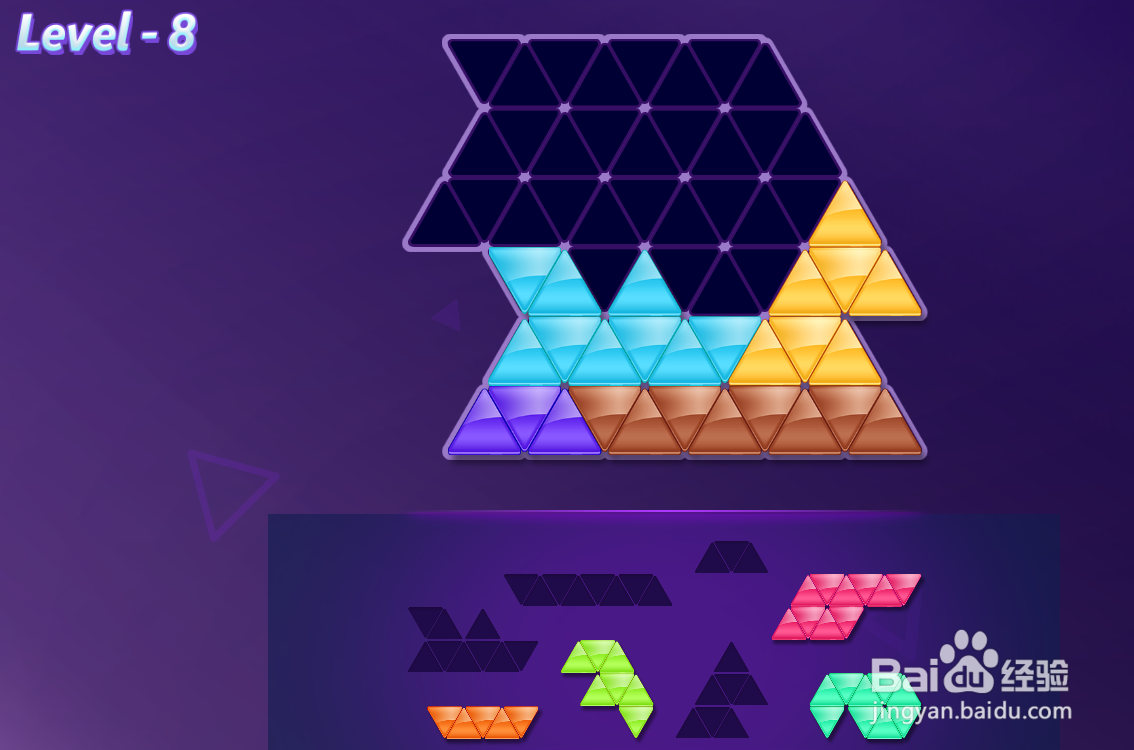
5、接着放上亮绿色图形,放在蓝色图形的上面挨着,如图。

6、紧接着放上绿色图形,放在亮绿色图形的右上挨着,如图。

7、放上红色图形,放在亮绿色图形的左上挨着,如图。

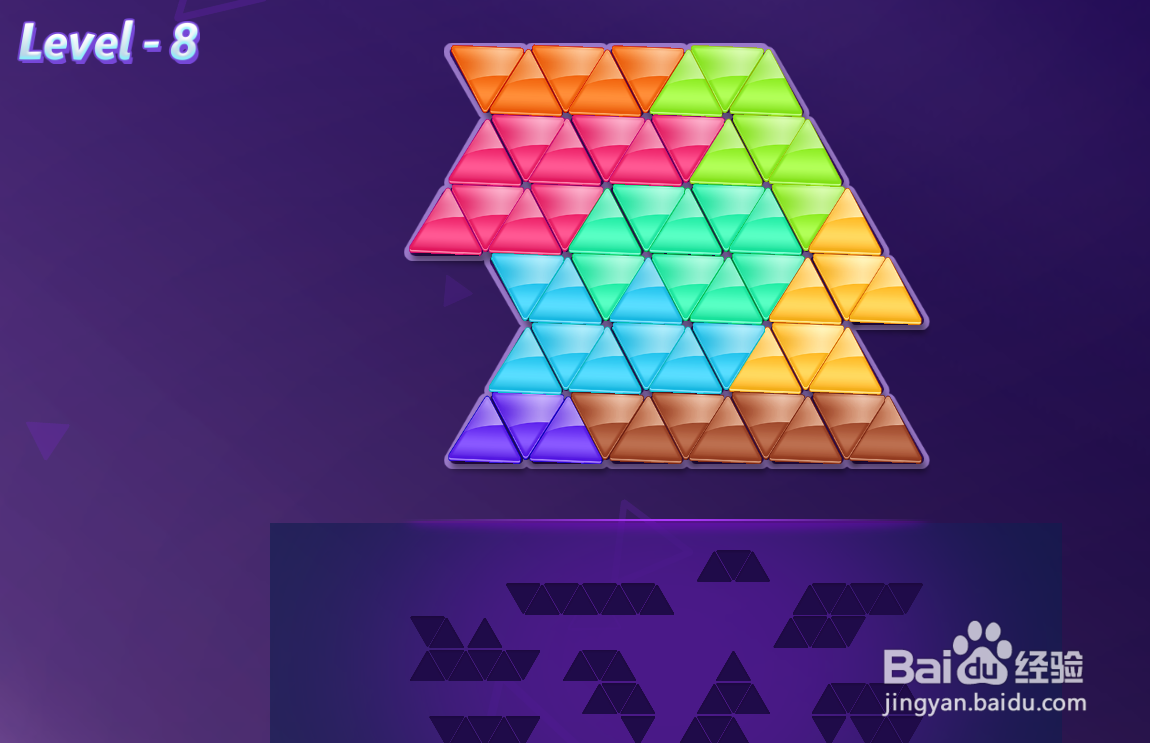
8、最后放上橙色图形,放在红色图形的上面挨着,如图,这样就过关了。
时间:2026-04-26 19:34:34
1、首先放上棕色图形,放在整个拼图的底端右侧,如图所示。
2、接着放上紫色图形,放在棕色图形的左侧挨着,如图。
3、紧接着放上蓝色图形,放在紫色图形的上面挨着,如图。
4、然后放上黄色图形,放在蓝色图形的右侧挨着,如图。
5、接着放上亮绿色图形,放在蓝色图形的上面挨着,如图。
6、紧接着放上绿色图形,放在亮绿色图形的右上挨着,如图。
7、放上红色图形,放在亮绿色图形的左上挨着,如图。
8、最后放上橙色图形,放在红色图形的上面挨着,如图,这样就过关了。
