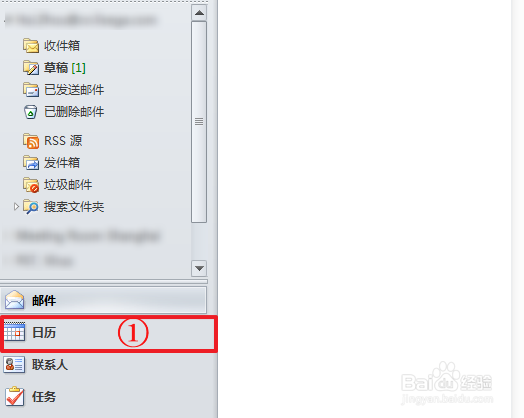
1、Click Calendar
点击日历
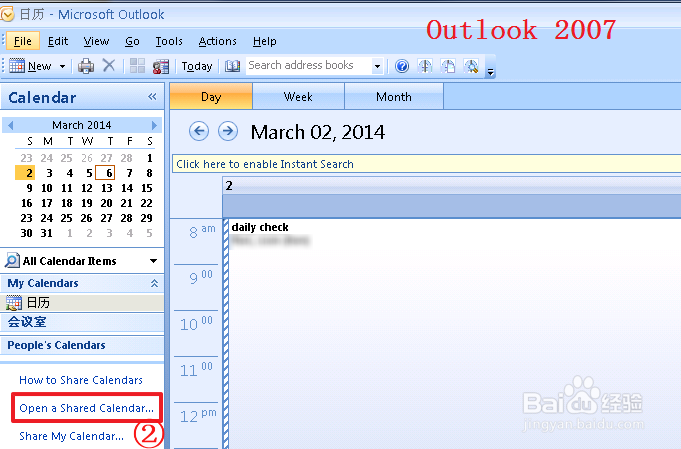
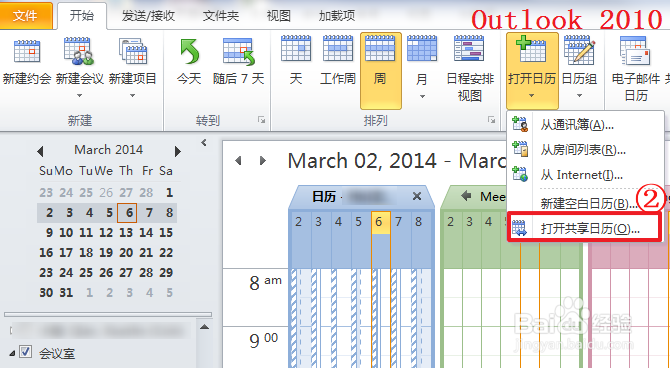
2、Click Open a Shared Calendar...
点击打开共享日历
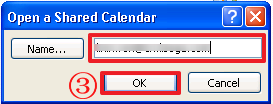
3、Type the email address or you can select from the address book, Click OK
输入邮箱地址或者你也可以从通讯录中选择,点击确定
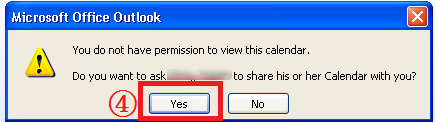
4、Click Yes
点击是
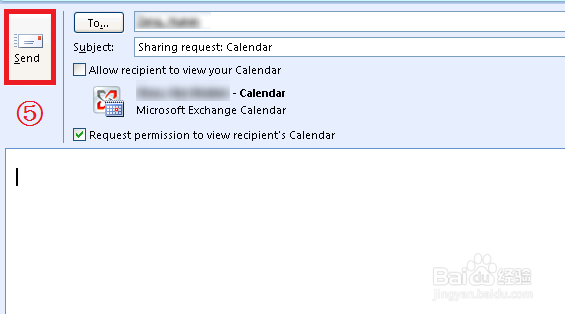
5、Click Send
点击发送
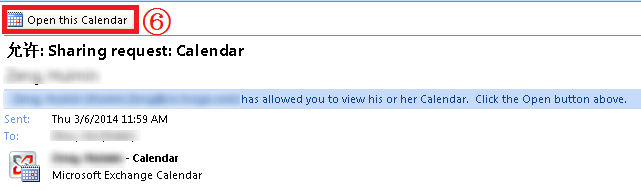
6、After the person whose calendar you want to open grant you permission to view it, you will receive a message, then click Open this Calendar.
对方同意你查看他的日历之后,你将收到一条消息,然后点击打开日历