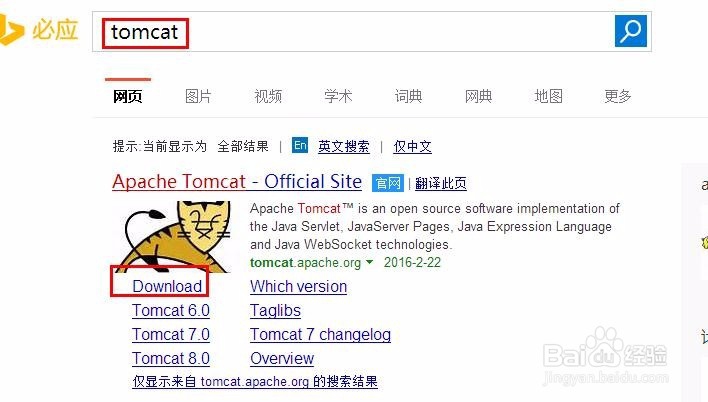
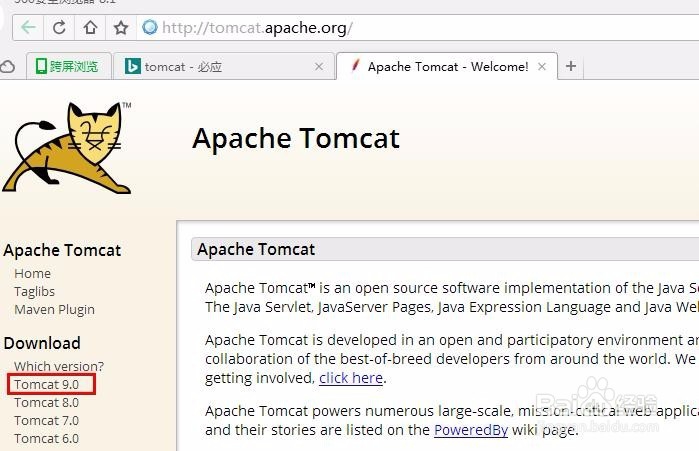
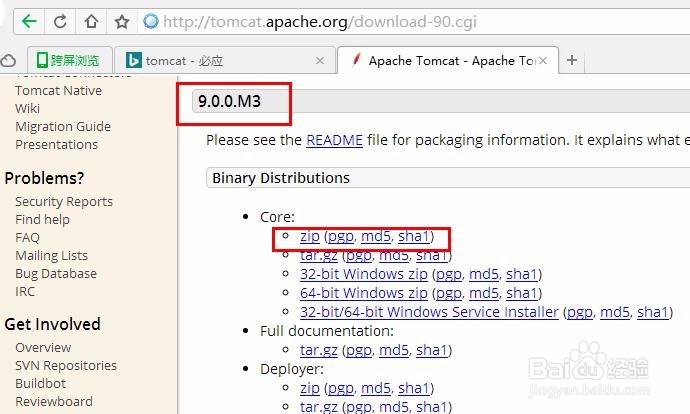
1、下载Tomcat。
按图所示,Step by step下载Tomcat 9
2、解压下载的文件apache-tomcat-9.0.0.M3.zip
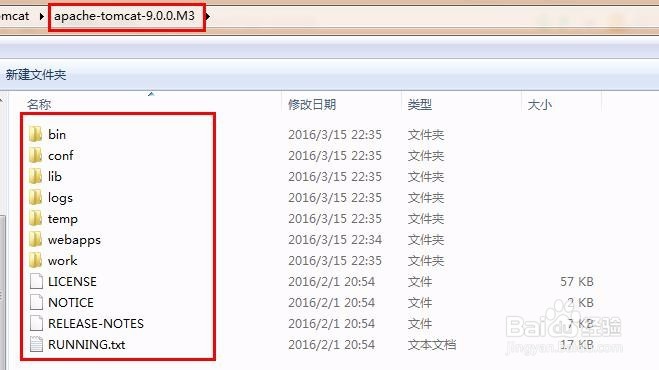
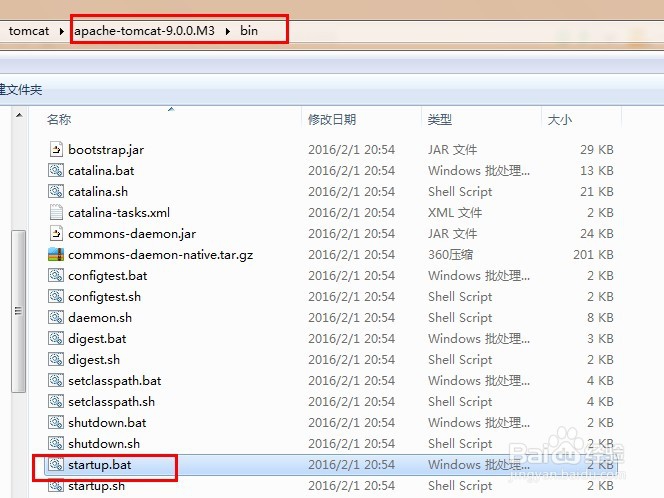
3、启动tomcat。
进入apache-tomcat-9.0.0.M3下的bin目录,双击startup.bat
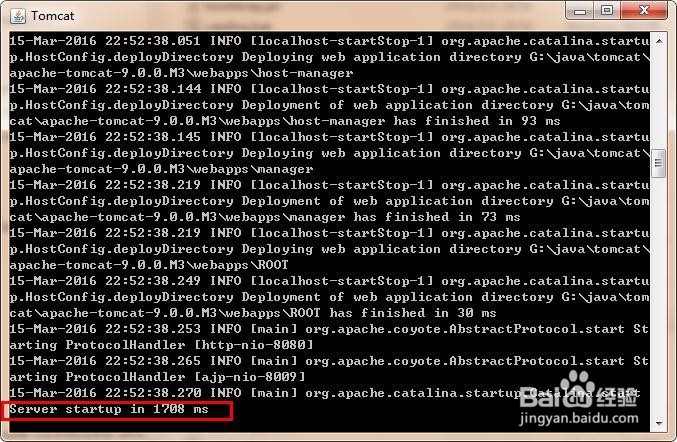
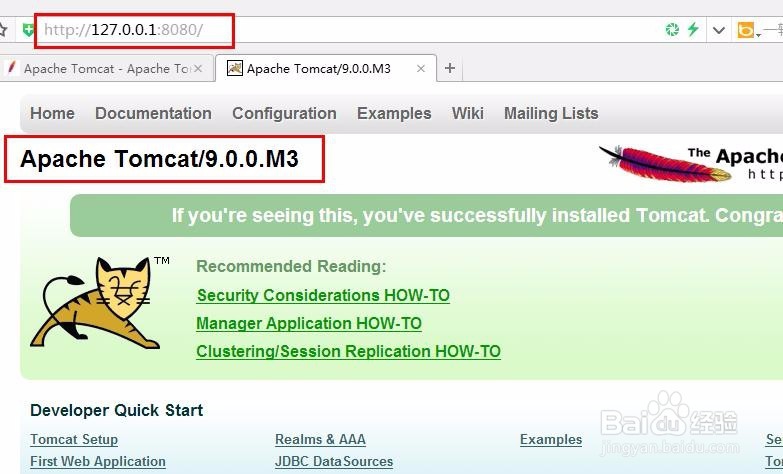
4、在浏览器中的输入127.0.0.1:8080,回车。
查看tomcat是否启动成功。
看到熟悉的小猫,启动成功了!
5、查看tomcat服务器的最大连接数。
进入apache-tomcat-9.0.0.M3目录,打开conf目录下的配置文件server.xml
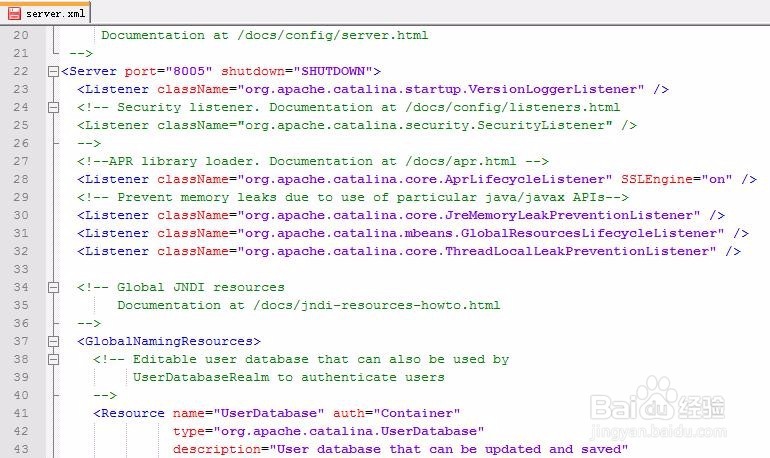
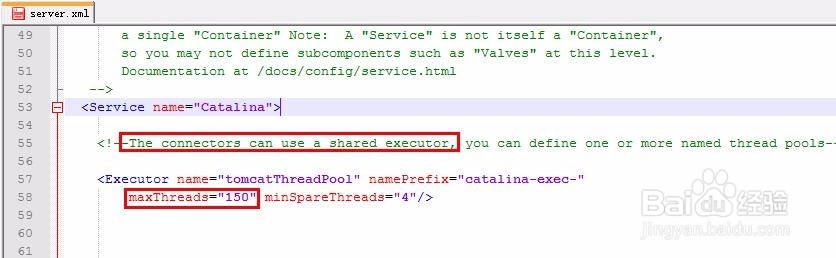
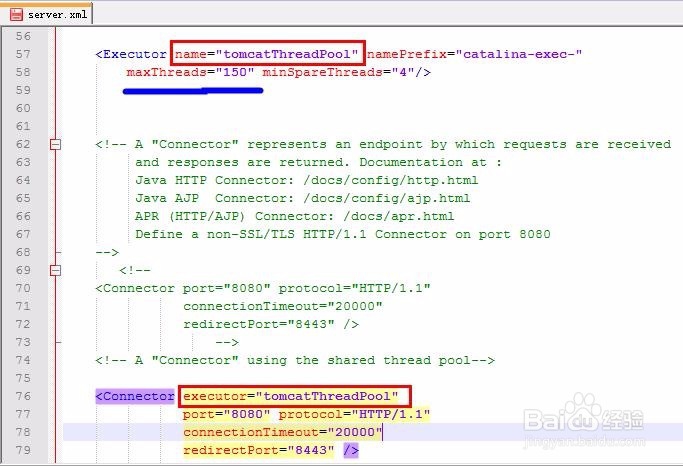
6、找到涉及到最大连接数的配置项:
<!--The connectors can use a shared executor, you can define one or more named thread pools-->
<Executor name="tomcatThreadPool" namePrefix="catalina-exec-"
maxThreads="150" minSpareThreads="4"/>
<!-- A "Connector" using the shared thread pool-->
<Connector executor="tomcatThreadPool"
port="8080" protocol="HTTP/1.1"
connectionTimeout="20000"
redirectPort="8443" />