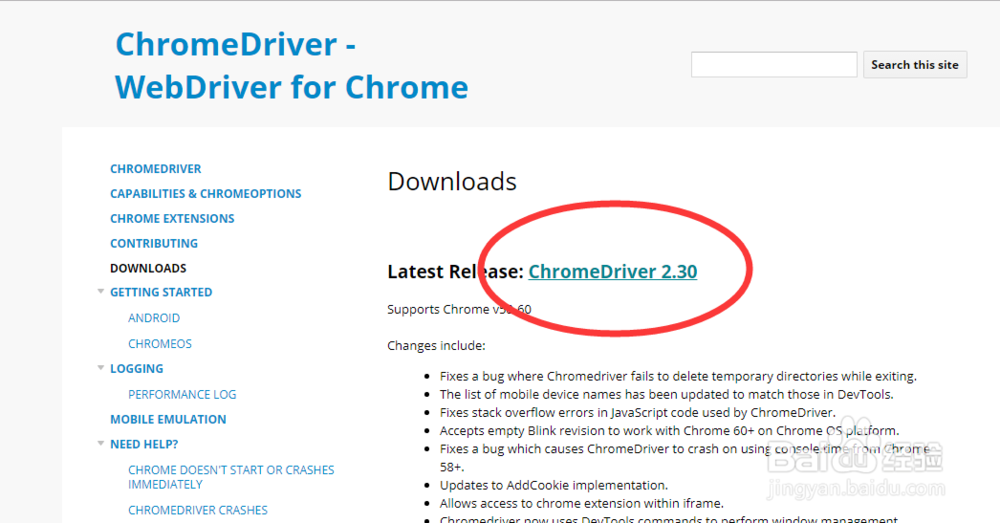
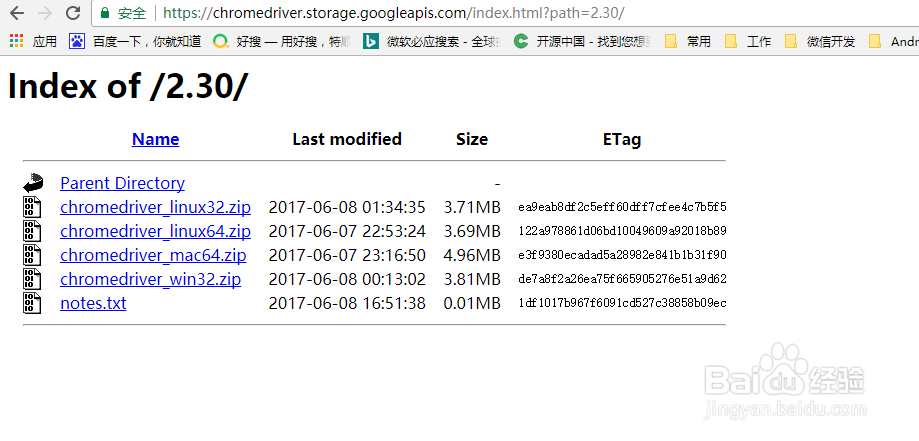
1、下载chrome driver
chromedriver下载地址:https://sites.google.com/a/chromium.org/chromedriver/downloads
2、代码中手动设置chrome driver的路径:
from selenium import webdriver
import os
chromeDriver = "D:\...\chromedriver_win32\chromedriver.exe"
os.environ["webdriver.chrome.driver"] = chromeDriver
brower = webdriver.Chrome(chromeDriver)
brower.get("https://www.baidu.com")
