向中文 Win 10 的 Outlook 中添加 exchange

 时间:2026-02-12 12:57:56

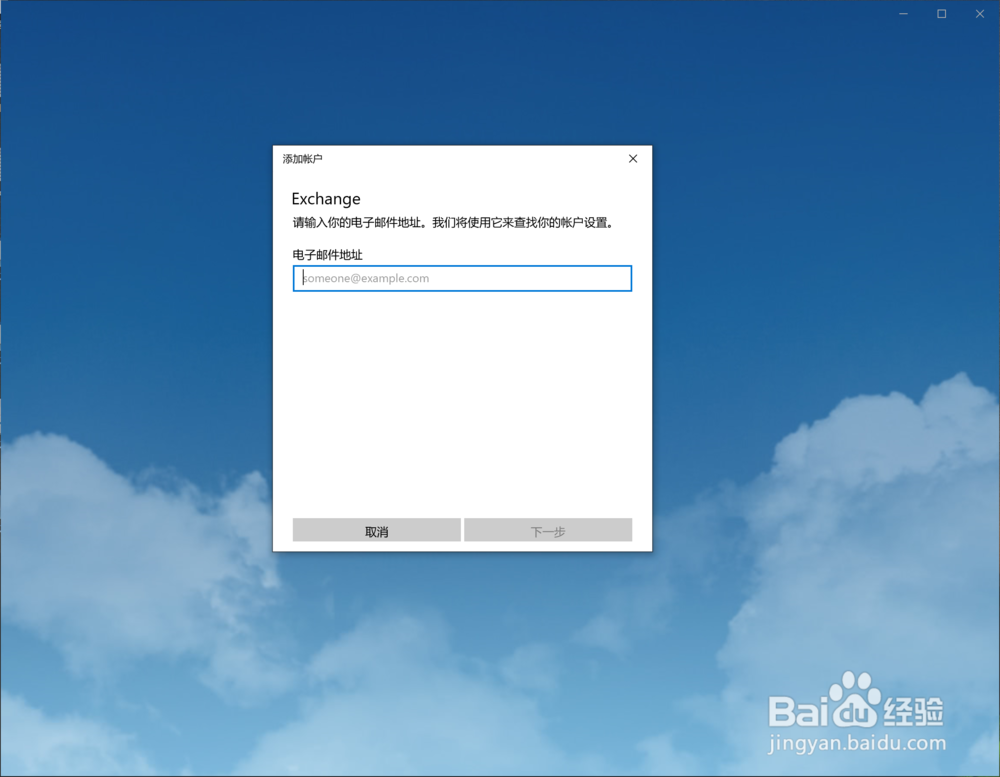
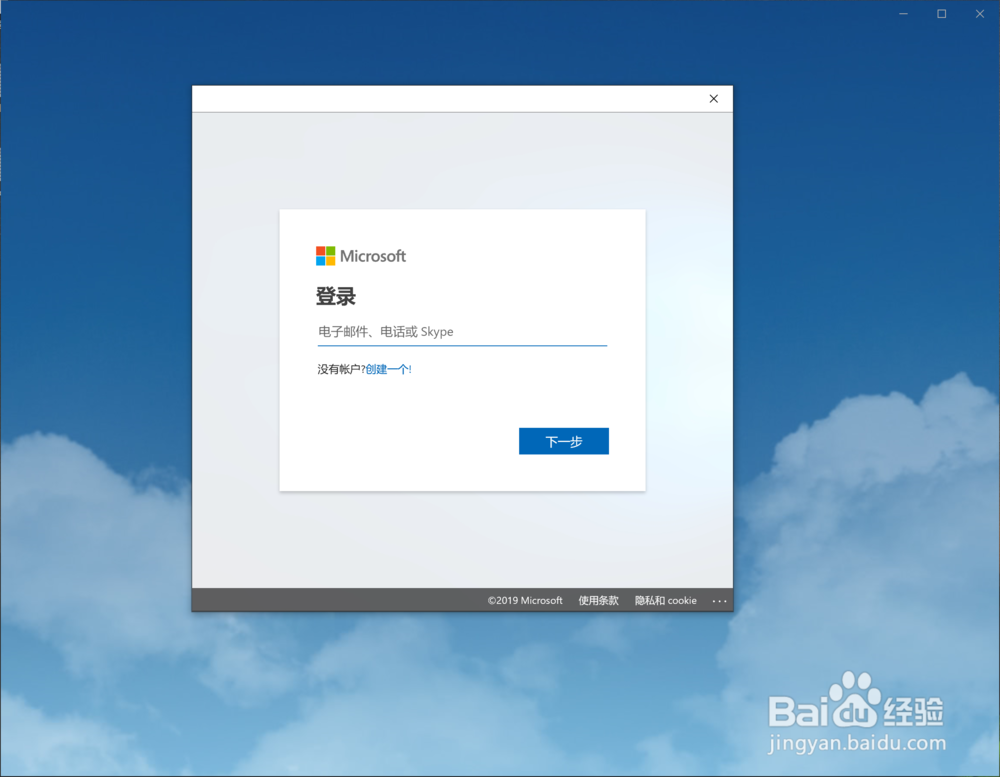
1、打开中文 Win 10 的 Outlook,界面是这样的
向中文 Win 10 的 Outlook 中添加 exchange

2、既然让填写电子邮件地址,那么咱们就填写

向中文 Win 10 的 Outlook 中添加 exchange

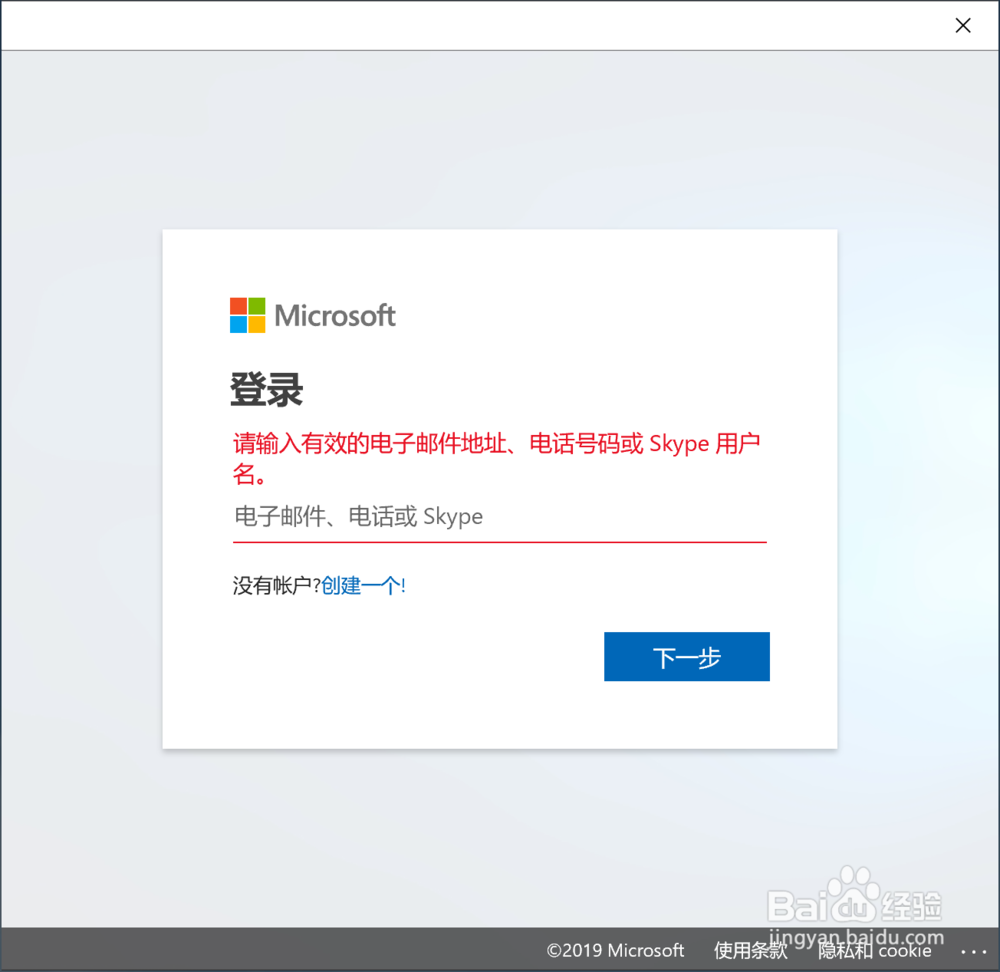
3、注意,填写的地址必须是 exchange 类型的

向中文 Win 10 的 Outlook 中添加 exchange

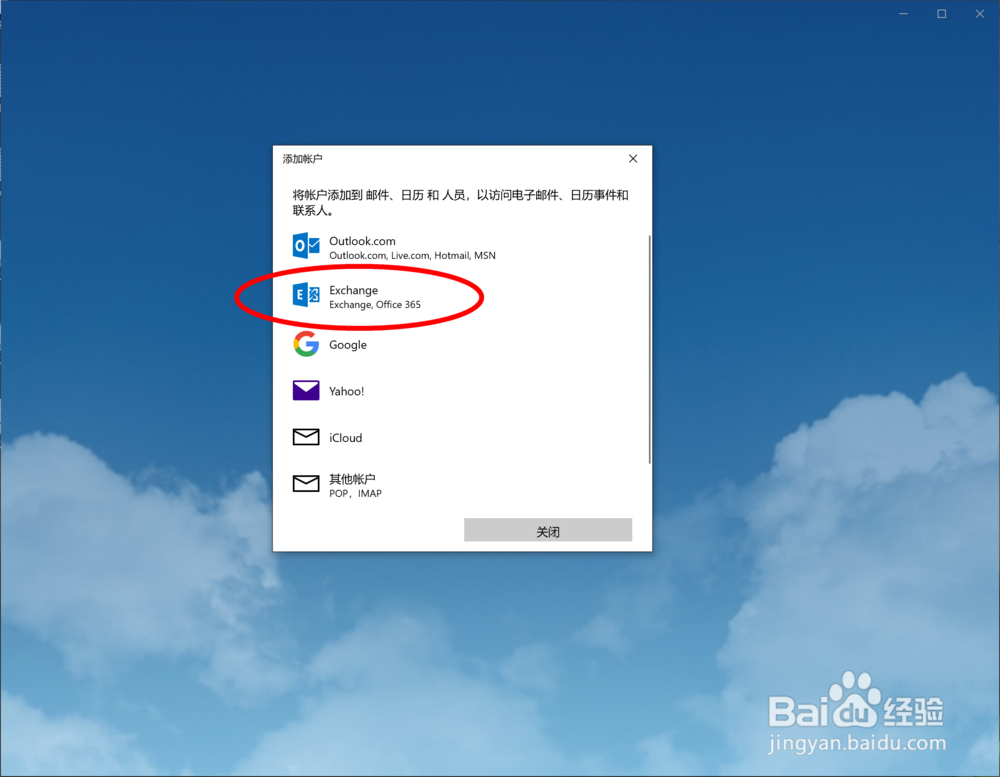
4、这要求咱们一开始选择的就是对的类型

向中文 Win 10 的 Outlook 中添加 exchange

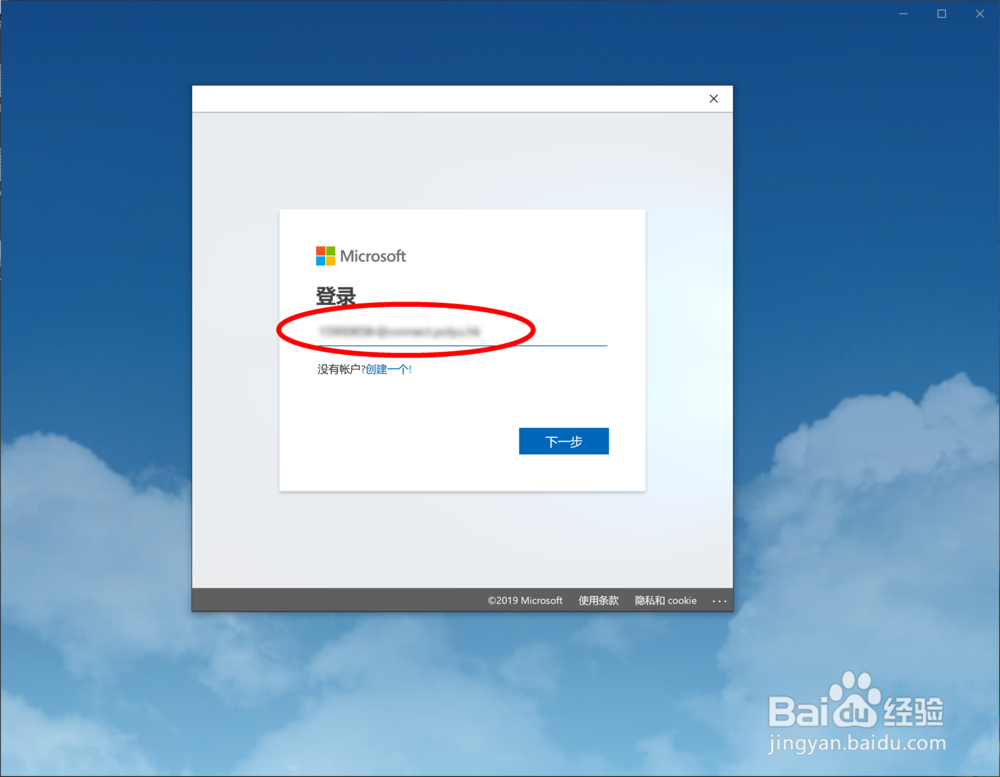
5、然后输入正确的地址

向中文 Win 10 的 Outlook 中添加 exchange

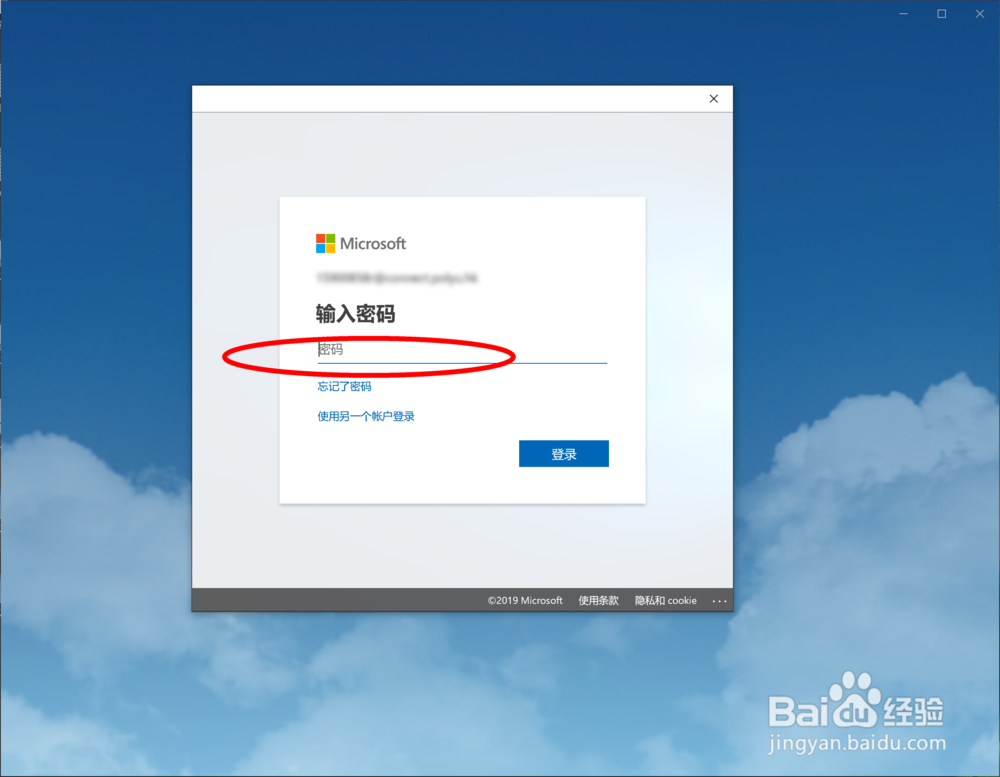
6、最后给出密码

向中文 Win 10 的 Outlook 中添加 exchange

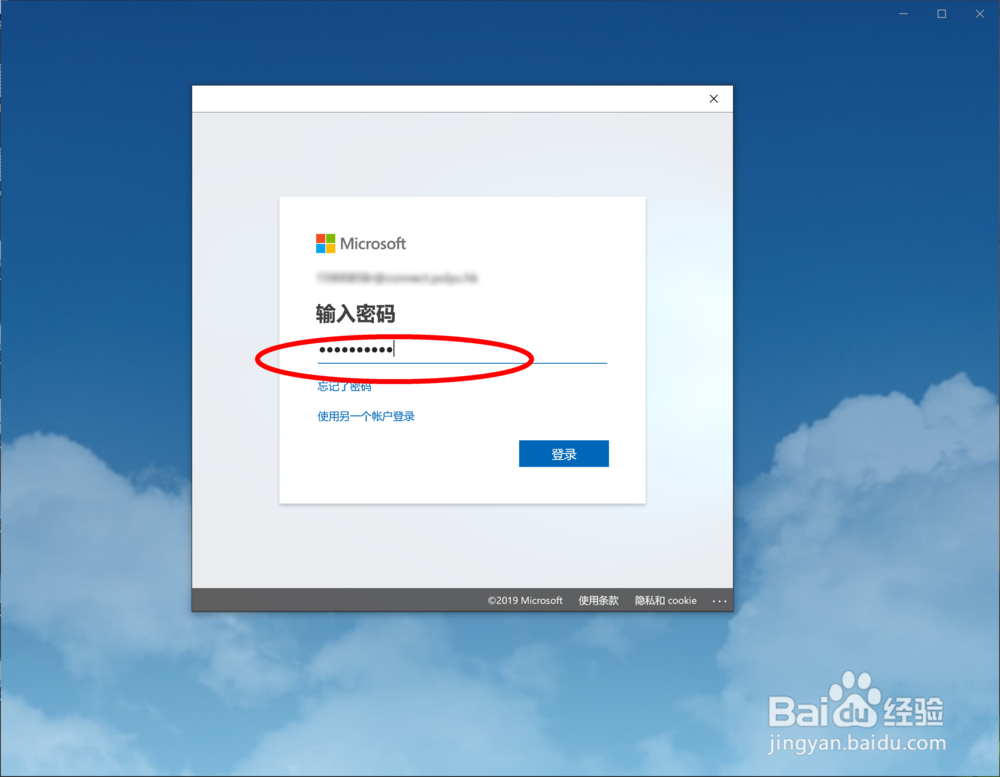
7、我这里已经输入了密码,点击【登陆】即可

向中文 Win 10 的 Outlook 中添加 exchange

  • 苹果13怎样配置日历为日本日历属性值
  • Symantec企业版如何设置USB只读不可写功能策略
  • WPS表格如何设置宏安全性?
  • 怎么在FireFox浏览器设置访问网站仅 HTTPS 模式
  • 如何清除Foxmail账户口令
  • 热门搜索
    太平保险怎么样 胸口闷是怎么回事 怎么样补肾 东方爱婴怎么样 微商代理怎么找货源 电脑无法开机怎么办 basketball怎么读 韩语你好怎么写 怎么折戒指 小孩子发烧怎么办