Adobe Acrobat DC中PDF转word失败的解决方法

 时间:2026-04-27 20:10:52

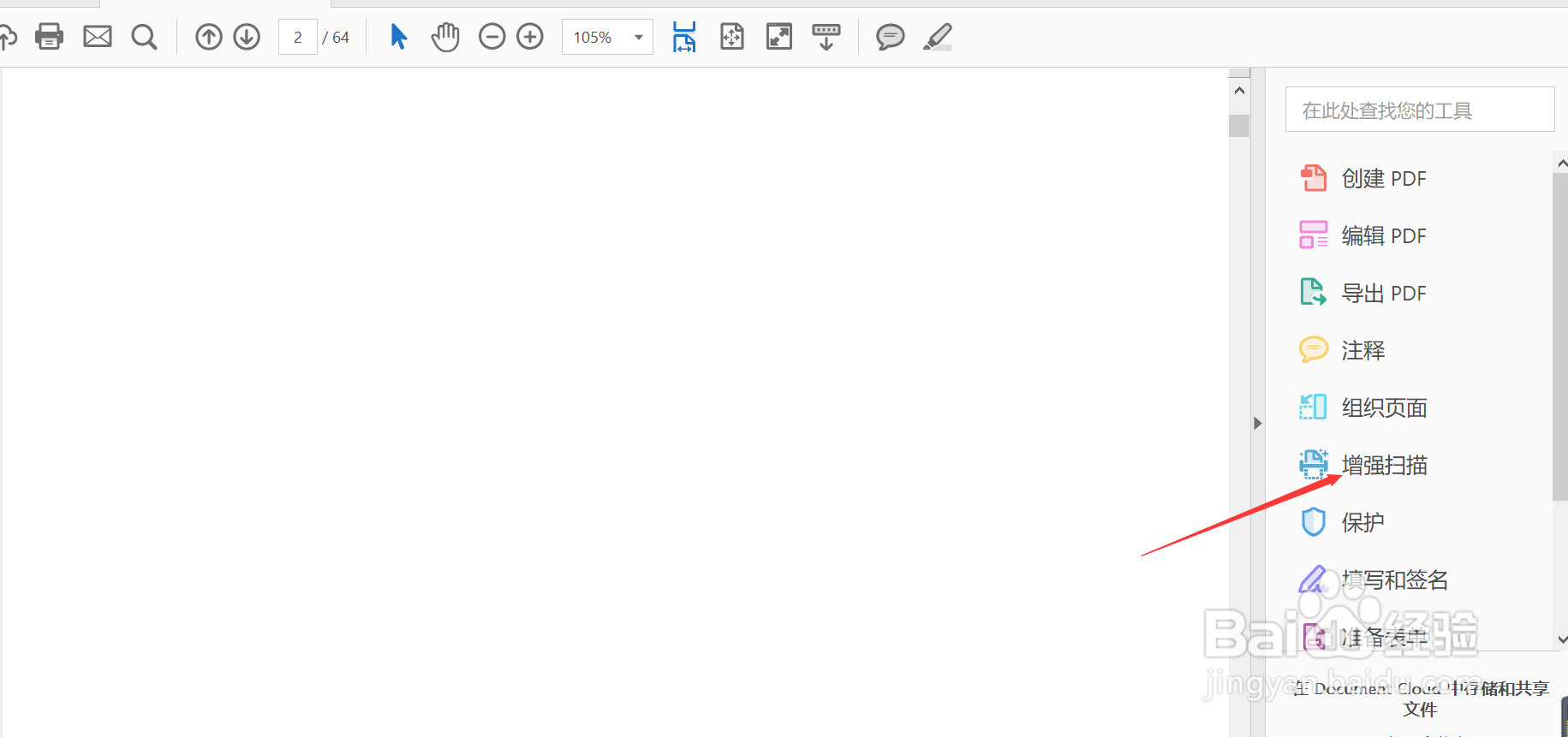
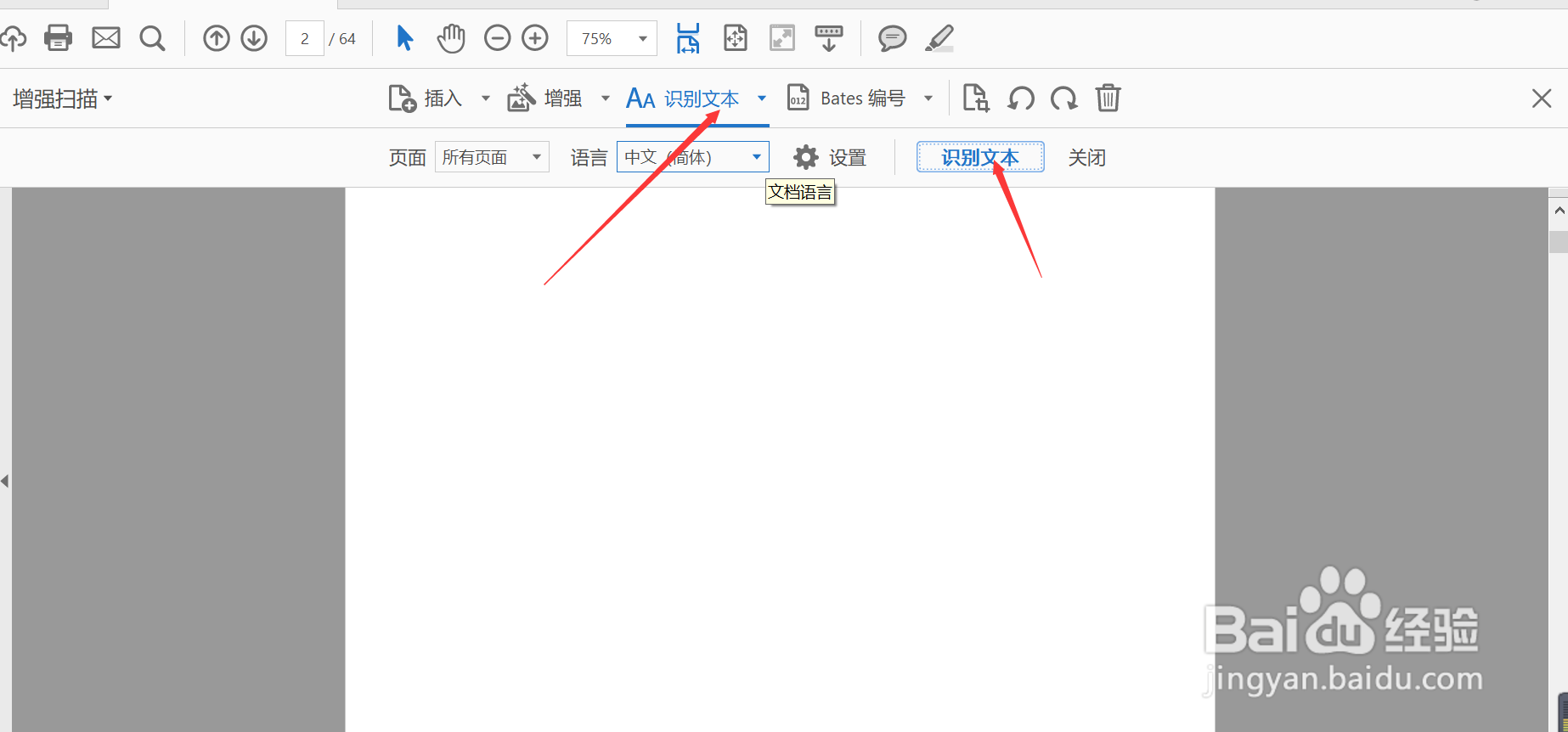
1、首先,用Adobe Acrobat DC打开文档,选择增强扫描——识别文本——在本文件中——识别文本
Adobe Acrobat DC中PDF转word失败的解决方法

Adobe Acrobat DC中PDF转word失败的解决方法

2、1.     第二步 菜单栏选择 编辑——首选项

Adobe Acrobat DC中PDF转word失败的解决方法

3、在首选项界面,种类选择“文档”,勾选“关闭文档时删除隐藏信息”,点击确定。

Adobe Acrobat DC中PDF转word失败的解决方法

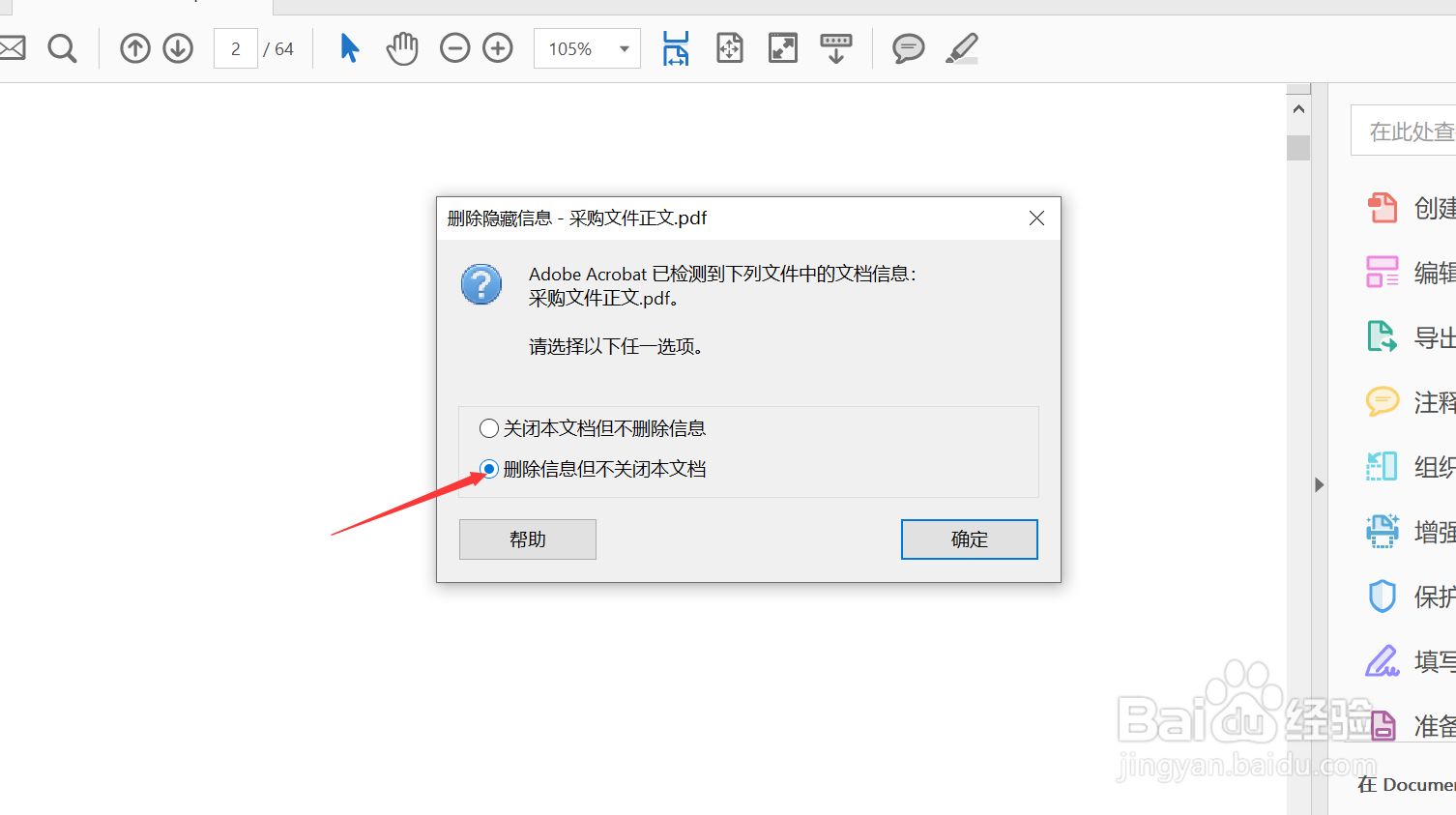
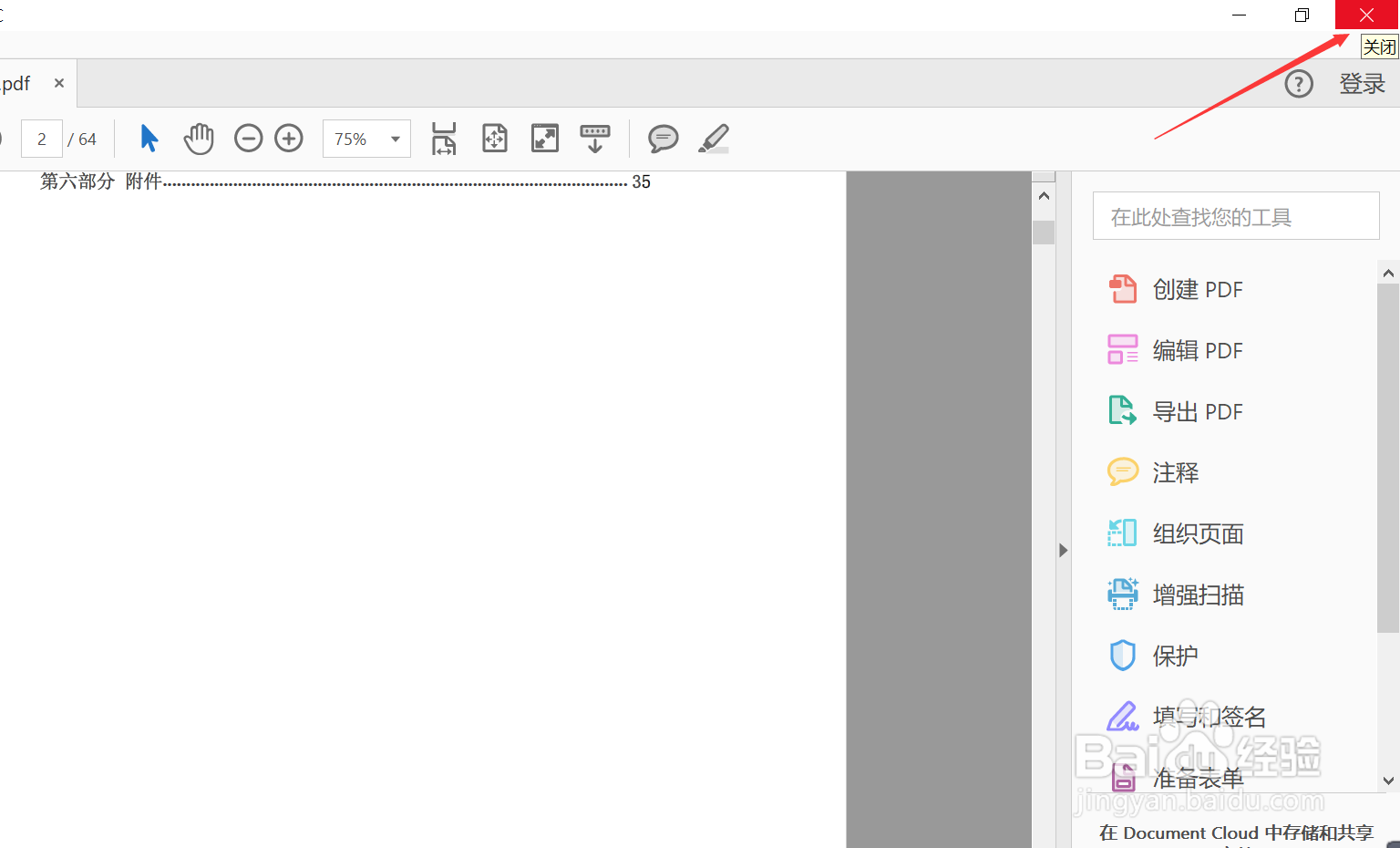
4、点击PDF右上角关闭按钮,弹出关于删除隐藏信息的对话框,选择删除信息但不关闭本对话框,点击确定。
Adobe Acrobat DC中PDF转word失败的解决方法

Adobe Acrobat DC中PDF转word失败的解决方法

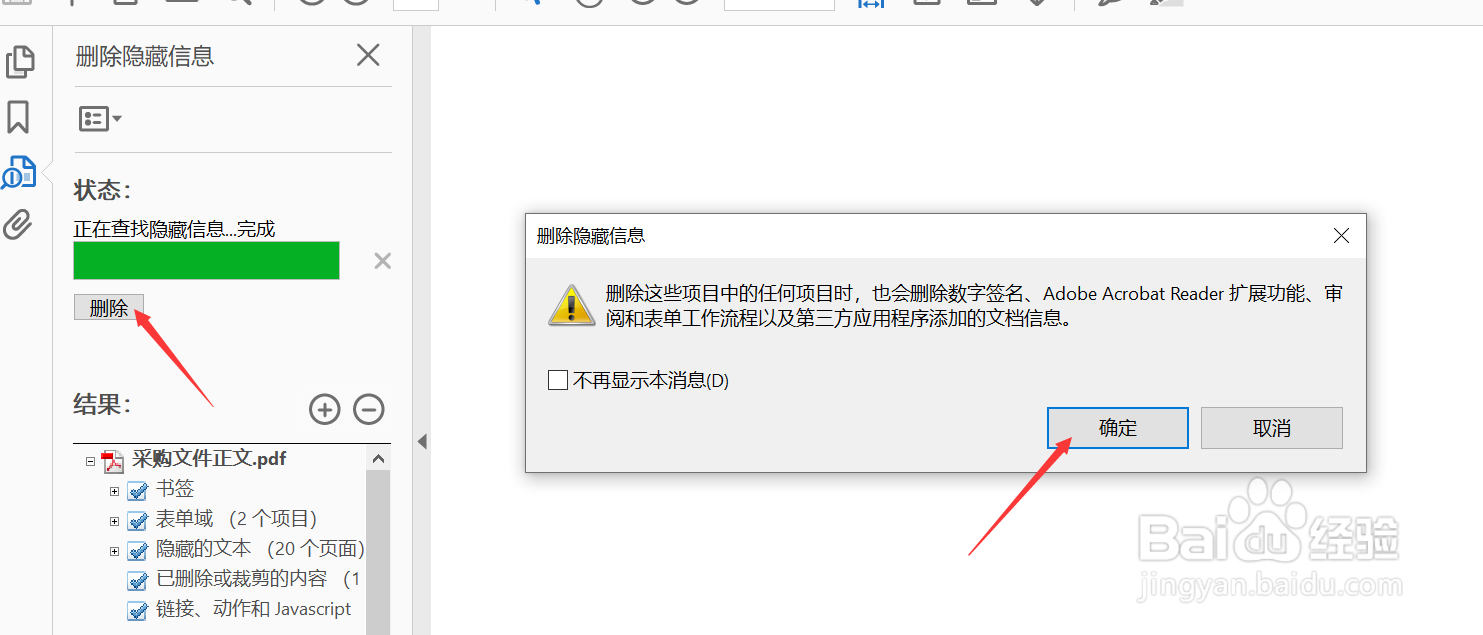
5、然后页面左侧弹出检查查找隐藏信息的界面,查找完之后点击“删除",确定。

Adobe Acrobat DC中PDF转word失败的解决方法

Adobe Acrobat DC中PDF转word失败的解决方法

6、关闭PDF文件,弹出”是否保存“对话框,选择保存,为PDF文件另存为一个文件夹。

Adobe Acrobat DC中PDF转word失败的解决方法

7、然后打开另存为之后的PDF文件,就可以导出为word文档了。

Adobe Acrobat DC中PDF转word失败的解决方法

  • Adobe Acrobat DC怎么创建空白页面
  • Adobe Acrobat Pro DC怎么编辑PDF文件
  • 如何裁剪PDF文档页面
  • Acrobat如何启用书写方向切换
  • Acrobat如何更改显示分辨率
  • 热门搜索
    怎么让自己变帅 王国维简介 汽车logo图标大全 可丽金怎么样 得了肝病怎么办 音乐图片大全 牛肉汤的做法大全 ps卸载不了怎么办 初三作文大全600字 大龙虾怎么吃