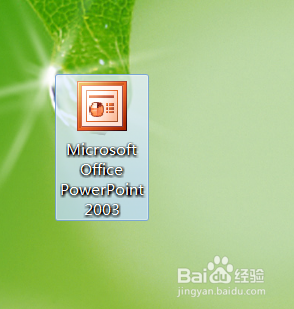
1、打开电脑桌面上的Microsoft Office PowerPoint 2003幻灯片软件。
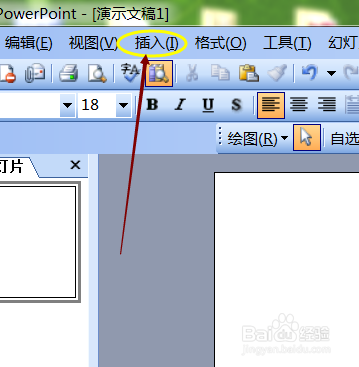
2、点击菜单中的插入命令。
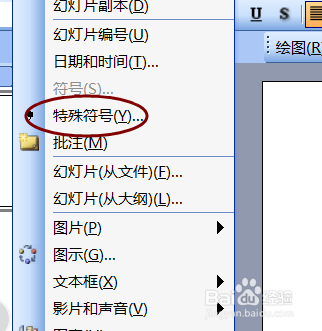
3、点击弹出菜单中的特殊符号选项。
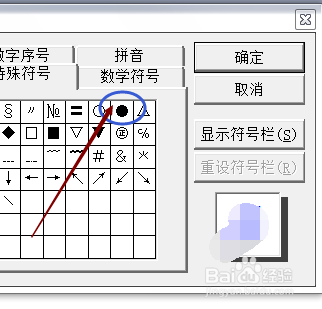
4、点击弹出的对话框中的特殊符号标签。
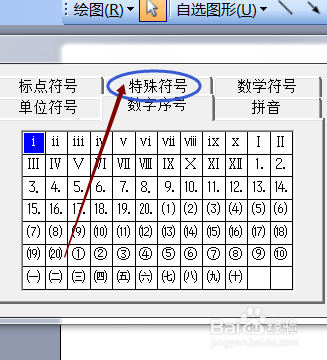
5、点击其中的实心圆点符号。
6、这样一个实心圆点符号就插入在PPT幻灯片中了。

时间:2026-04-23 23:47:32
1、打开电脑桌面上的Microsoft Office PowerPoint 2003幻灯片软件。
2、点击菜单中的插入命令。
3、点击弹出菜单中的特殊符号选项。
4、点击弹出的对话框中的特殊符号标签。
5、点击其中的实心圆点符号。
6、这样一个实心圆点符号就插入在PPT幻灯片中了。
