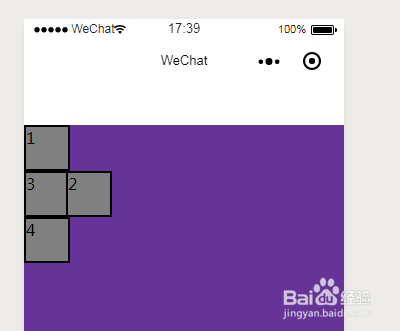
1、打开开发者工具,在项目的pages页面新建mypage文件夹,在文件夹内新建
page,名为mypage,并将mypage设为第一页面
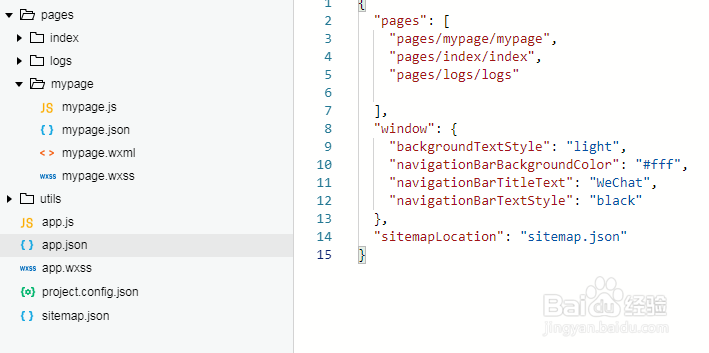
2、在mypage.wxml中写代码如下:
<!--pages/mypage/mypage.wxml-->
<view class='container1'>
<view class='item'>
1
</view>
<view class='item2'>
2
</view>
<view class='item'>
3
</view>
<view class='item'>
4
</view>
</view>
在mypage.wxss中写代码如下:
/* pages/mypage/mypage.wxss */
page{
height: 100%
}
.container1{
width: 100%;
height: 100%;
background-color: rebeccapurple
}
.item{
width: 100rpx;
height: 100rpx;
background-color: gray;
border: 5rpx solid black
}
.item2{
width: 100rpx;
height: 100rpx;
background-color: gray;
border: 5rpx solid black
}
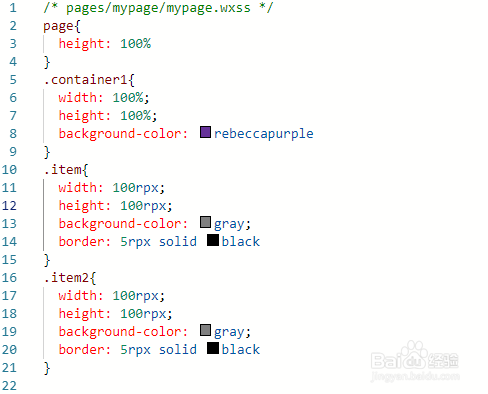
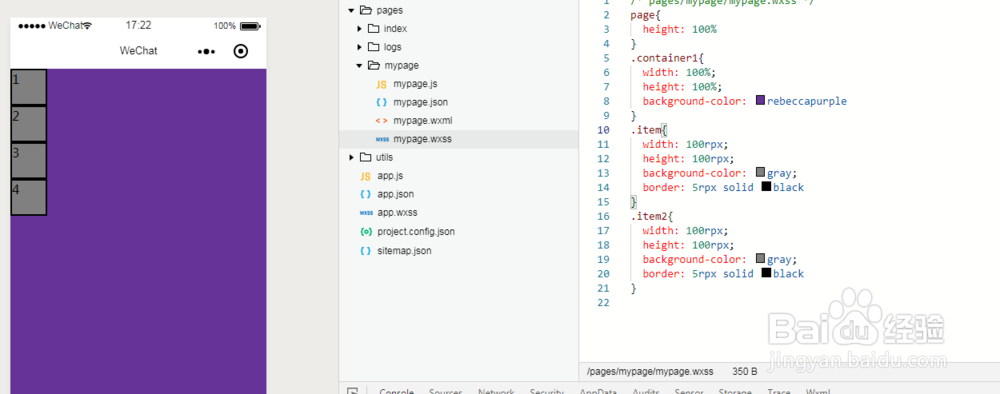
3、保存代码,模拟器界面如下,这是默认的显示
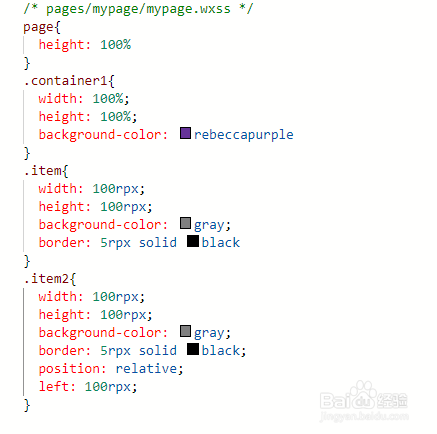
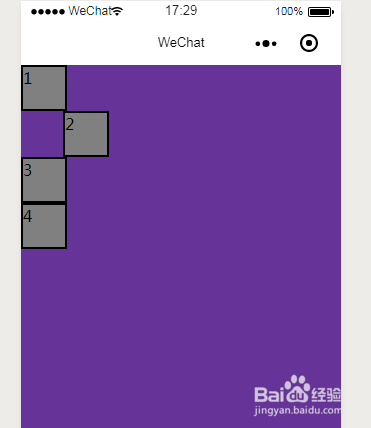
4、修改mypage.wxss代码如下,为item2使用相对位置,左偏移100rpx
page{
height: 100%
}
.container1{
width: 100%;
height: 100%;
background-color: rebeccapurple
}
.item{
width: 100rpx;
height: 100rpx;
background-color: gray;
border: 5rpx solid black
}
.item2{
width: 100rpx;
height: 100rpx;
background-color: gray;
border: 5rpx solid black;
position: relative;
left: 100rpx;
}
5、保存代码,模拟器效果如下图
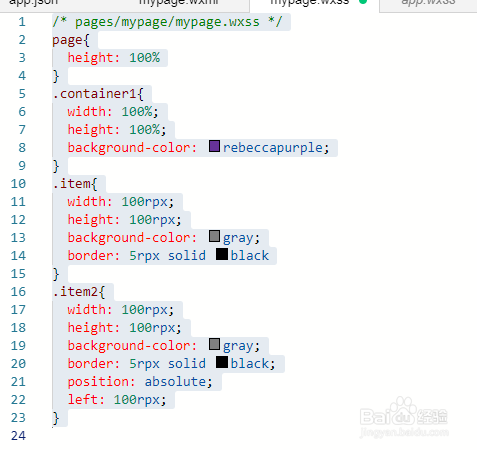
6、修改mypage.wxss代码改item2为绝对定位,代码如下:
/* pages/mypage/mypage.wxss */
page{
height: 100%
}
.container1{
width: 100%;
height: 100%;
background-color: rebeccapurple;
}
.item{
width: 100rpx;
height: 100rpx;
background-color: gray;
border: 5rpx solid black
}
.item2{
width: 100rpx;
height: 100rpx;
background-color: gray;
border: 5rpx solid black;
position: absolute;
left: 100rpx;
}
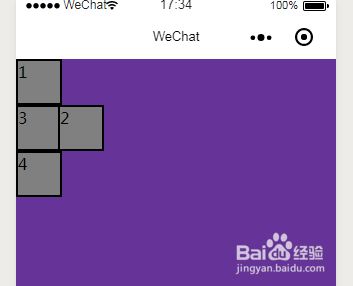
7、保存后,效果如下图,这是因为item2的父元素view并没有定位
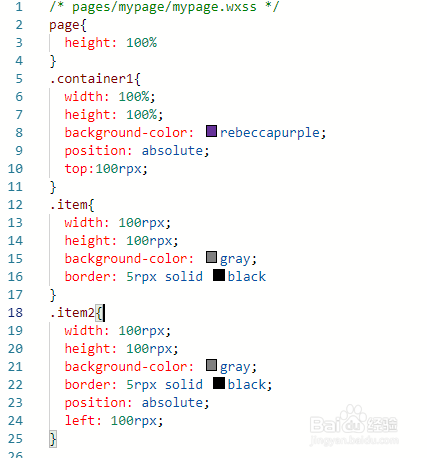
8、修改代码,将item2的父元素view定位,代码如下:
/* pages/mypage/mypage.wxss */
page{
height: 100%
}
.container1{
width: 100%;
height: 100%;
background-color: rebeccapurple;
position: absolute;
top:100rpx;
}
.item{
width: 100rpx;
height: 100rpx;
background-color: gray;
border: 5rpx solid black
}
.item2{
width: 100rpx;
height: 100rpx;
background-color: gray;
border: 5rpx solid black;
position: absolute;
left: 100rpx;
}
9、保存代码,模拟器效果如下图