解决The .NET CLI tools cannot be located.

 时间:2026-02-17 00:51:18

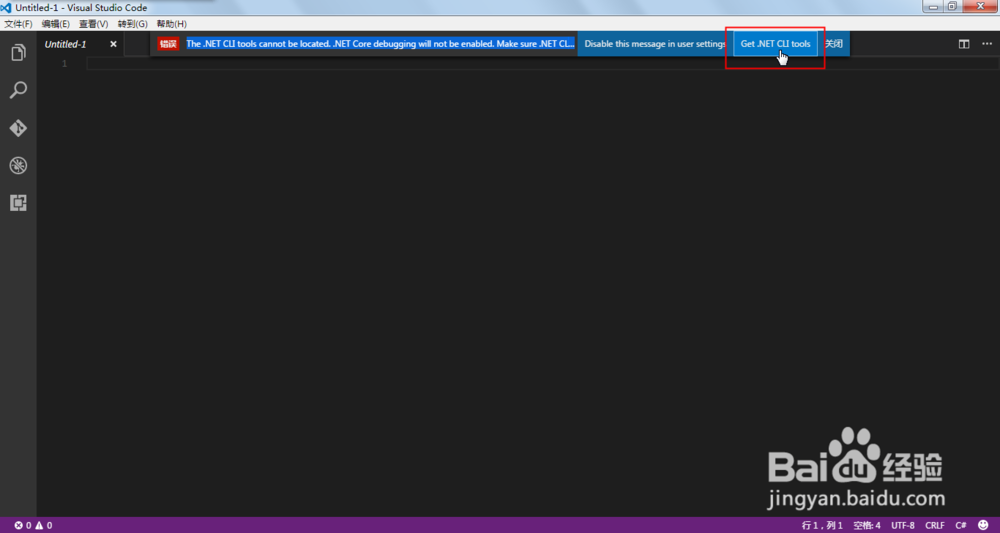
1、如图,出现这个问题后,在右侧会看到”Get .NET CLI Tools“的按钮,我们点击它。
解决The .NET CLI tools cannot be located.

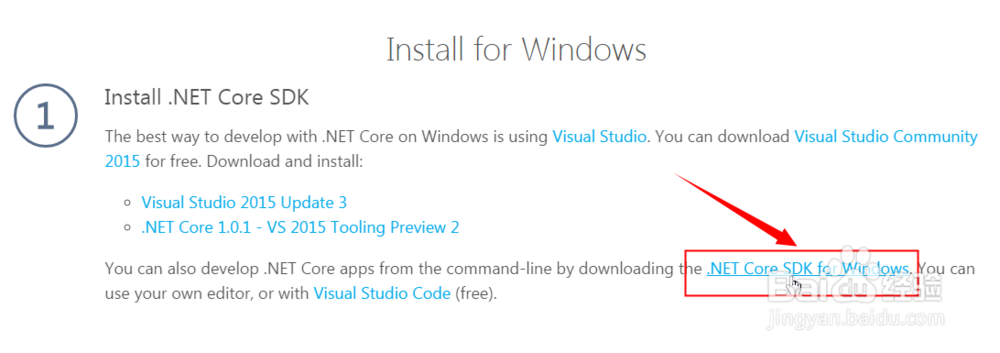
2、这时会在浏览器中打开.NET Core的下载地址,由于我是用的Windows系统,所以这里选择Windows版本。

解决The .NET CLI tools cannot be located.

3、然后点击”.NET Core SDK for Windows“开始下载
解决The .NET CLI tools cannot be located.

4、下载完成后运行安装程序,勾选同意许可协议,点击”Install“按钮

解决The .NET CLI tools cannot be located.

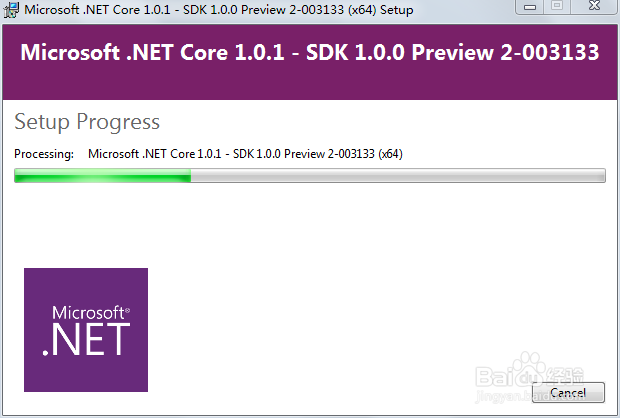
5、安装过程开始了,需要耐心等待一会儿。

解决The .NET CLI tools cannot be located.

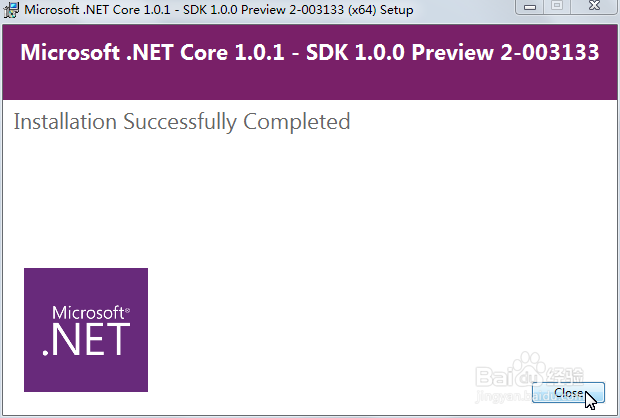
6、安装完成,点击”Close“按钮关闭,再打开Visual Studio Code操作,会发现这个问题解决了。
解决The .NET CLI tools cannot be located.

  • My cute roommate 0.90攻略
  • My cute roommate 0.90攻略
  • 我可爱的表姐怎么画
  • 为你特制甜蜜出游攻略!
  • 莫欺少年穷之逆袭攻略
  • 热门搜索
    城市天际线攻略 攻略蛇精病男主 厦门住宿攻略 大连攻略 网上怎么订机票 减肥晚餐吃什么水果好 负责人用英语怎么说 巴黎圣母院简介 麦吉减肥法食谱 千户苗寨旅游攻略