1、首先点击右键创建一个文本文档,然后将文档重命名,将文档后缀名.txt改为.html.


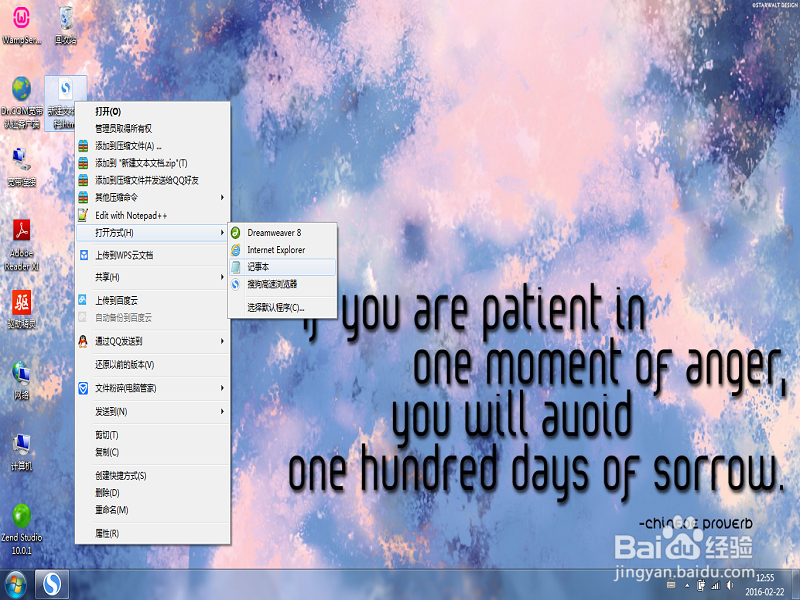
2、点击右键,选择打开方式记事本(若有编辑软件可选择相应的编辑软件,如:Dream Weaver)
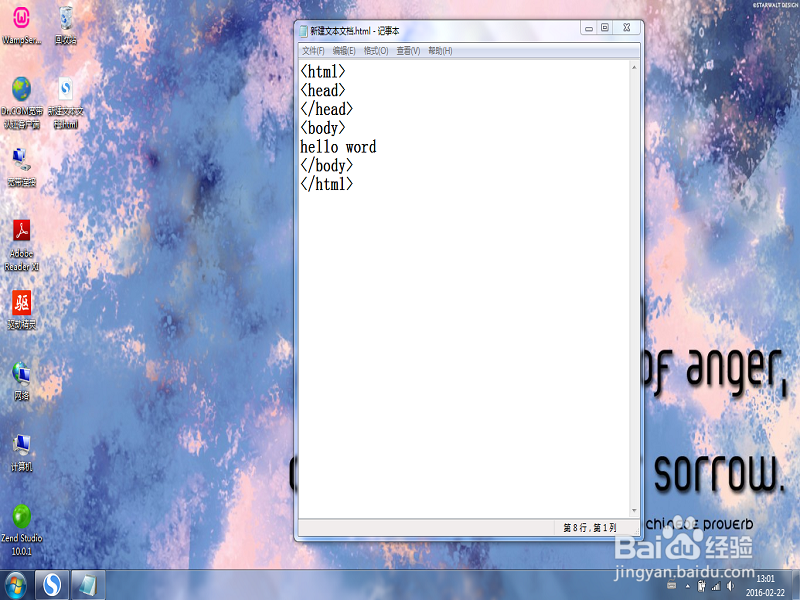
3、打开记事本后,编辑基本代码
<!DOCTYPE html>
<body>hello word</body>//该部分为主体,可以在网页上显示
</html>
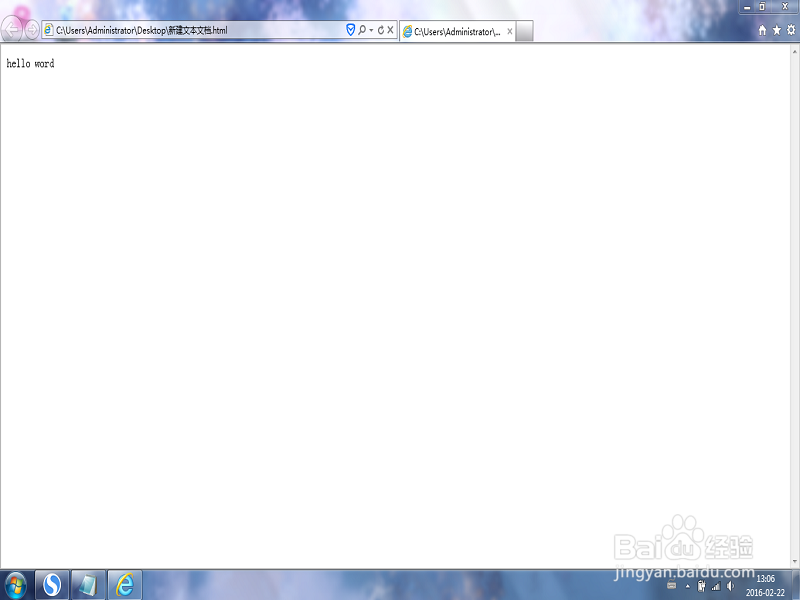
保存后双击文件就可以在网页看到hello word.
4、简单的网页布局一般分四块,头部,菜单栏,主体部分,底部。然后我们就可以先在<body></body>里面编写如下代码:
<!DOCTYPE html>
<body>
<table >
<tr>header</tr>
<tr>menu</tr>
<tr>contant</tr>
<tr>footer</tr>
</table>
</body>
</html>
保存后双击文件可在网页上显示
header
menu
contant
footer
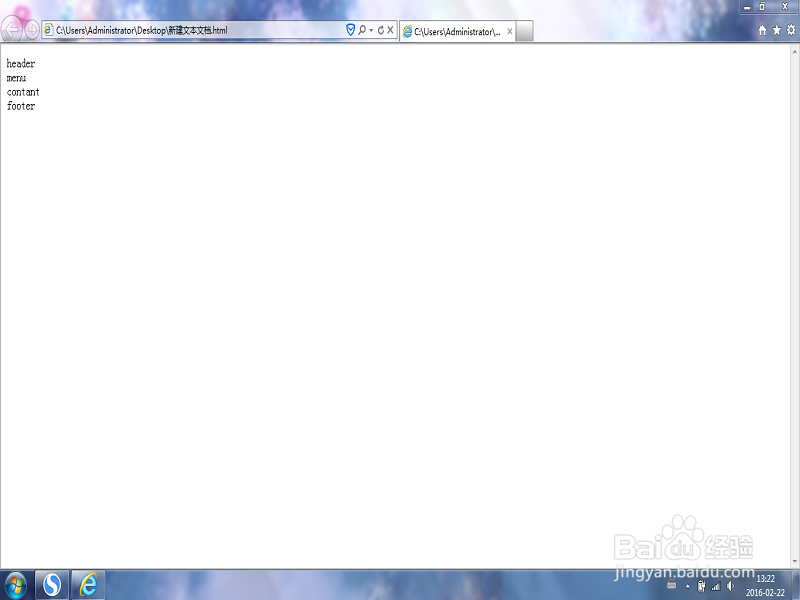
5、给table加样式
<!DOCTYPE html>
<html>
<body>
<table style="width:100%;height:100%;" border="0">
<tr><td >header</td></tr>
<tr><td >menu</td></tr>
<tr><td >contant</td></tr>
<tr><td >footer</td></tr>
</body>
</html>
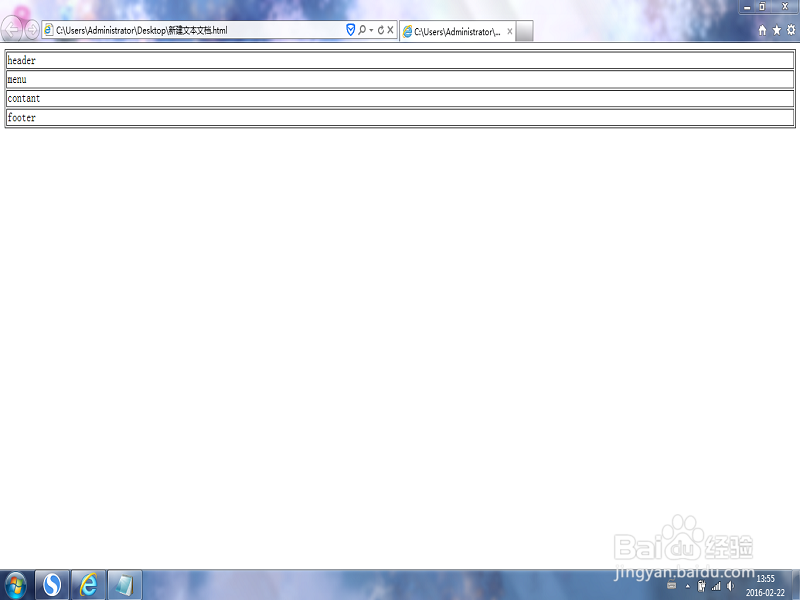
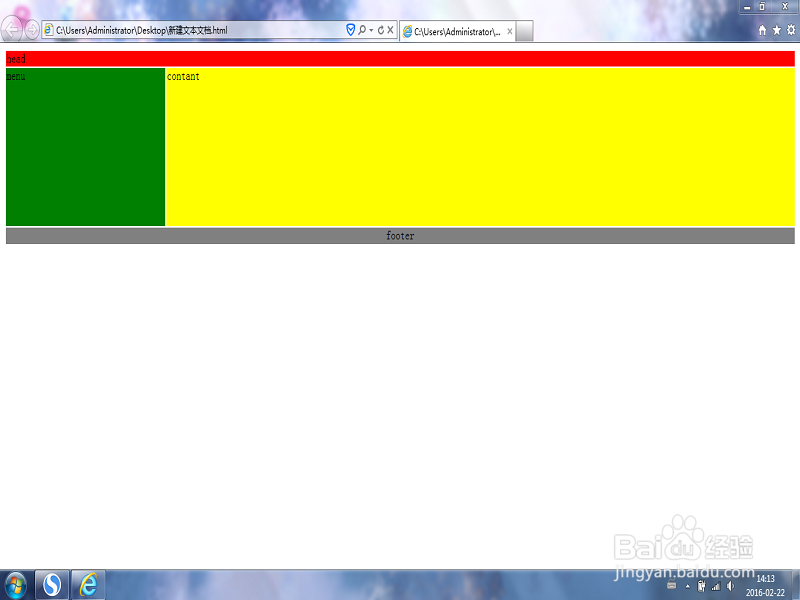
6、给个模块添加颜色,大小(颜色大小大家可以自己决定)。一个简单的网页布局就这样完成了。
<!DOCTYPE html>
<html>
<body>
<table style="width:100%;height:100%;" border="0">
<tr>
<td colspan="2" style="background-color:red;">
head
</td>
</tr>
<tr valign="top">
<td style="background-color:green;height:200px; width:100px;text-align:top;">
menu
</td>
<td style="background-color:yellow;height:200px;width:400px;text-align:top;">
contant</td>
</tr>
<tr>
<td colspan="2" style="background-color:gray;text-align:center;">
footer</td>
</tr>
</table>
</body>
</html>