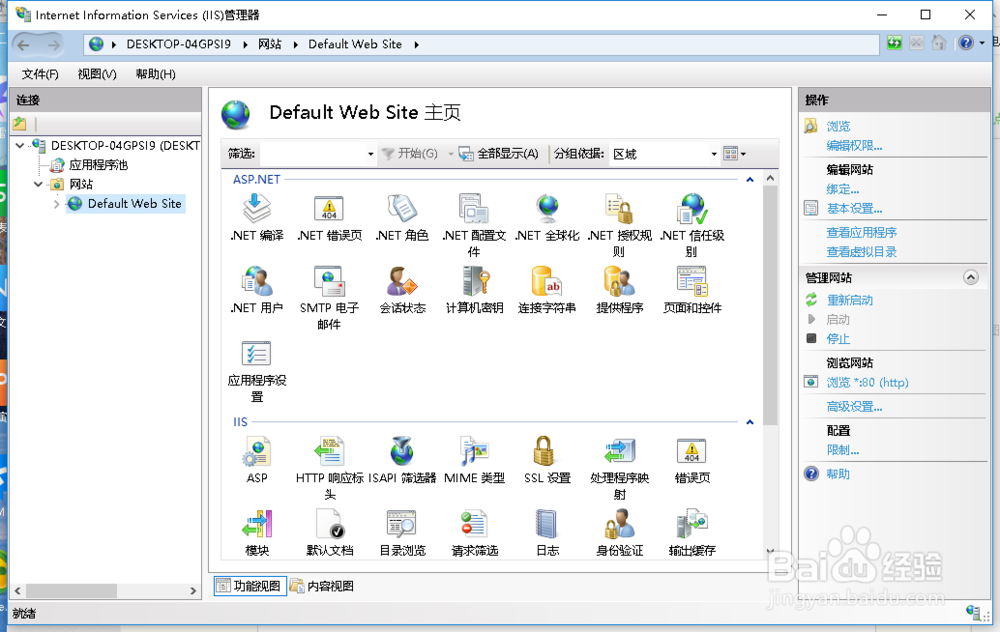
1、需要找到IIS
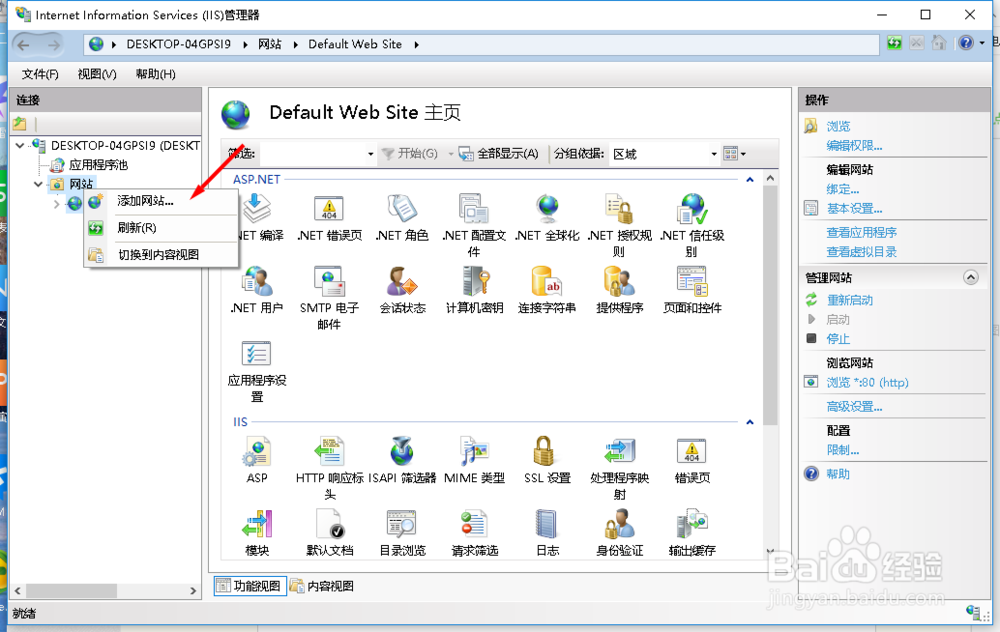
2、在IIS的网站中,选择添加网站
3、打开添加网站的窗口

4、在窗口中,找到绑定

5、选择https后,在窗口的下方就要求我们设定SSL证书

6、这里选择证书之后,
可以选择查看,来查看证书的信息

7、设定好名称和路径后,选择确定就可以保存了

8、保存后,选择浏览就可以使用https浏览网站了

时间:2026-04-23 15:21:32
1、需要找到IIS
2、在IIS的网站中,选择添加网站
3、打开添加网站的窗口
4、在窗口中,找到绑定
5、选择https后,在窗口的下方就要求我们设定SSL证书
6、这里选择证书之后,
可以选择查看,来查看证书的信息
7、设定好名称和路径后,选择确定就可以保存了
8、保存后,选择浏览就可以使用https浏览网站了
