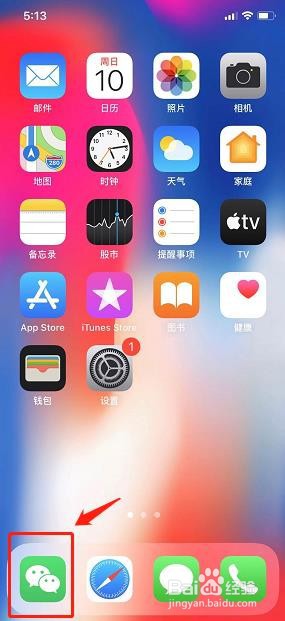
1、首先,打开手机里的微信
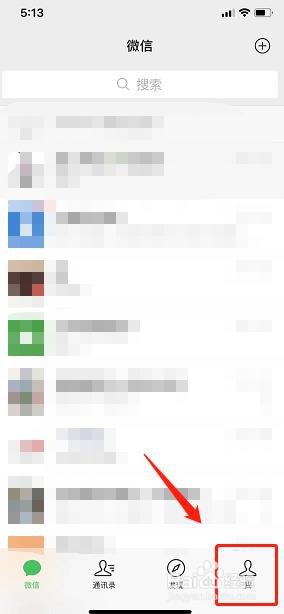
2、选择右下角的我
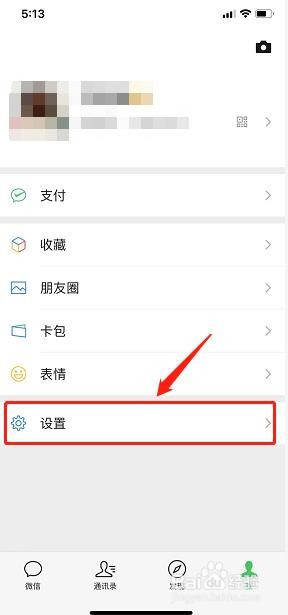
3、然后,点击设置
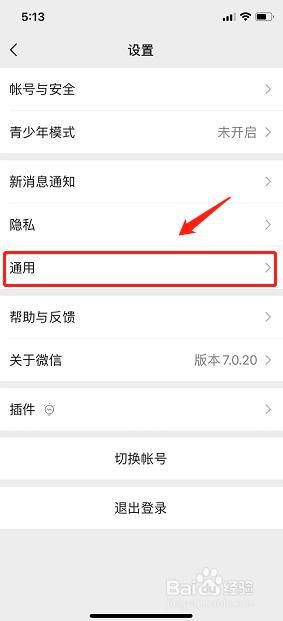
4、在设置的页面中,选择通用
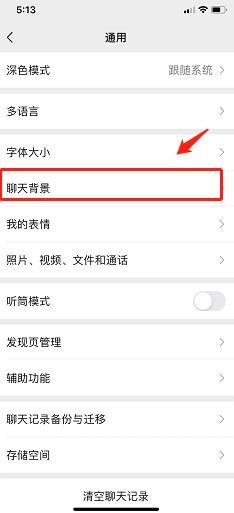
5、然后,点击聊天背景
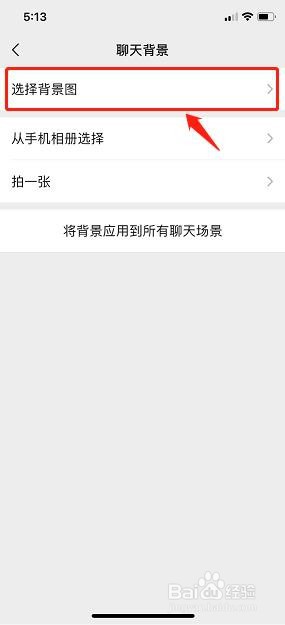
6、点击页面上方的选择背景图
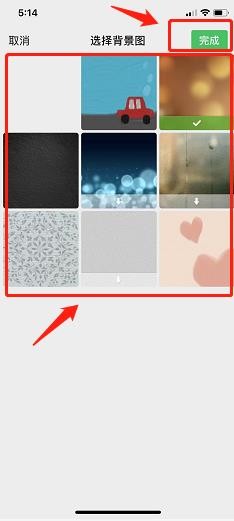
7、选择好自己喜欢的聊天背景图后,点击完成
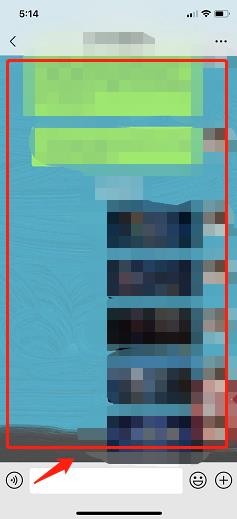
8、返回与好友的聊天框,即可发现聊天背景已经替换完成
时间:2026-04-23 03:05:13
1、首先,打开手机里的微信
2、选择右下角的我
3、然后,点击设置
4、在设置的页面中,选择通用
5、然后,点击聊天背景
6、点击页面上方的选择背景图
7、选择好自己喜欢的聊天背景图后,点击完成
8、返回与好友的聊天框,即可发现聊天背景已经替换完成
