如何在Mathematica 11中引用圆周率?

 时间:2026-04-21 16:41:02

1、在Mathematica 11的命令行中,输入Pi,然后按Enter+Shift,此时系统会输出圆周率的希腊字母符号

如何在Mathematica 11中引用圆周率?

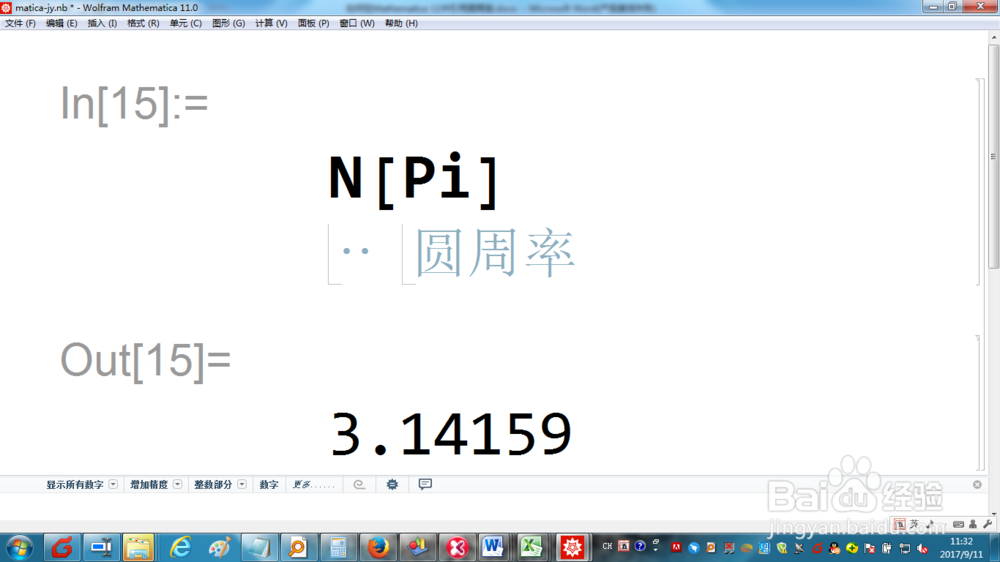
2、在Mathematica 11的命令行中,输入N[Pi],然后按Enter+Shift,此时系统会输出圆周率的缺省数值,精确到小数点后5位
如何在Mathematica 11中引用圆周率?

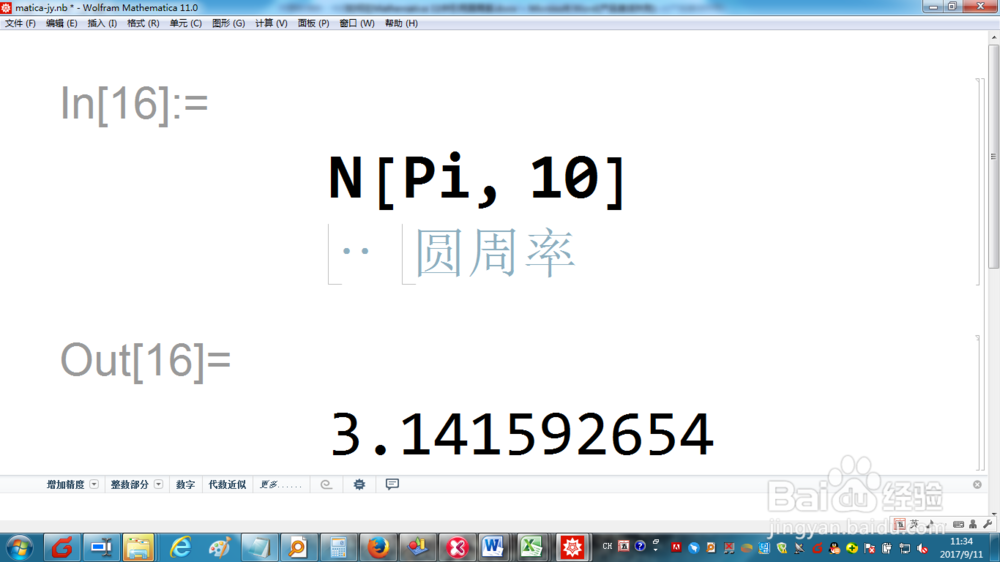
3、在Mathematica 11的命令行中,输入N[Pi,10],然后按Enter+Shift,此时系统会输出圆周率精确到小数点后10位的数值
如何在Mathematica 11中引用圆周率?

4、在Mathematica 11的命令行中,输入NumberLinePlot[Pi],然后按Enter+Shift,此时系统会显示圆周率在数轴上的位置

如何在Mathematica 11中引用圆周率?

5、在Mathematica 11的命令行中,输入2N[Pi]+23,然后按Enter+Shift,此时系统会引入圆周率的数值计算结果

如何在Mathematica 11中引用圆周率?

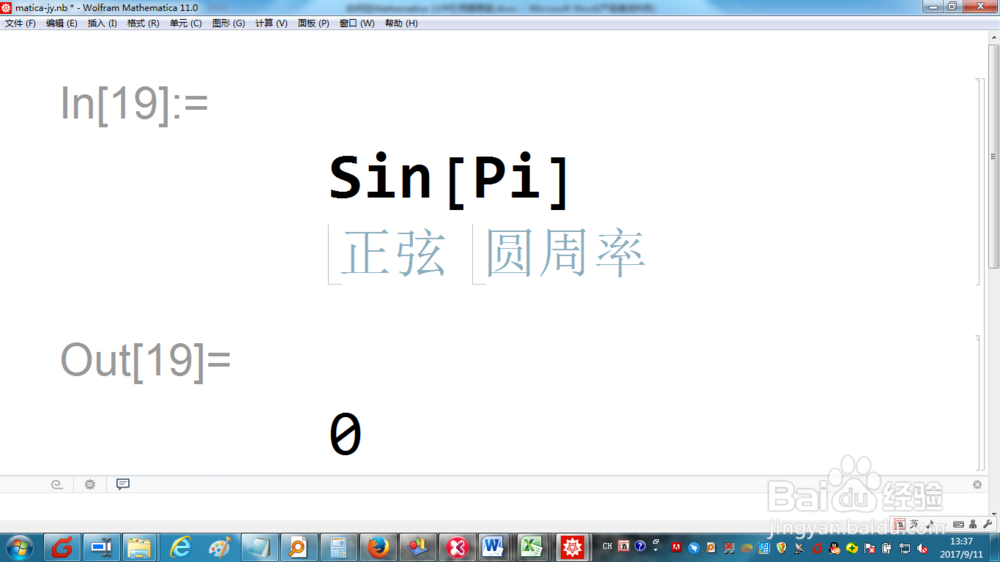
6、在Mathematica 11的命令行中,输入Sin[Pi],然后按Enter+Shift,此时系统会引入圆周率的函数计算结果
如何在Mathematica 11中引用圆周率?

  • Mathematica 特殊字符输入(希腊字母/运算符)
  • 用Mathematica处理函数的定义域和值域问题
  • Mathematica基础——分段函数的构造
  • 运用MATLAB进行数据的二次拟合处理
  • 怎么用MATLAB解方程
  • 热门搜索
    业态是什么意思 什么动物能贴在墙上 色温是什么意思 沉重的意思 孺子牛比喻什么 什么是xp系统 什么是流星雨 uninstall是什么意思 黑皮肤穿什么颜色 监理公司是做什么的