1、选择要设置格式的单元格
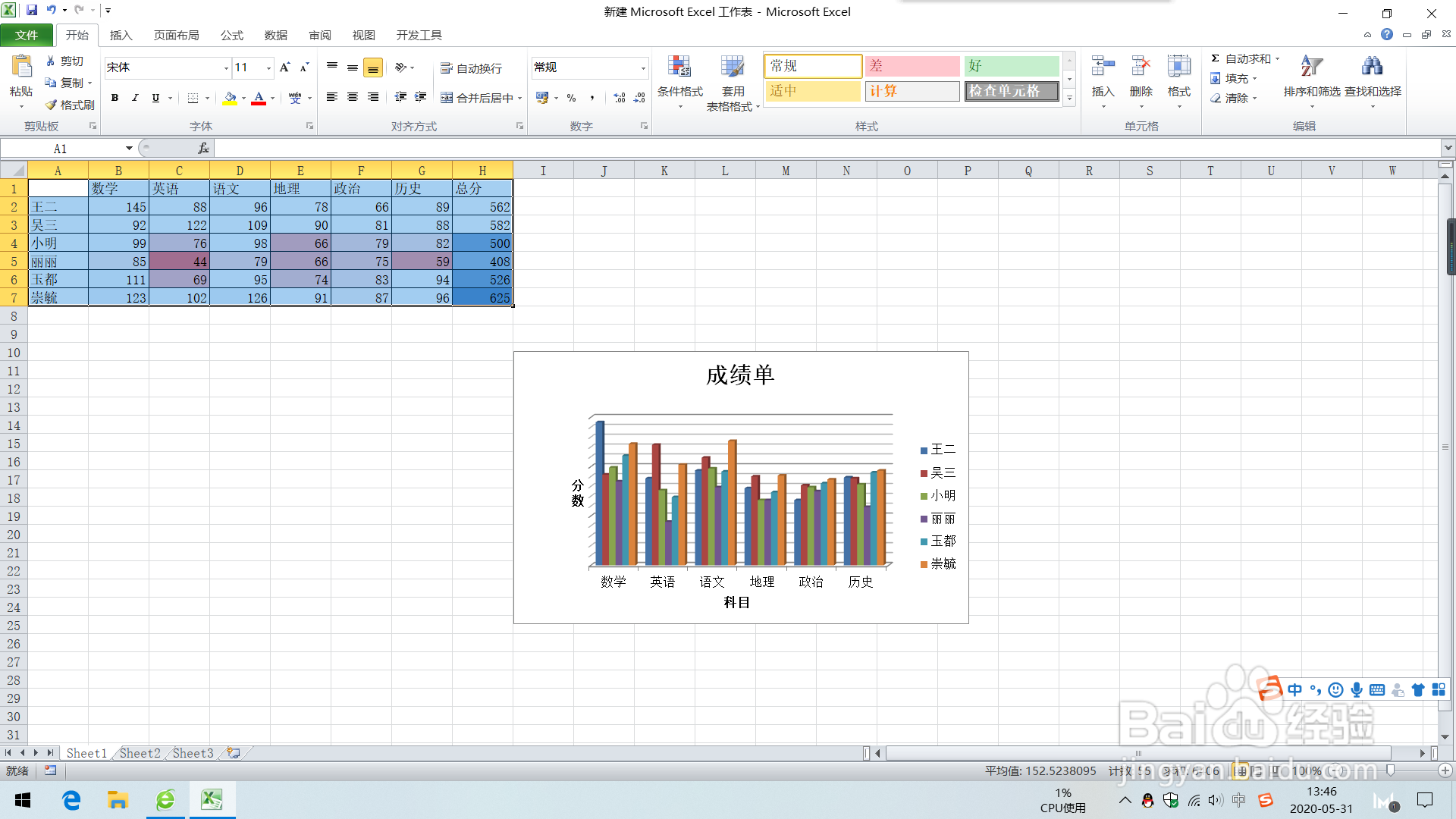
2、直接点击工具栏中选择字体为“simsun-extb”。
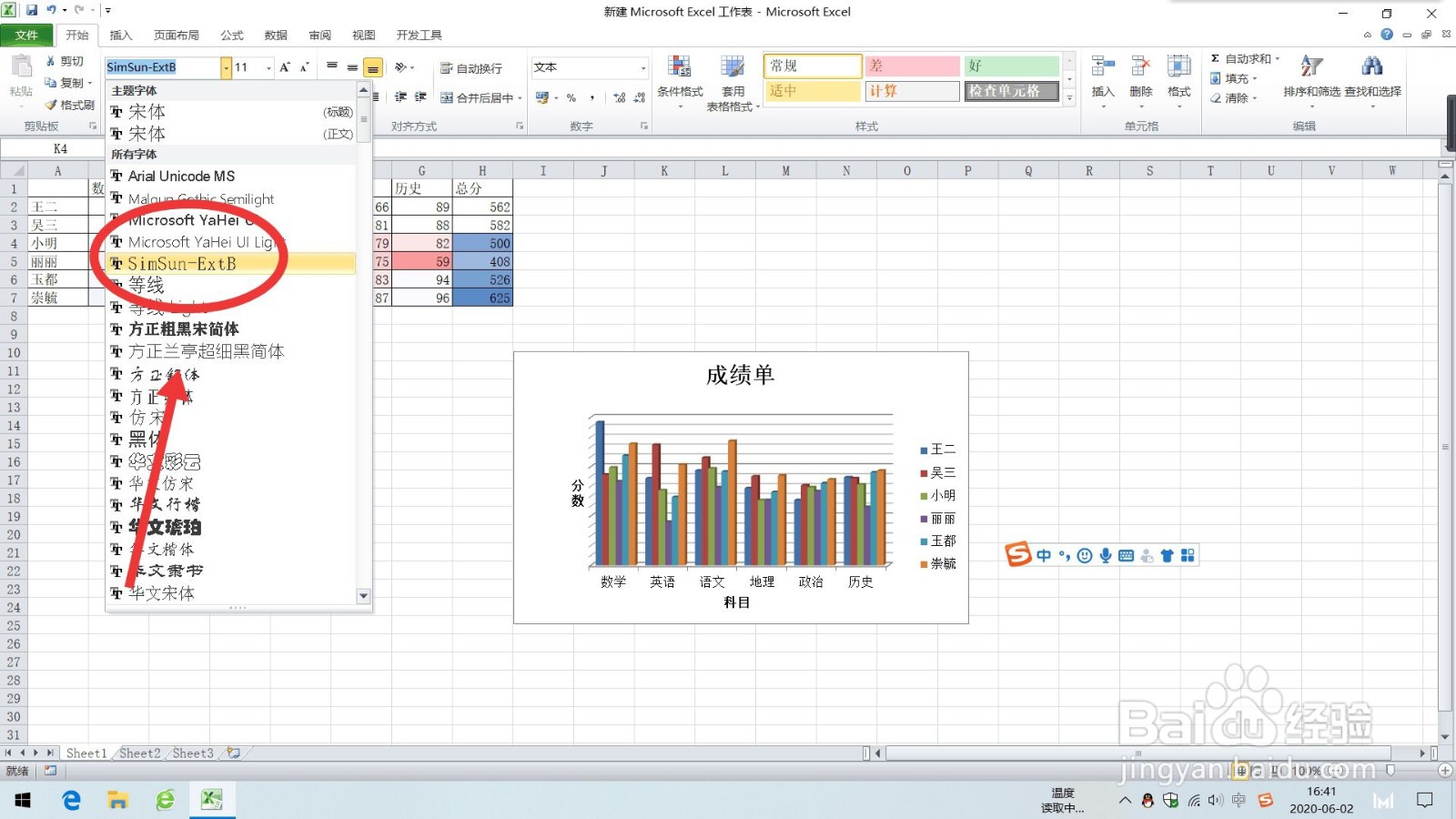
1、选择要设置格式的单元格
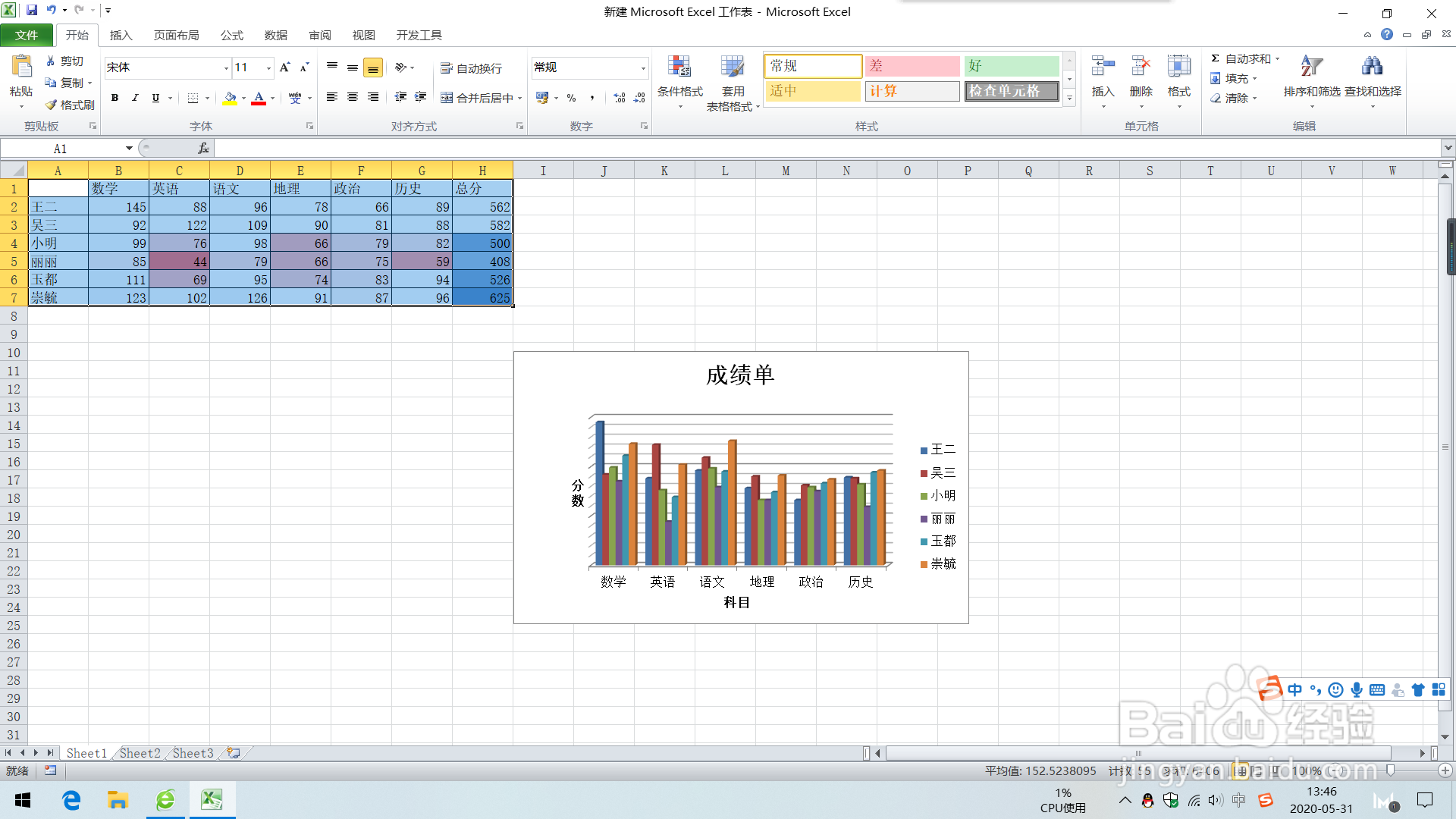
2、在“开始”选项卡上的“字体”组中,单击“字体”旁边的“对话框启动器”
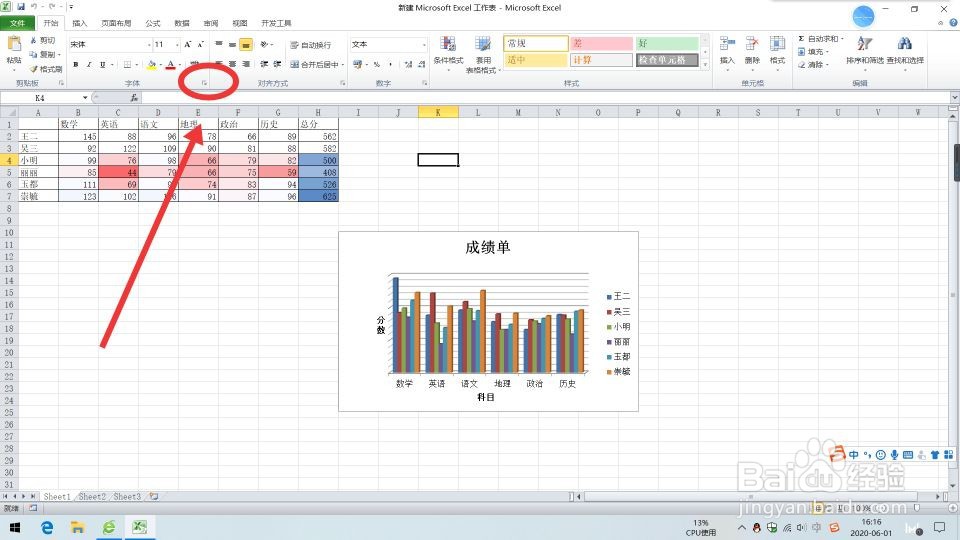
3、选择字体中的“simsun-extb”,点击确定。
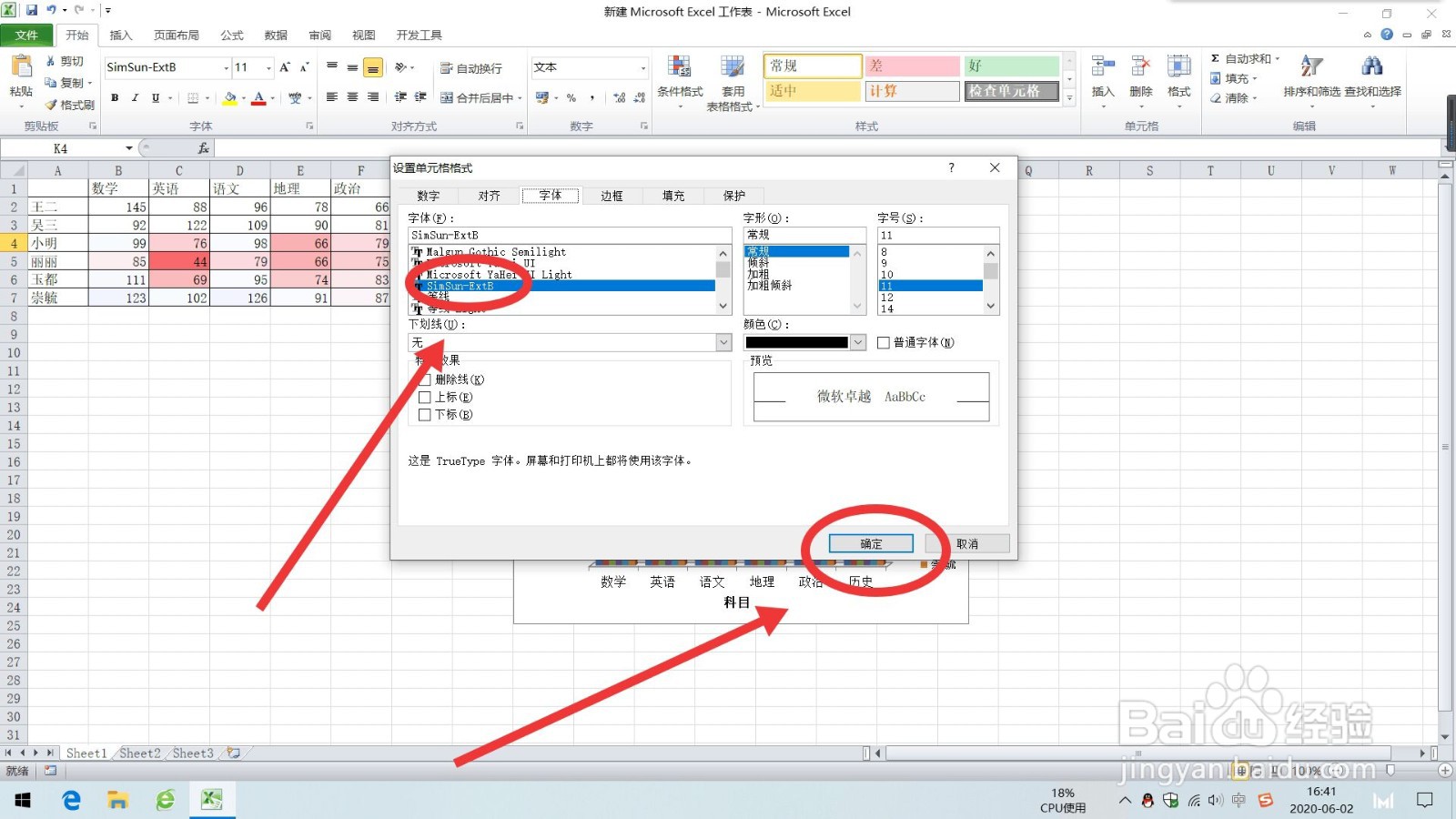
1、选择要设置格式的单元格

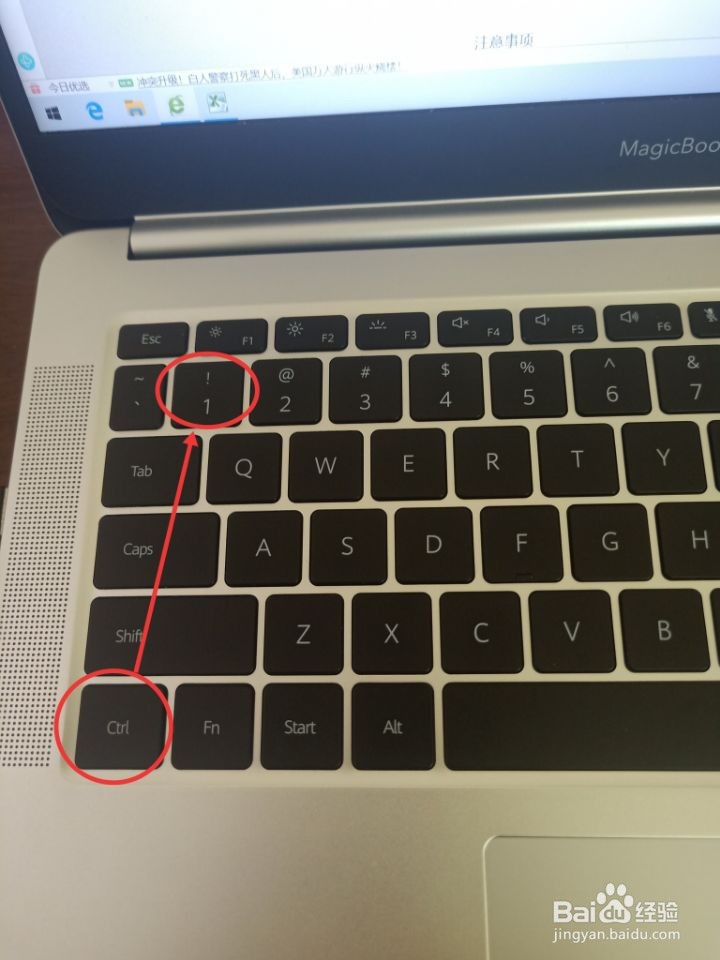
2、点击键盘”Ctrl+1键“打开设置单元格式窗口。
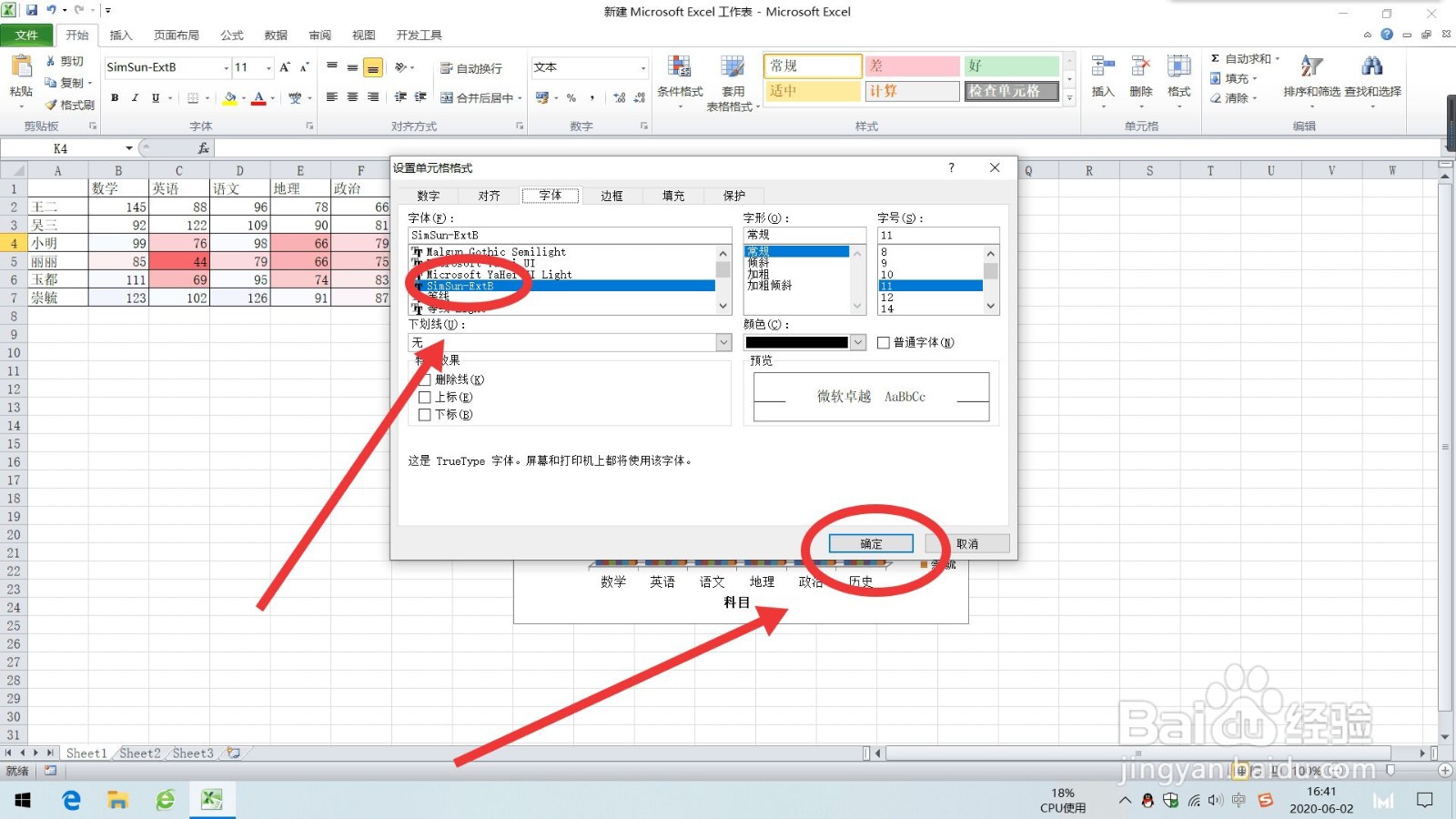
3、选择字体中的“simsun-extb”,点击确定。
时间:2026-04-22 02:19:55
1、选择要设置格式的单元格
2、直接点击工具栏中选择字体为“simsun-extb”。
1、选择要设置格式的单元格
2、在“开始”选项卡上的“字体”组中,单击“字体”旁边的“对话框启动器”
3、选择字体中的“simsun-extb”,点击确定。
1、选择要设置格式的单元格
2、点击键盘”Ctrl+1键“打开设置单元格式窗口。
3、选择字体中的“simsun-extb”,点击确定。
