Serial Port Utility如何更改波特率为9600

 时间:2026-05-04 19:57:19

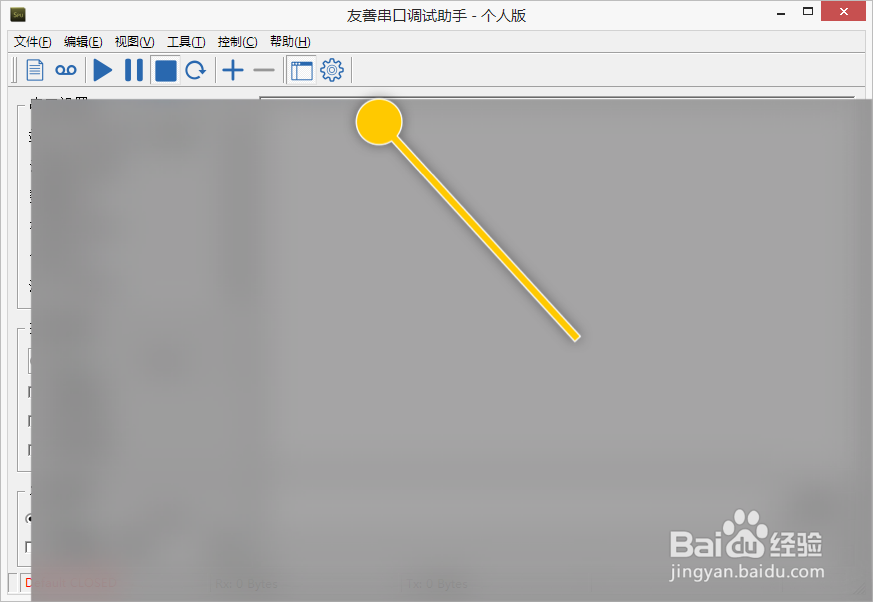
1、在“Serial Port Utility”主界面中,点击上方的“选项”按钮。

Serial Port Utility如何更改波特率为9600

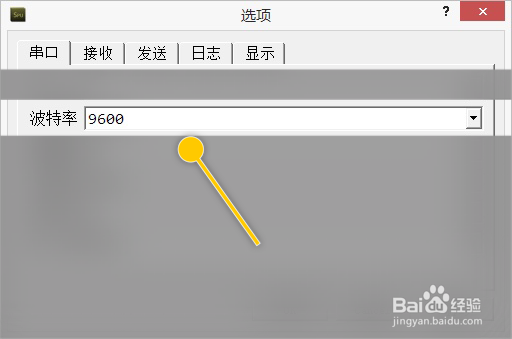
1、在“选项”界面框中,点击“波特率”列表项。

Serial Port Utility如何更改波特率为9600

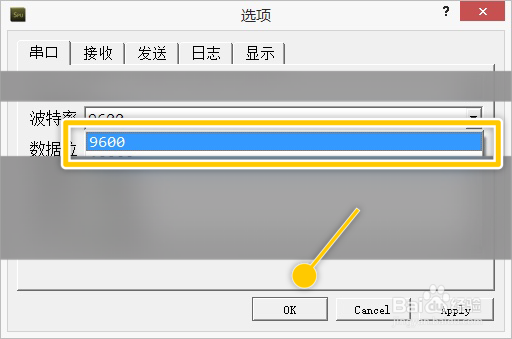
2、在“波特率”列表项中选择“9600”选项,点击“OK”按钮。

Serial Port Utility如何更改波特率为9600

  • error LNK1117 : 选项“SUBSYSTEM... 的处理
  • vmware共享文件夹在哪个目录
  • FTP编辑文件默认打开方式是记事本如何设置
  • c语言出现Use of undeclared identifier 问题
  • 如何配置网卡信息步骤
  • 热门搜索
    eta是什么意思 呈现的意思 历史是个什么玩意儿1 台湾有什么值得买的 有眼不识泰山是什么意思 羽绒服什么牌子质量好 微卡什么牌子好 becauseofyou什么意思 international是什么意思 自行车头盔什么牌子好