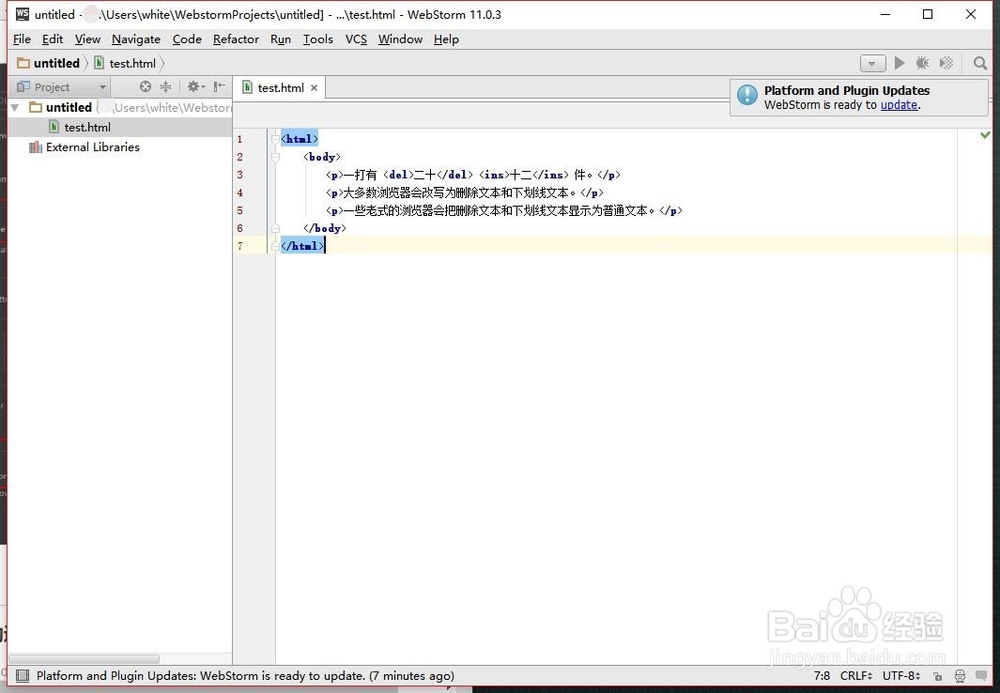
1、首先在电脑上打开webstorm,如果没有安装,需要下载并安装

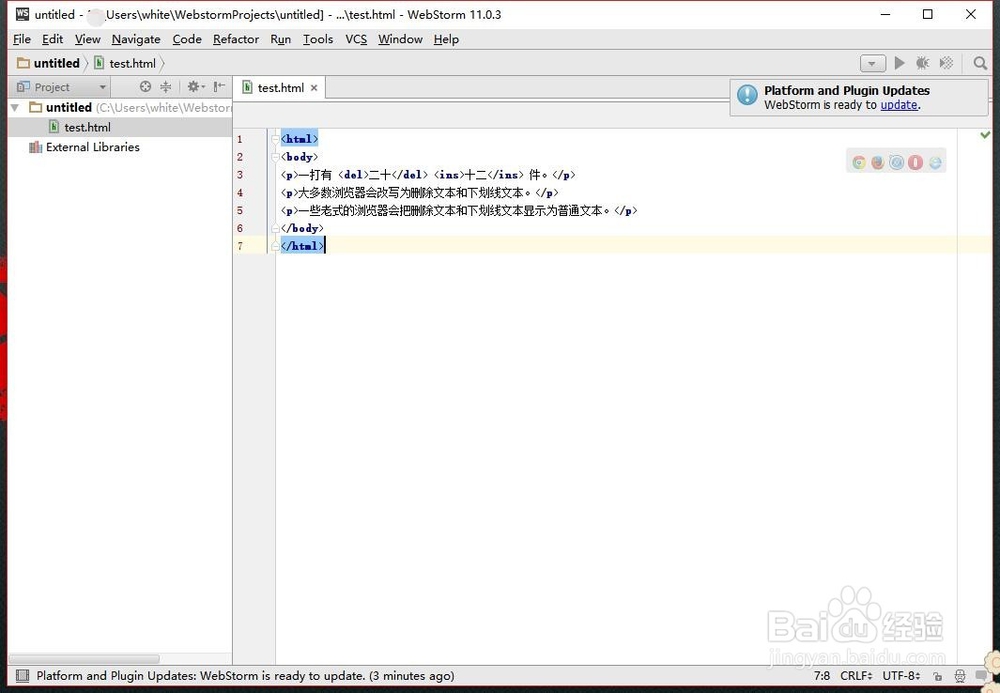
2、进入后我们首先在首页中写一个比好简单的html语句,然后使用ctrl+s保存代码
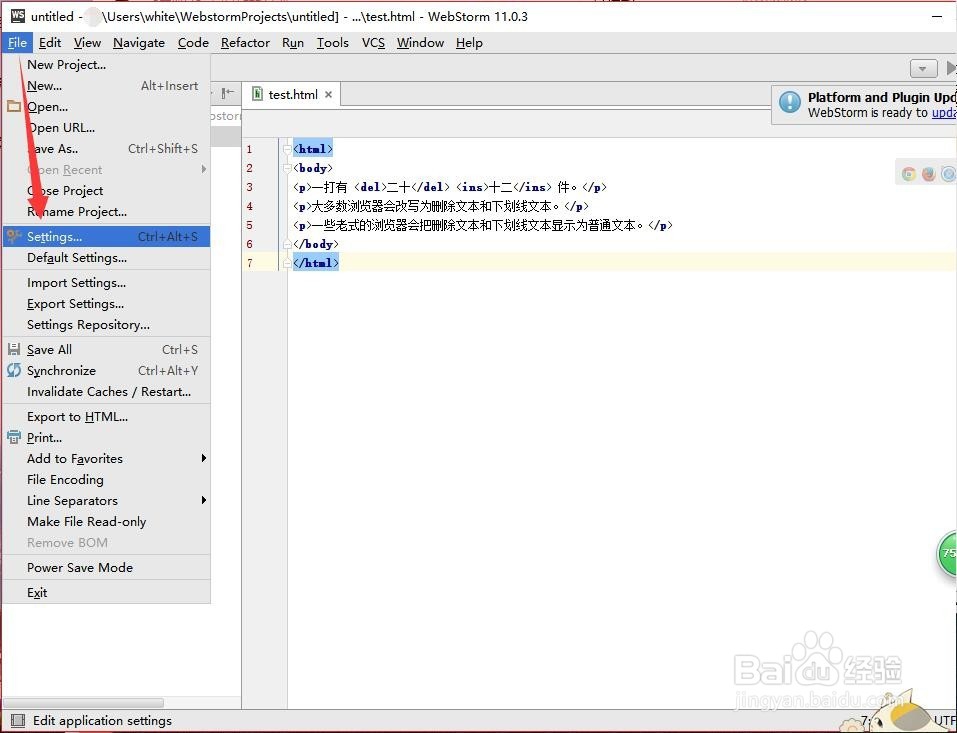
3、保存了以后我们点击webstorm的左上角找到file----settings设置功能,点击进入
4、然后我们在settings中找到Editor---code style---javascript,并将里面的Table size 、indent、Continuation iindent的值都调整为4,并且点击OK
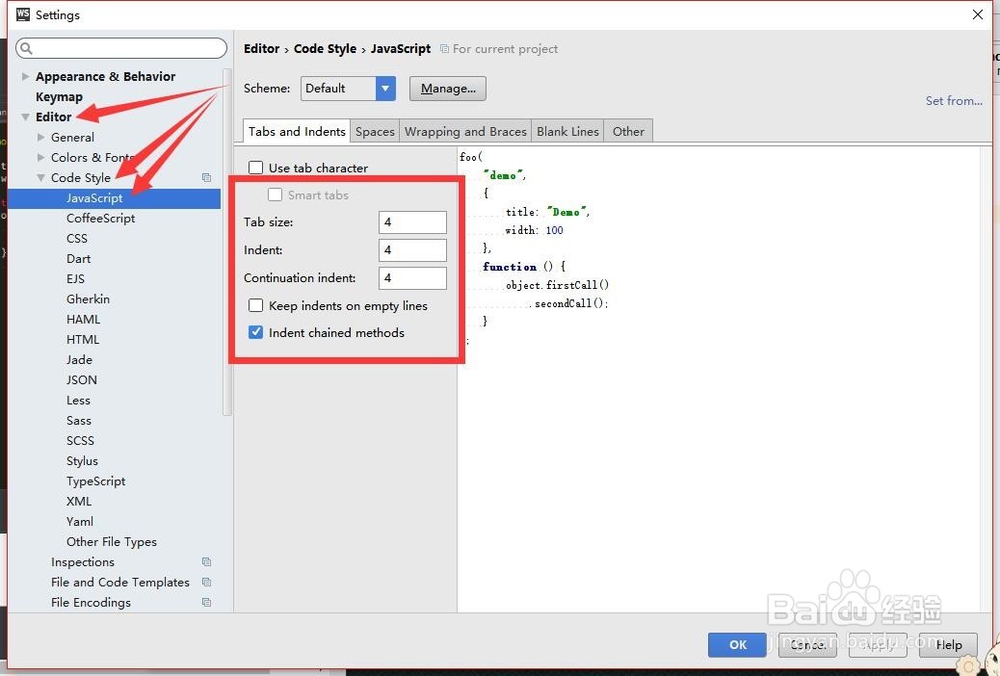
5、然后在左侧菜单中找到Editor---code style,将Detect and use existing file indents for editing和Endable EditorConfig support的勾选都去掉
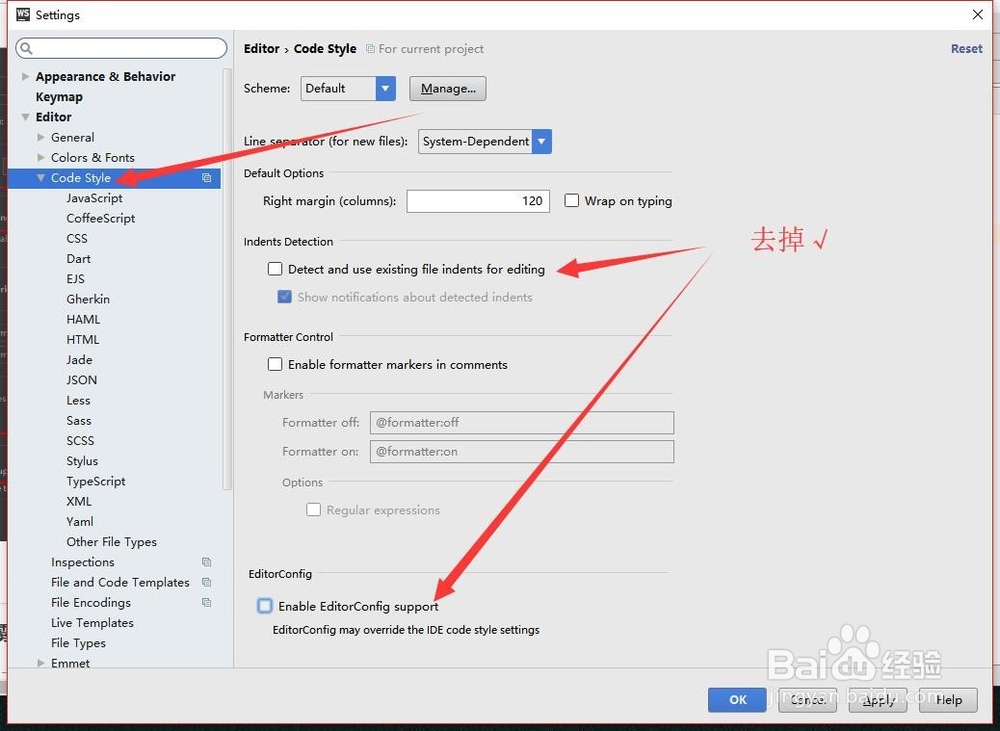
6、去掉了以后点击右下角的apply(应用),然后点击OK保存
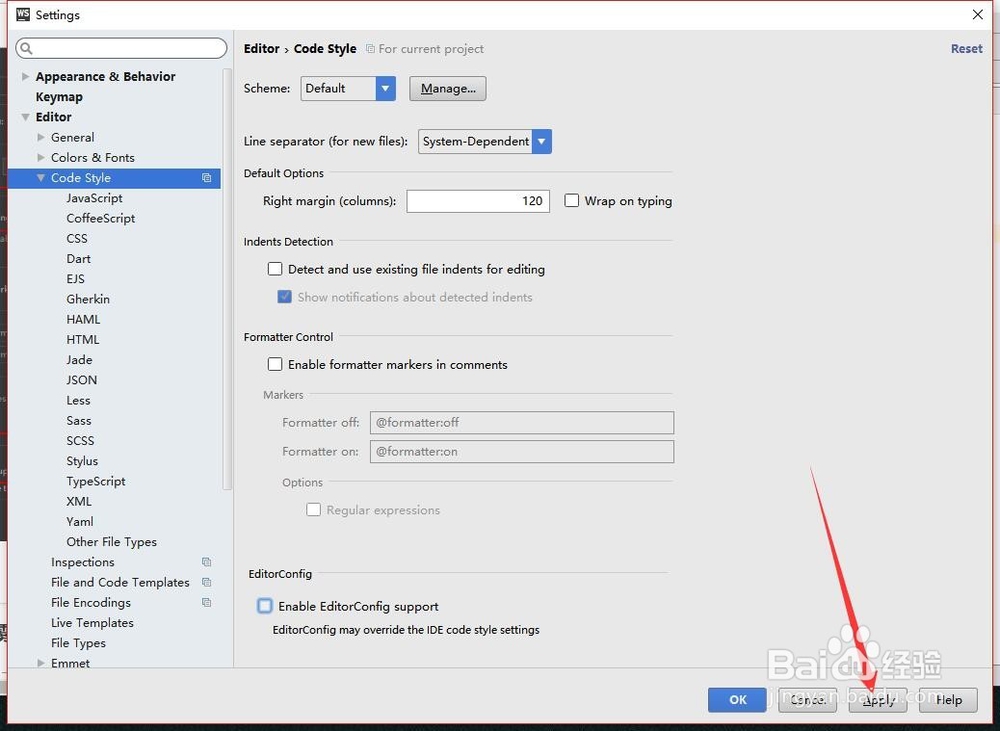
7、这样在使用缩进的Table就可以直接缩进4个字符了