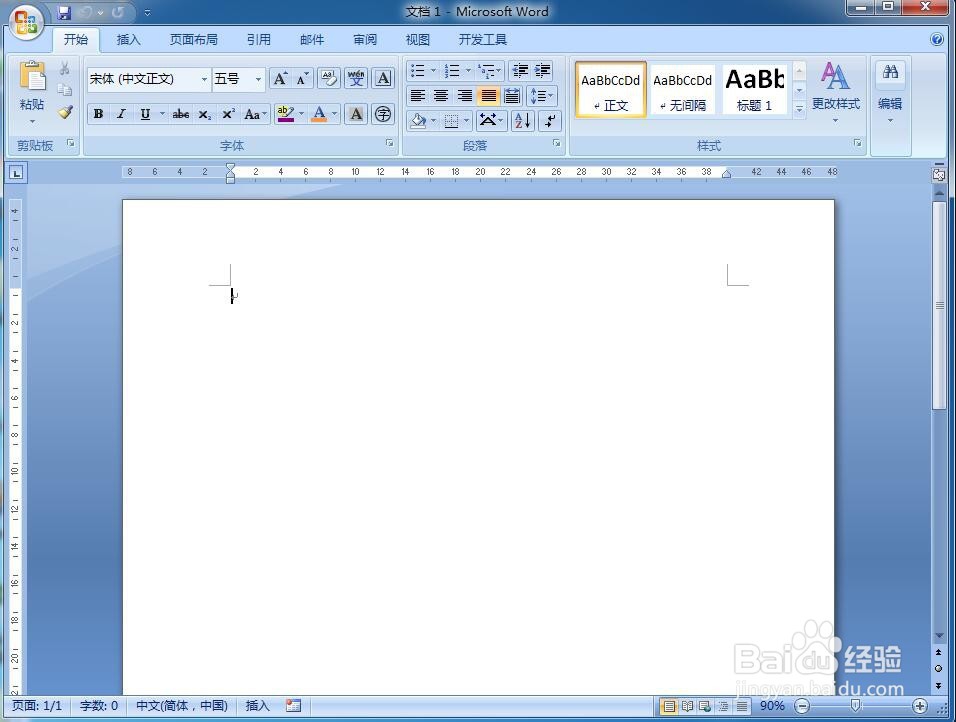
1、打开word软件,进入其主界面中;
2、点击word的插入菜单;
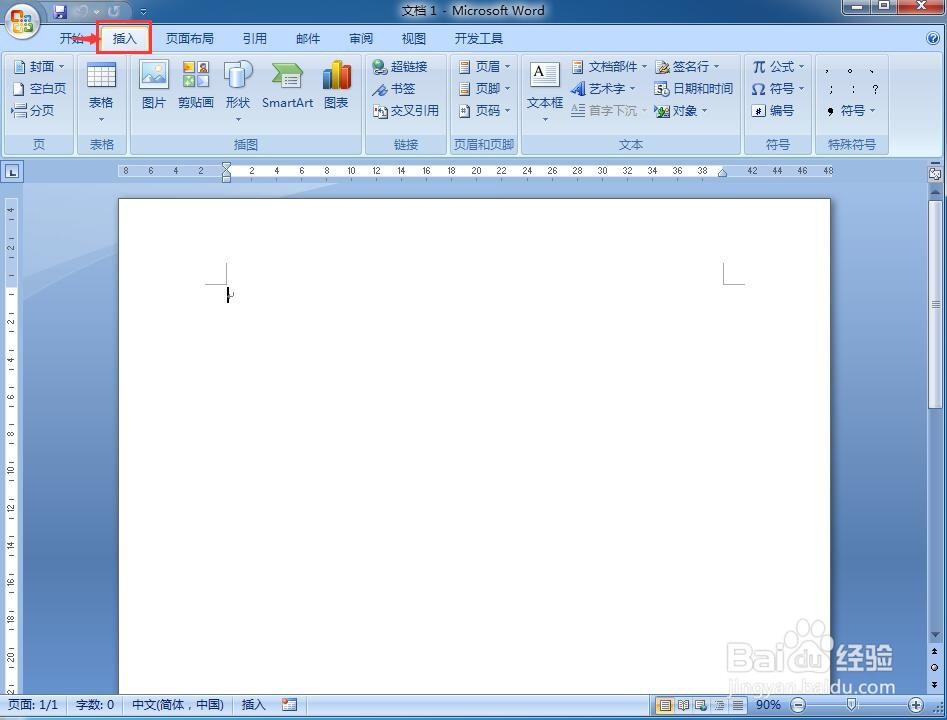
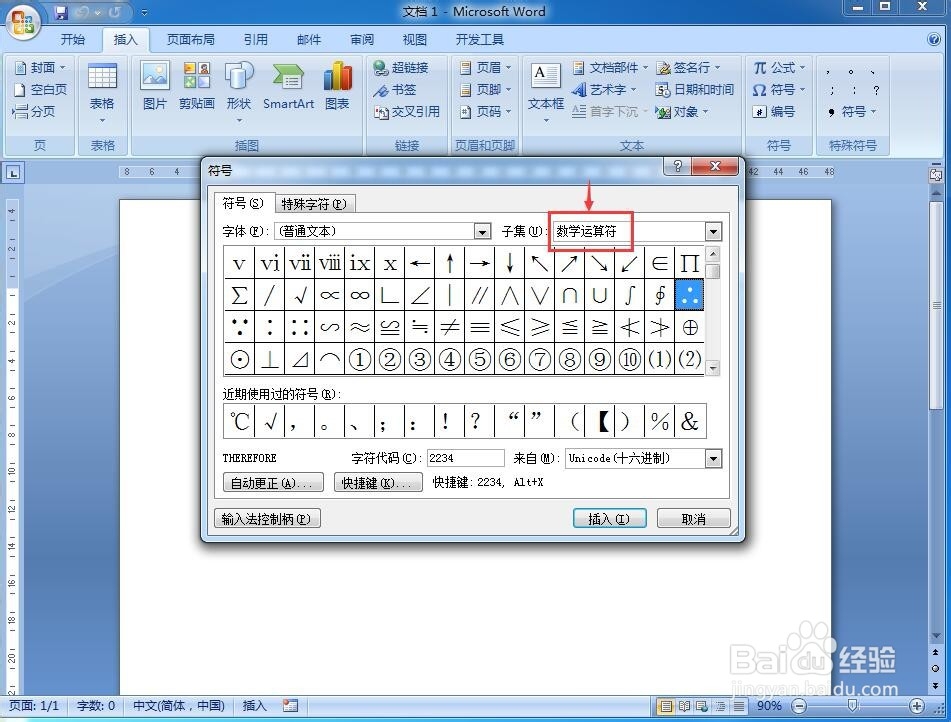
3、在工具栏中找到并点击符号;

4、在子集中点击选中数学运算符;
5、找到需要的因为符号,选中它;
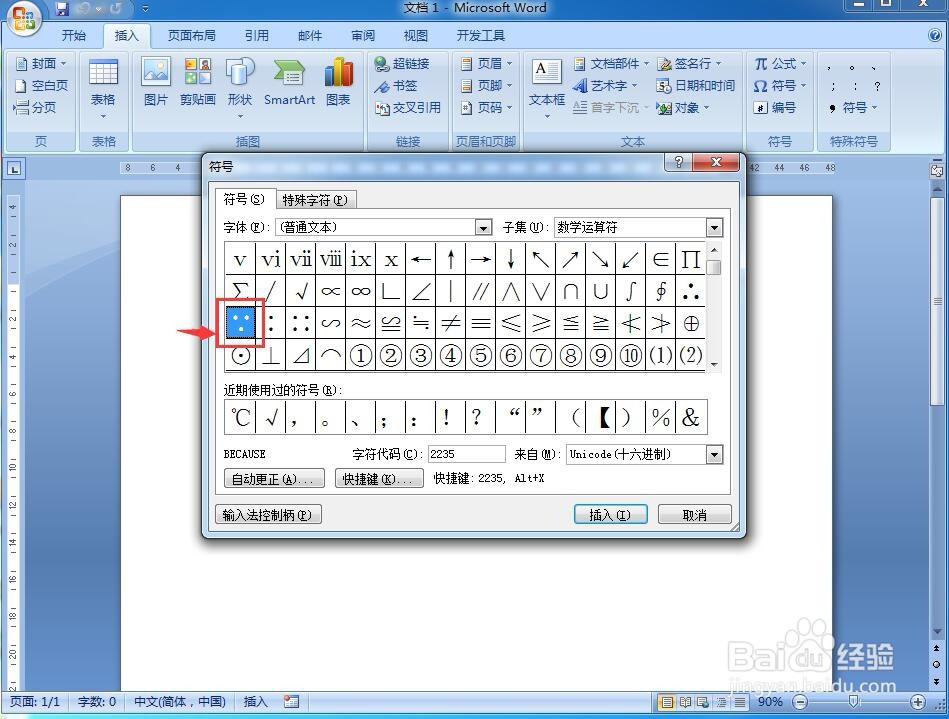
6、选中它后按插入;

7、我们就在word中插入了因为的数学书写符号;

8、用同样的方法,选中约等于符号,然后按插入;
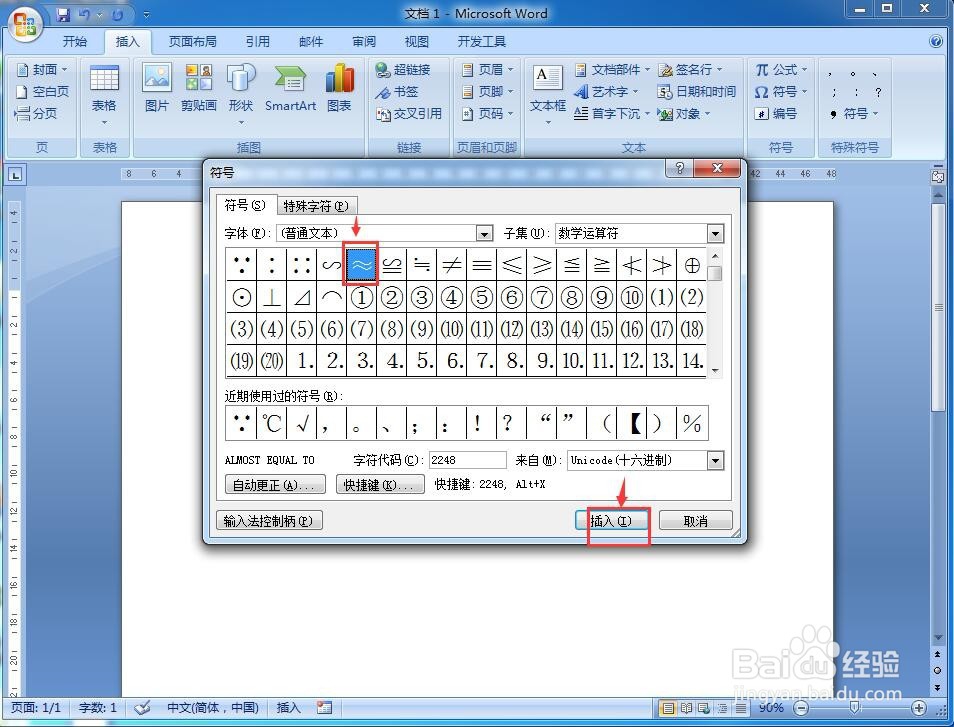
9、选中垂直符号,然后按插入;
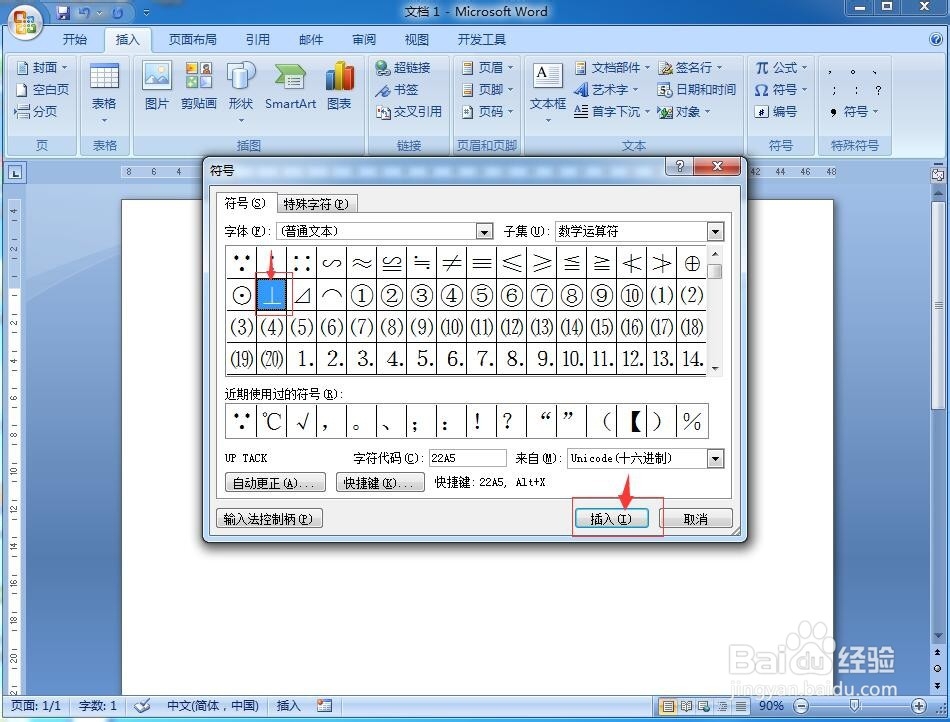
10、这样,我们就可以利用word自带的符号库,插入需要的数学符号。

时间:2026-05-01 04:12:13
1、打开word软件,进入其主界面中;
2、点击word的插入菜单;
3、在工具栏中找到并点击符号;
4、在子集中点击选中数学运算符;
5、找到需要的因为符号,选中它;
6、选中它后按插入;
7、我们就在word中插入了因为的数学书写符号;
8、用同样的方法,选中约等于符号,然后按插入;
9、选中垂直符号,然后按插入;
10、这样,我们就可以利用word自带的符号库,插入需要的数学符号。
