1、登录zabbix web 管理前端
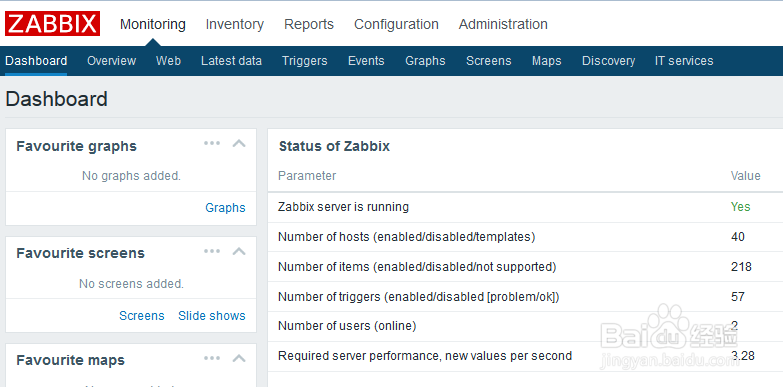
2、点击【monitoring】菜单下的【latest data】

3、选择被监控的主机,再选择CPU system time指标,然后点击右侧的【Graph】

4、此时进入CPU system time指标展示页,缺省展示5分钟,点击上侧的【15m】
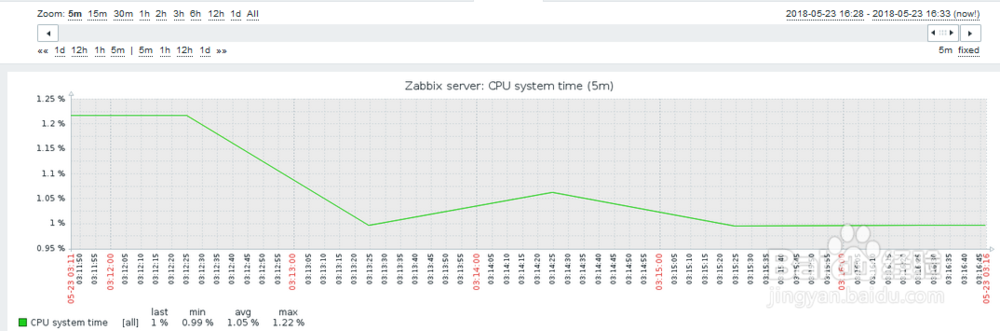
5、此时展示15分钟的CPU system time,然后点击上侧的【6h】
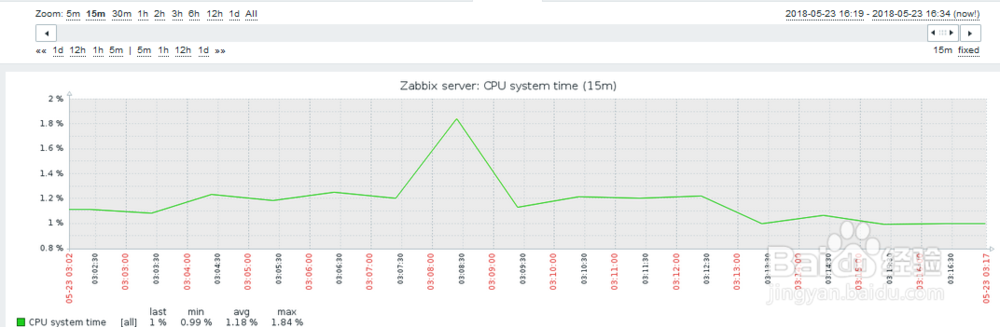
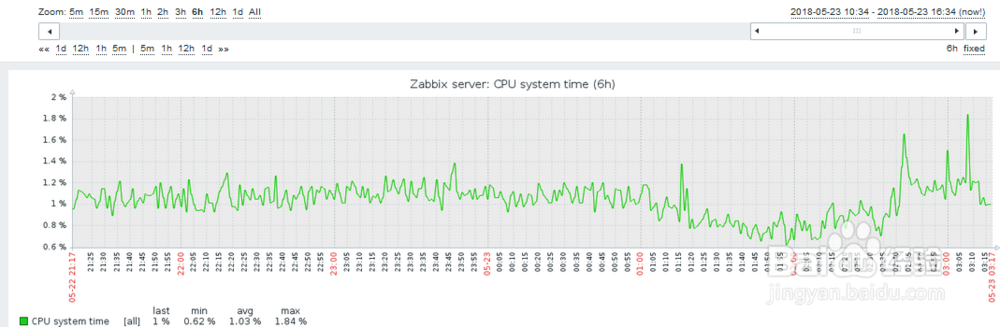
6、此时展示6小时的CPU system time
时间:2026-04-29 08:30:49
1、登录zabbix web 管理前端
2、点击【monitoring】菜单下的【latest data】
3、选择被监控的主机,再选择CPU system time指标,然后点击右侧的【Graph】
4、此时进入CPU system time指标展示页,缺省展示5分钟,点击上侧的【15m】
5、此时展示15分钟的CPU system time,然后点击上侧的【6h】
6、此时展示6小时的CPU system time
