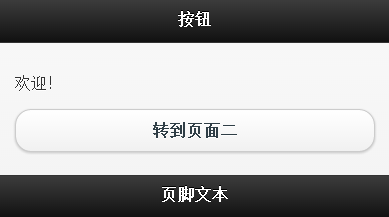
1、创建按钮
<a href="#pagetwo" data-role="button">转到页面二</a>
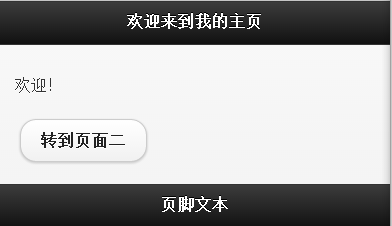
2、行内按钮
<a href="#pagetwo" data-role="button" data-inline="true">转到页面二</a>
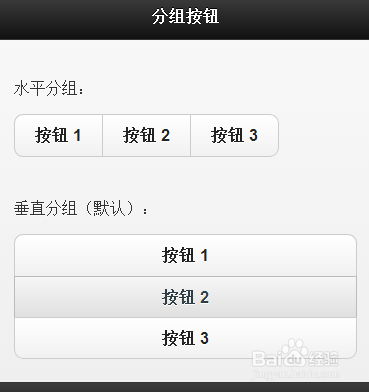
3、分组按钮
<div data-role="controlgroup" data-type="horizontal">
水平分组:
<a href="#" data-role="button">按钮 1</a>
<a href="#" data-role="button">按钮 2</a>
<a href="#" data-role="button">按钮 3</a>
</div>
<div data-role="controlgroup" data-type="vertical">
垂直分组(默认):
<a href="#" data-role="button">按钮 1</a>
<a href="#" data-role="button">按钮 2</a>
<a href="#" data-role="button">按钮 3</a>
</div>
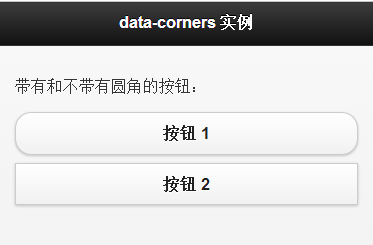
4、带有和不带有圆角的按钮
<a href="#" data-role="button">按钮 1</a>
<a href="#" data-role="button" data-corners="false">按钮 2</a>
5、普通按钮和迷你按钮
<a href="#" data-role="button">按钮 1</a>
<a href="#" data-role="button" data-mini="true">按钮 2</a>
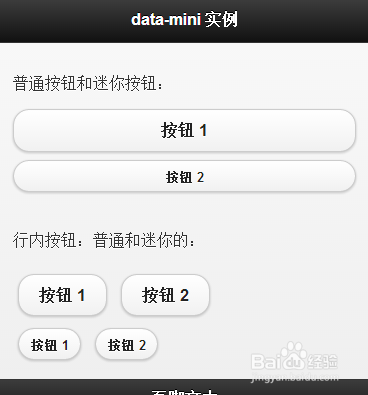
6、带有和不带有阴影的按钮
<a href="#" data-role="button">按钮 1</a>
<a href="#" data-role="button" data-shadow="false">按钮 2</a>

