no drives foundan error has occurred -no- valid devices were found on which to create new file systems. pleae check your hadware for the cause of this problem.
这个是vmware的设置问题,vmware默认模拟的硬盘类型是SCSI,但是EL5的默认安装硬盘类型是IDE的,所以就出项了上述问题。类似问题不仅仅出项在EL5,而且FC5(Fedora Core)也一样。
重建一个虚拟机,选择custom方式,在模拟硬盘的选项那改为IDE.或者关闭虚拟机,删除硬盘,添加一个IDE接口的硬盘。

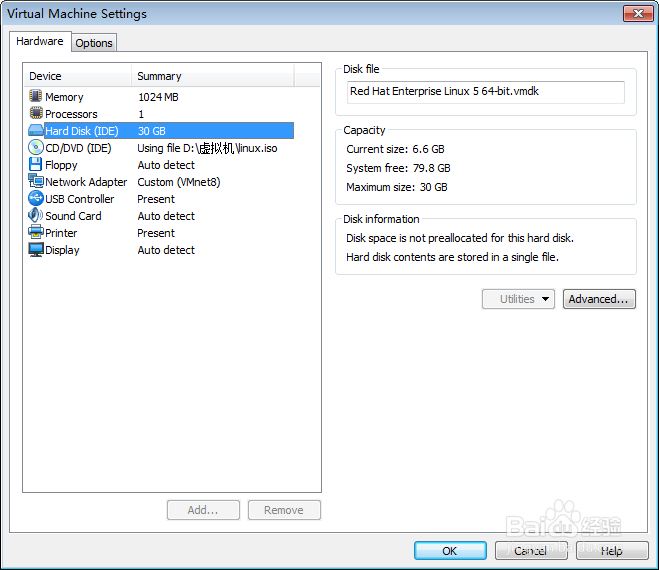
不改动vmware,而是在安装过程中出现“Warning No hard drives have been found. You probaly need to manually choose device drivers for the installation to succeed. Would you like to select drivers now?”时(这个框框出现在字符界面时,即此时还没有进入图形安装界面)选择“Yes”。之后找到“BusLogic MultiMaster SCSI (BusLogic)”并选择添加它,完成安装。
