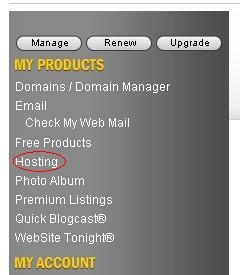
1、进入你的godaddy账户,在 MY PRODUCTS 下面找到 hosting 点击进入
(From the My Products section, click Hosting.)
2、找到你要注销的免费空间,点击进入。
(Click the on the name of the account you want to cancel.)

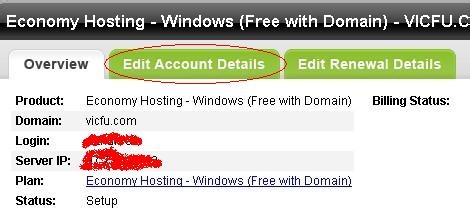
3、切换到Edit Account Details
(Go to the Edit Account Details tab)
4、点击 Cancel this account取消。
(click Cancel this account.)

5、点击 Cancel Account确认取消
(Click Cancel Account.)

6、然后会跳出下面的页面告诉你这个空间已经被你成功取消了