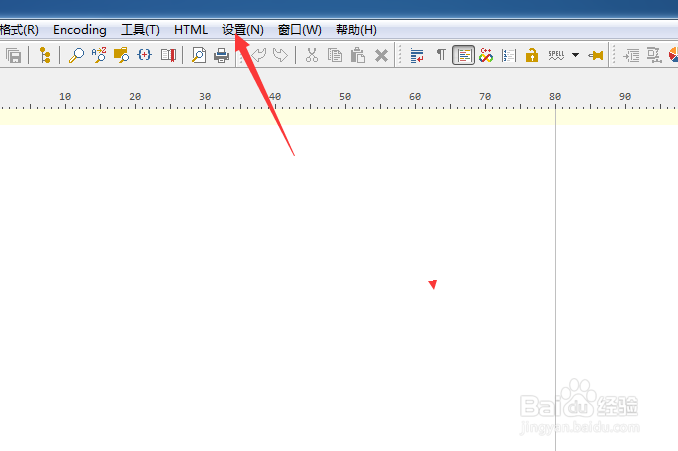
1、点击菜单中的设置菜单
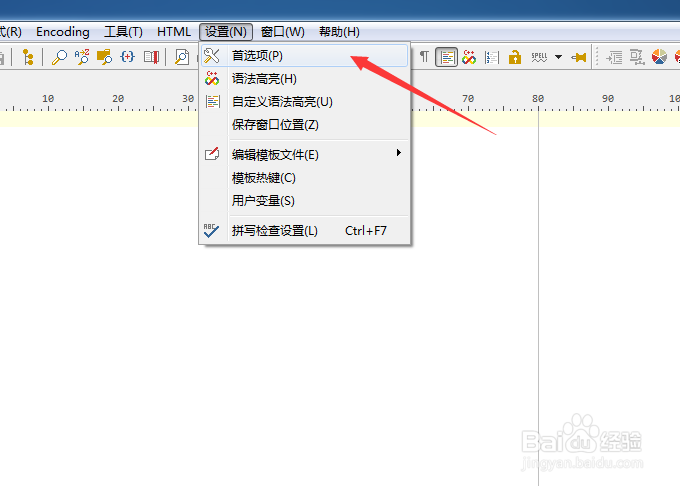
2、弹出了下拉菜单选中为首选项
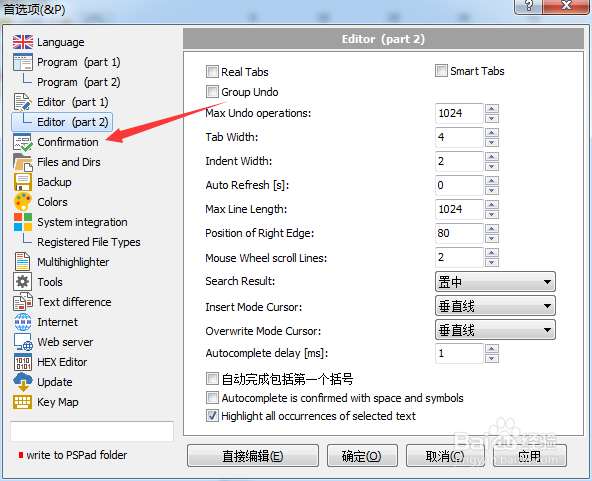
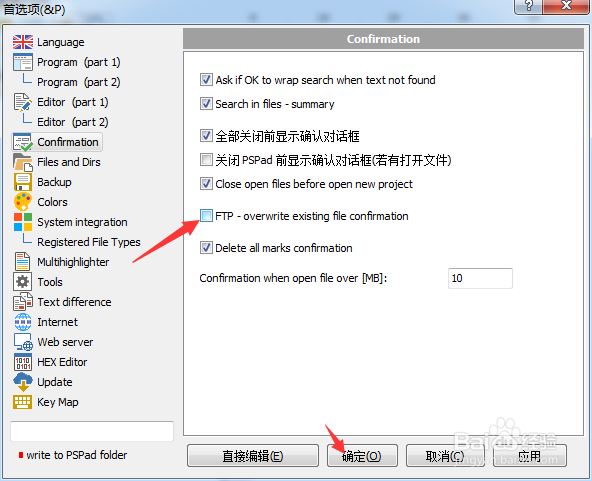
3、点击左侧中confirmation选项
4、去掉勾选上ftp overwrite existing file confirmation选项
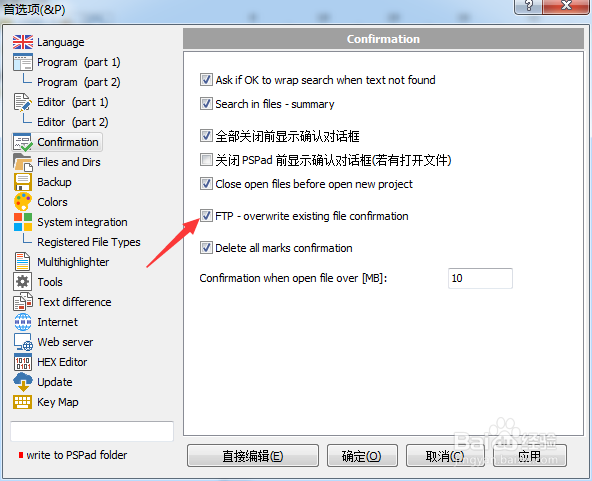
5、去掉勾选上ftp overwrite existing file confirmation选项之后,点击确定
时间:2026-04-22 00:23:46
1、点击菜单中的设置菜单
2、弹出了下拉菜单选中为首选项
3、点击左侧中confirmation选项
4、去掉勾选上ftp overwrite existing file confirmation选项
5、去掉勾选上ftp overwrite existing file confirmation选项之后,点击确定
