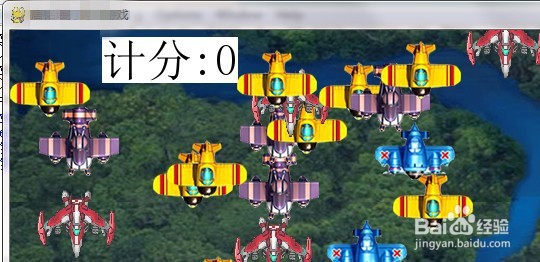
1、首先,如图,设计分数显示位置在游戏画面的左上角位置。
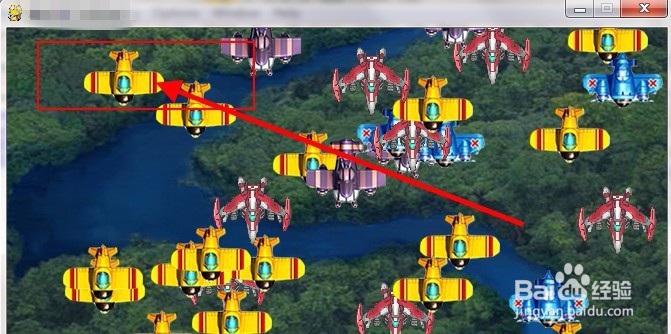
2、然后,在
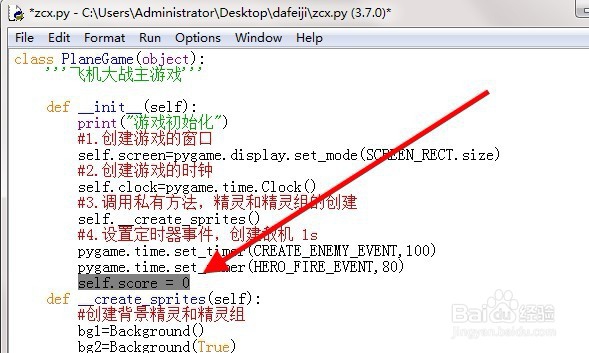
class PlaneGame(object):
'''飞机大战主游戏'''
def __init__(self):
下添加代码:self.score = 0
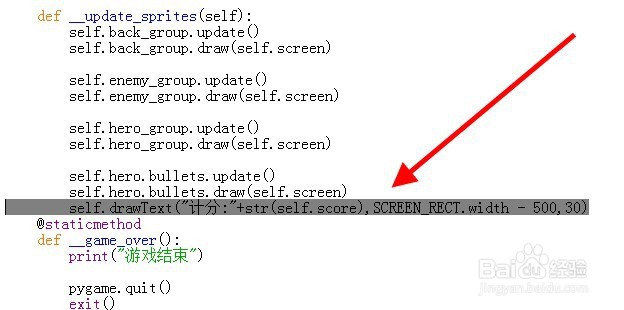
3、然后,在 def __update_sprites(self):
下添加
self.drawText("计分:"+str(self.score),SCREEN_RECT.width - 500,30)
4、然后,在
def __game_over():
print("游戏结束")
pygame.quit()
exit()
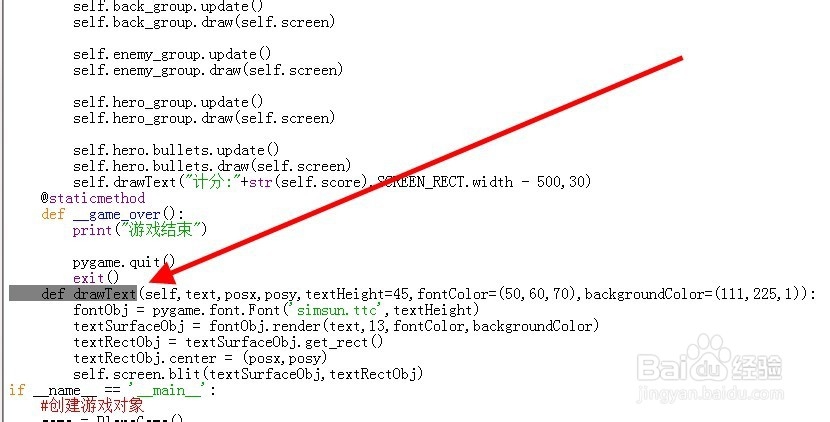
后添加drawText函数:
def drawText(self,text,posx,posy,textHeight=45,fontColor=(1,1,1),backgroundColor=(255,255,255)):
fontObj = pygame.font.Font('simsun.ttc',textHeight)
textSurfaceObj = fontObj.render(text,13,fontColor,backgroundColor)
textRectObj = textSurfaceObj.get_rect()
textRectObj.center = (posx,posy)
self.screen.blit(textSurfaceObj,textRectObj)
5、其中:
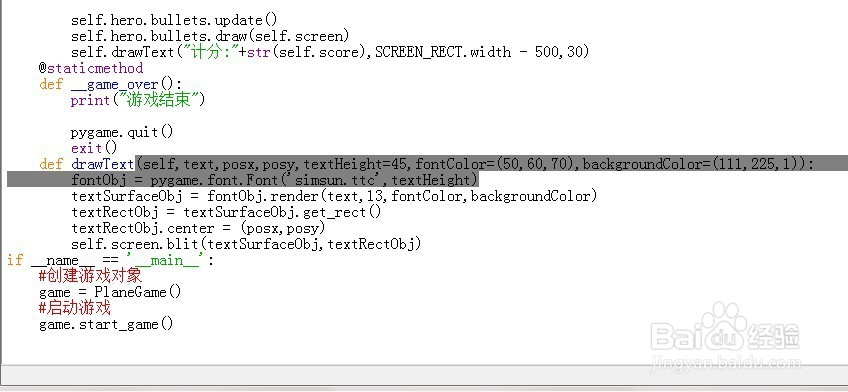
def drawText(self,text,posx,posy,textHeight=45,fontColor=(1,1,1),backgroundColor=(255,255,255)):
fontObj = pygame.font.Font('simsun.ttc',textHeight)
'simsun.ttc'为字体样式,需要将字体放在目录文件下。
textHeight=45为字体大小
fontColor=(1,1,1)为字体颜色
backgroundColor=(255,255,255)为背景颜色
6、最后运行游戏,可以看到如下图,飞机大战游戏显示分数成功。