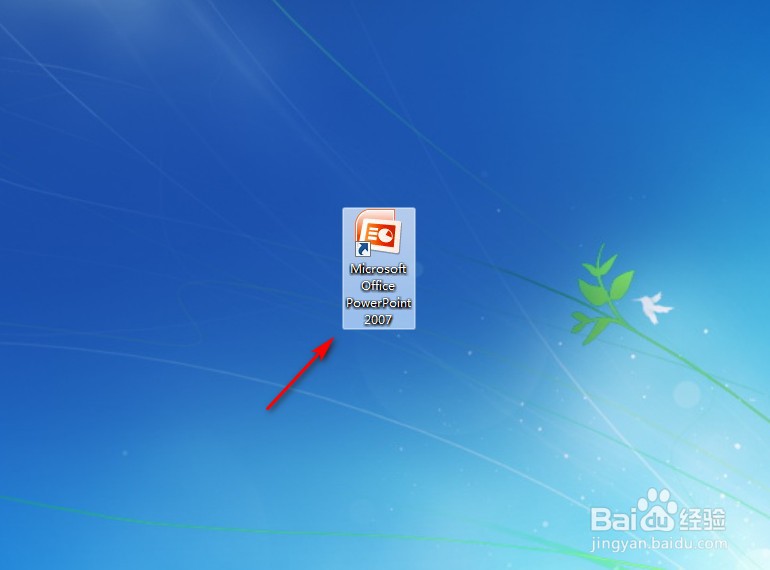
1、点击打开PowerPoint2007。
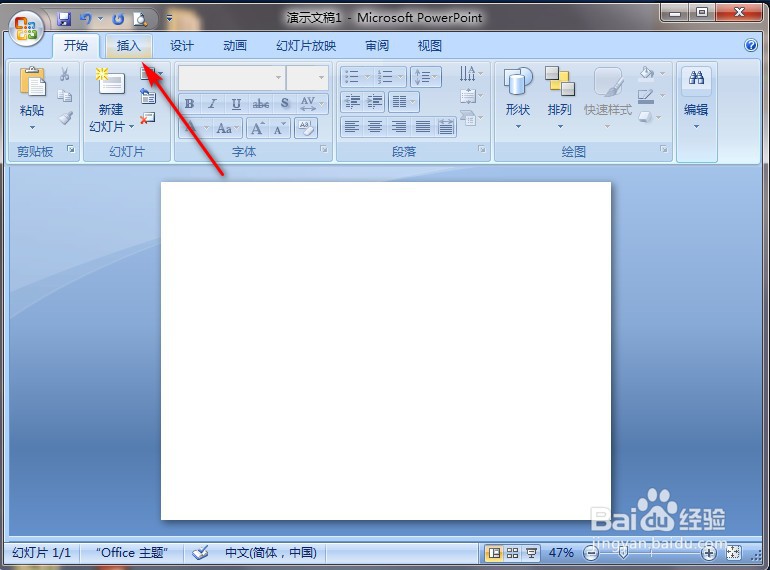
2、点击PowerPoint2007左上角“插入”。
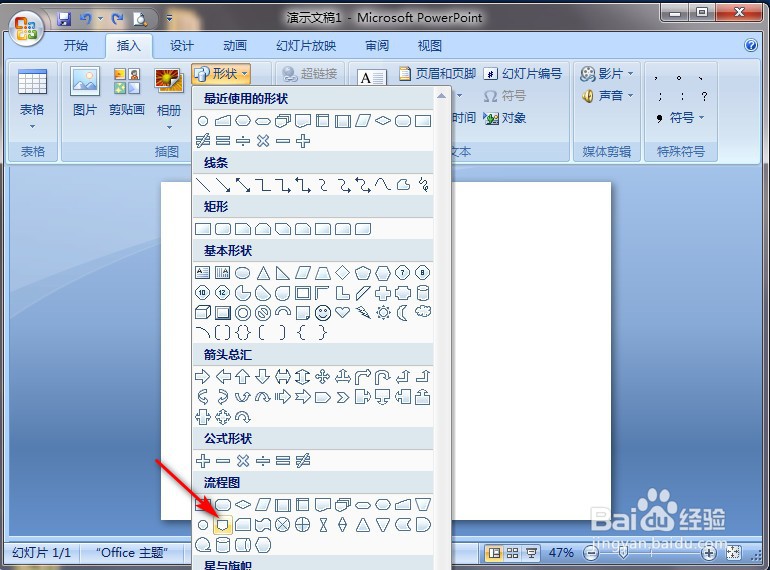
3、切换功能区后,点击“形状”。

4、弹出选择框中点击“离页连接符流程图”图案。
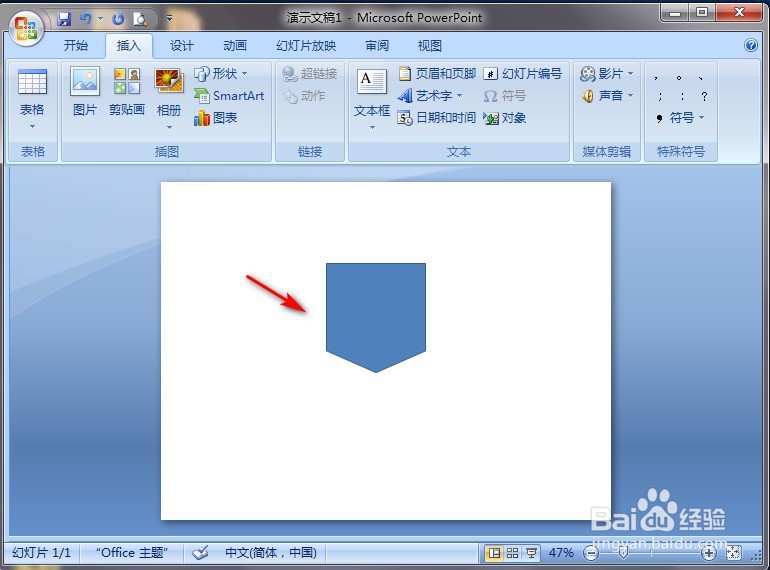
5、在PowerPoint2007空白处长按鼠标左键进行划拉,就完成了。
时间:2026-05-17 09:23:42
1、点击打开PowerPoint2007。
2、点击PowerPoint2007左上角“插入”。
3、切换功能区后,点击“形状”。
4、弹出选择框中点击“离页连接符流程图”图案。
5、在PowerPoint2007空白处长按鼠标左键进行划拉,就完成了。
