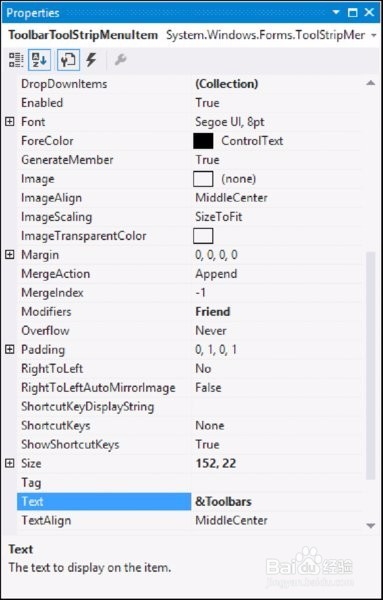
1、Images按钮,如下图:
Nearly everyone is familiar with the images on the menus in applications such as Microsoft Outlook or Visual Studio 2015. In earlier versions of Visual Basic, developers were unable to create menu items with images without doing some custom programming or purchasing a third-party control. Visual Basic has come a long way and now provides an Image property for a menu item that makes adding an image to your menu items a breez
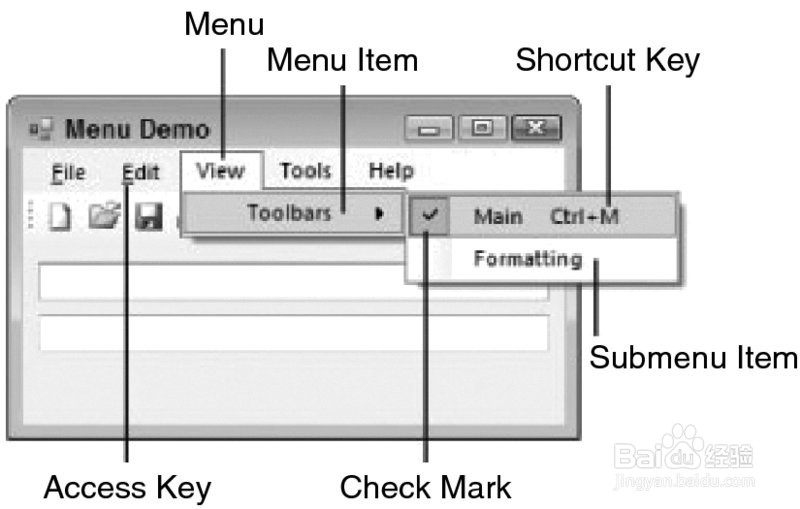
2、Access Keys加速快捷键,如下图
An access key (also known as an accelerator key) enables you to navigate the menus using the Alt key and a letter that is underlined in the menu item. When the access key is pressed, the menu appears on the screen, and the user can navigate through it using the arrow keys or the mouse.

3、Shortcut Keys如下图
Shortcut keys enable you to invoke the menu item without displaying the menus at all. Shortcut keys usually consist of a control key and a letter, such as Ctrl+X to cut text.
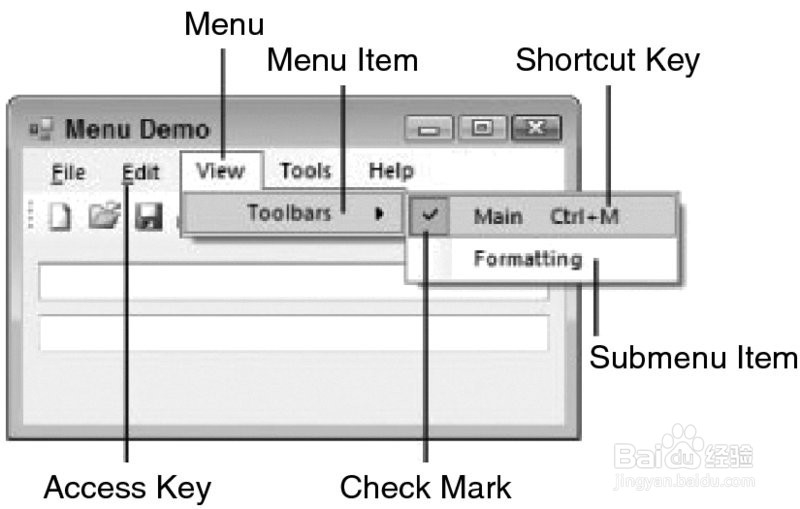
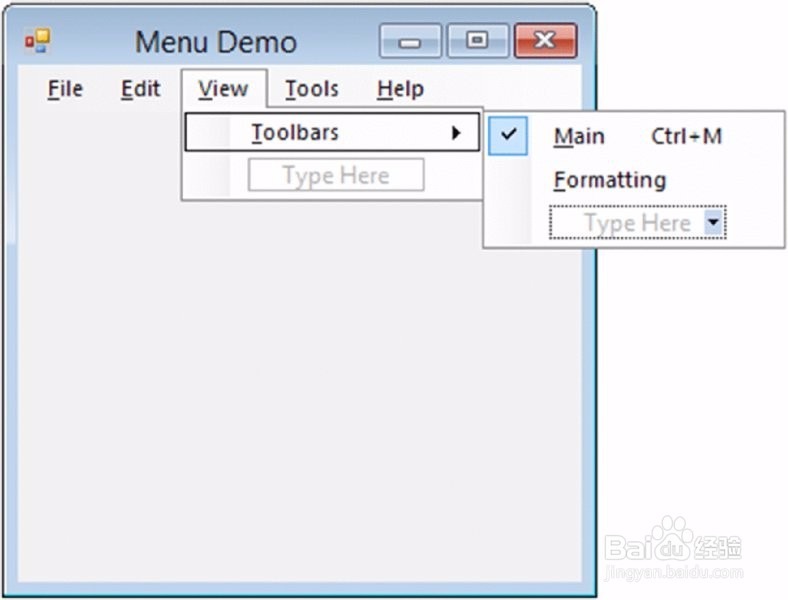
4、Check Marks,如下图
A check mark symbol can be placed next to a menu item in lieu of an image, typically to indicate that the menu item is being used. For example, if you click the View menu in Visual Studio 2015 and then select the Toolbars menu item, you see a submenu that has many other submenu items, some of which have check marks. The submenu items that have check marks indicate the toolbars that are currently displayed.
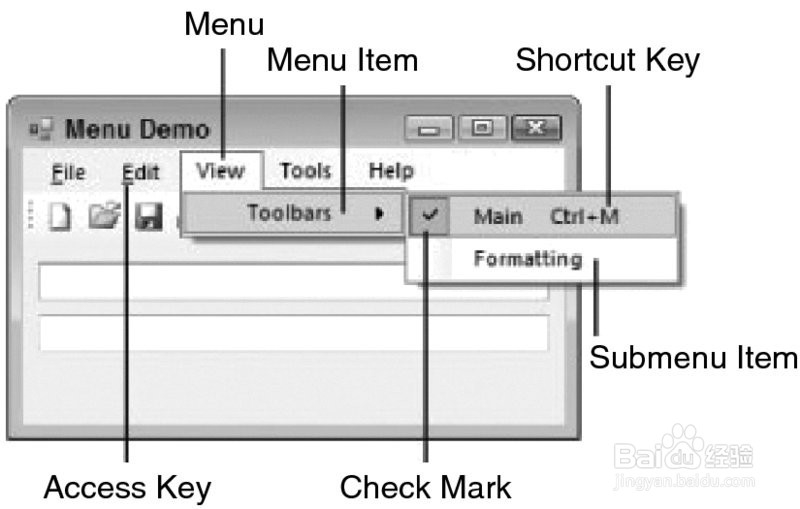
1、创建菜单的界面如下图所示:
2、菜单的主要属性如下图所示;