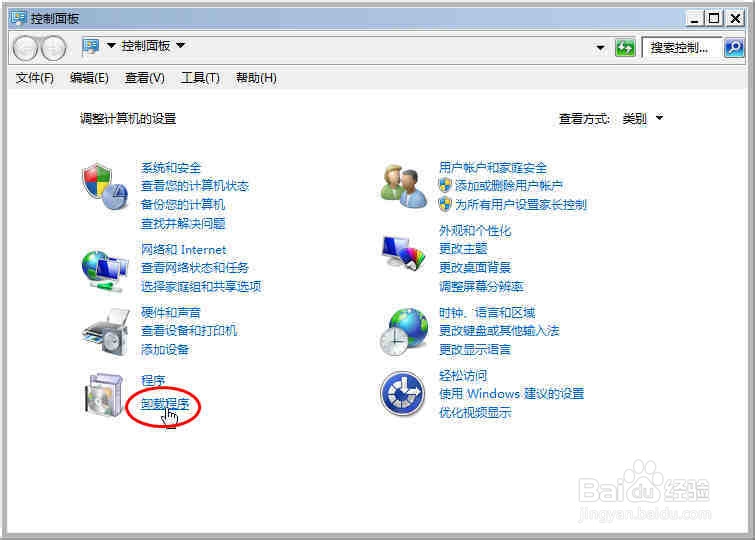
1、打开【控制面板】,
参阅百度经验:(选中标题,按住左键拖拽搜索相应经验)
打开控制面板的常用方法(Merlin67)
单击“卸载程序”;
如图:
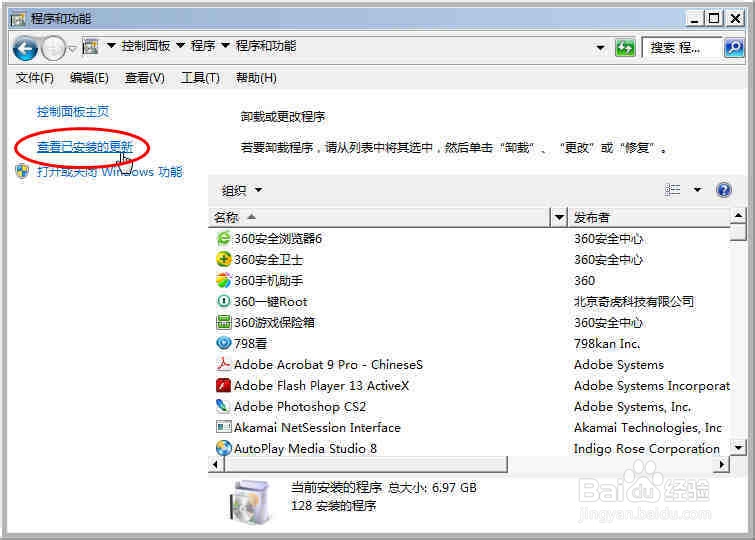
2、单击“查看已安装的更新”;
如图:
3、在搜索框输入“Internet Explorer”;
如图:

4、搜索到高版本的Internet Explorer,
选中,
卸载;
如图:
注意:
有时可能会搜索不到Internet Explorer,关机重启以后重新搜索;


5、卸载完成后,
单击“立即重新启动”;
如图:

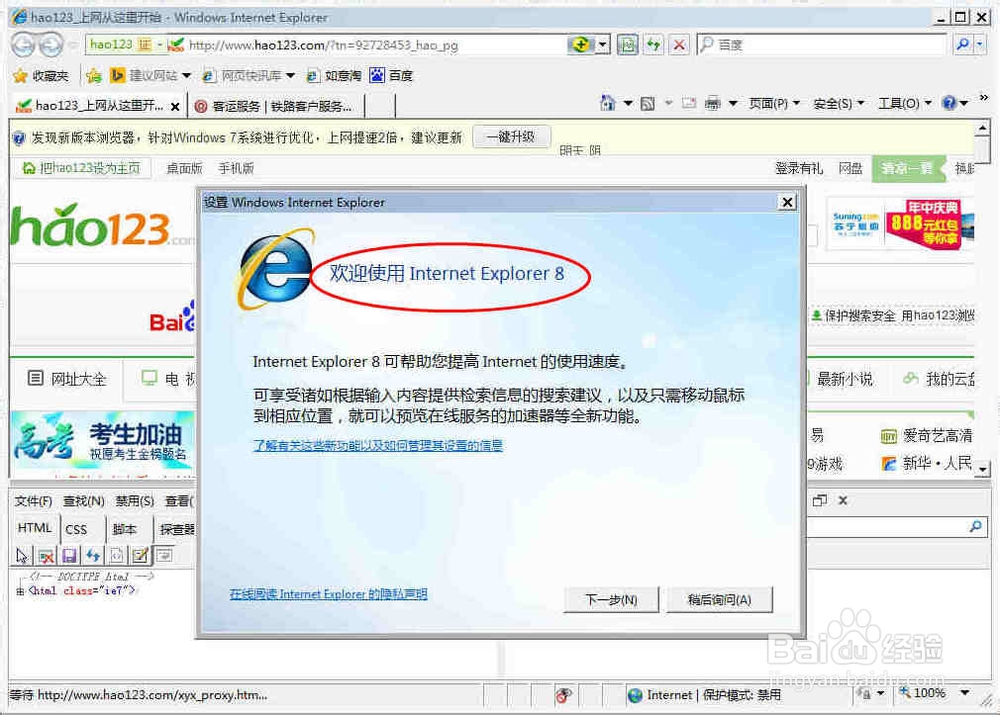
6、Internet Explorer 9成功降级回Internet Explorer 8,
进行初始设置,
即可正常使用Internet Explorer 8了。
如图:
注意:
若Internet Explorer已升级成Internet Explorer 10甚至更高版本;
同上一级一级往低版本Internet Explorer降;
如:
Internet Explorer 10先降级回Internet Explorer 9;
Internet Explorer 9再降级回Internet Explorer 8;