ulead cool 3d中给文字添加红色纹理和旋转特效

 时间:2026-04-24 19:13:46

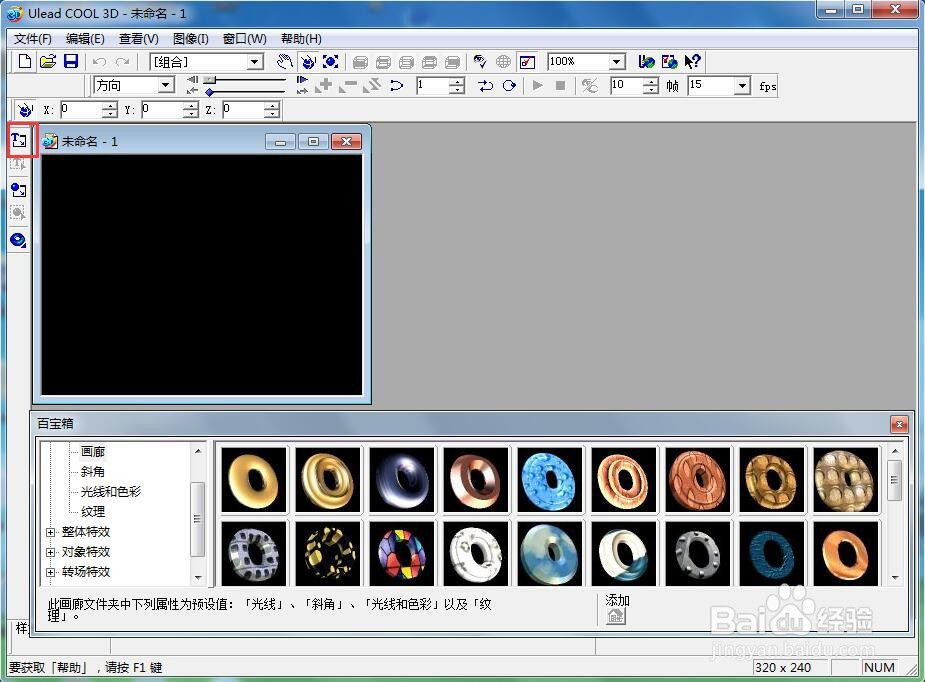
1、打开 ulead cool 3d,进入其主界面;
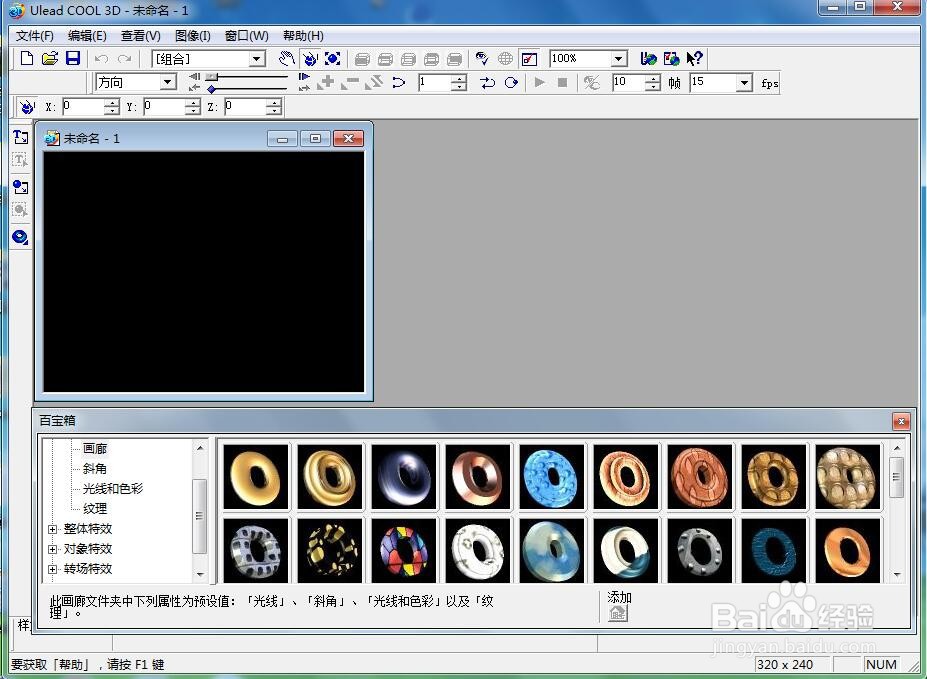
ulead cool 3d中给文字添加红色纹理和旋转特效

2、用鼠标点击插入文字;

ulead cool 3d中给文字添加红色纹理和旋转特效

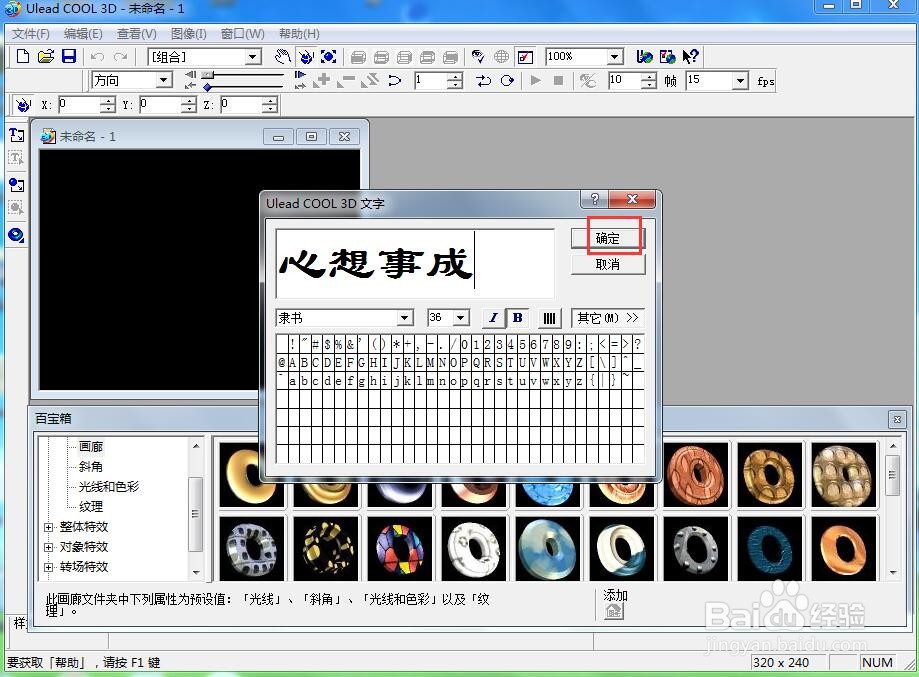
3、输入好文字心想事成,按确定;

ulead cool 3d中给文字添加红色纹理和旋转特效

4、将文字添加到舞台上;

ulead cool 3d中给文字添加红色纹理和旋转特效

5、点击色彩,选择红色,按确定;

ulead cool 3d中给文字添加红色纹理和旋转特效

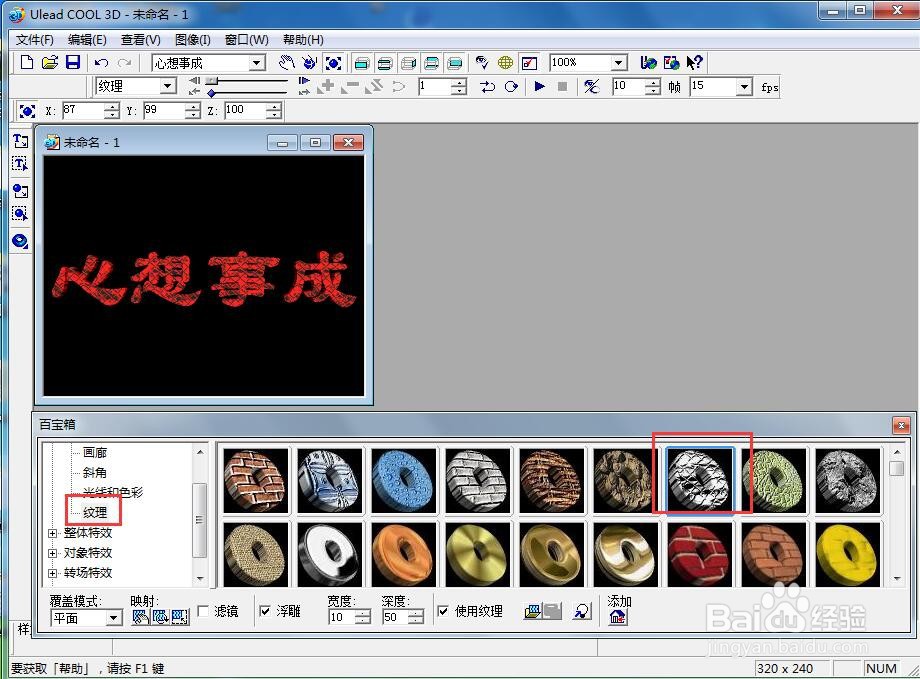
6、点击纹理,添加一种纹理样式;

ulead cool 3d中给文字添加红色纹理和旋转特效

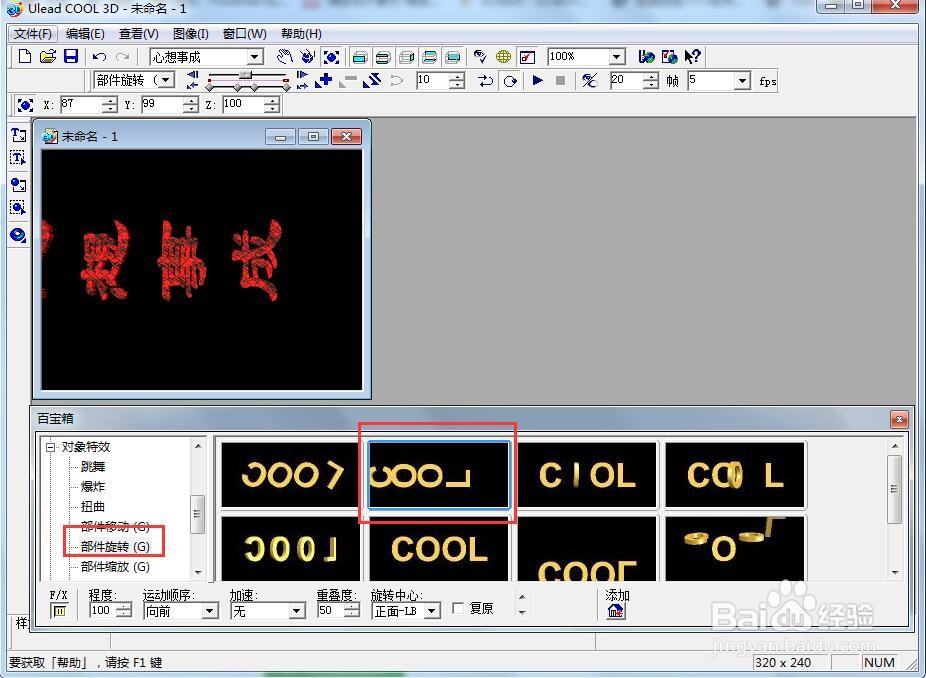
7、点击对象特效,选择部件旋转,双击添加一种旋转样式;

ulead cool 3d中给文字添加红色纹理和旋转特效

8、我们就给文字添加上了红色纹理和旋转特效。

ulead cool 3d中给文字添加红色纹理和旋转特效

  • ulead cool 3d中给外星人添加纹理和变形样式
  • 怎样在ulead cool 3d中给文字添加红色缩放特效
  • 在ulead cool 3d中给文字添加纹理和火焰特效
  • 在ulead cool 3d中给正方体添加纹理和倾斜样式
  • 在ulead cool 3d中给文字添加红色扭曲特效
  • 热门搜索
    苹果8什么时候出来 泥牛入海的意思 寻根究底的意思 三长两短是什么意思 睡眠面膜什么牌子好 fc是什么意思 thriller什么意思 浮屠是什么意思 微信是什么意思 诉诸的意思